How to Add GIF to Canva Presentation
I am going to show you how to insert a GIF animation into your Canva presentation. A GIF is a useful file format that can capture your audience attention. Moving images are always attractive and familiar.
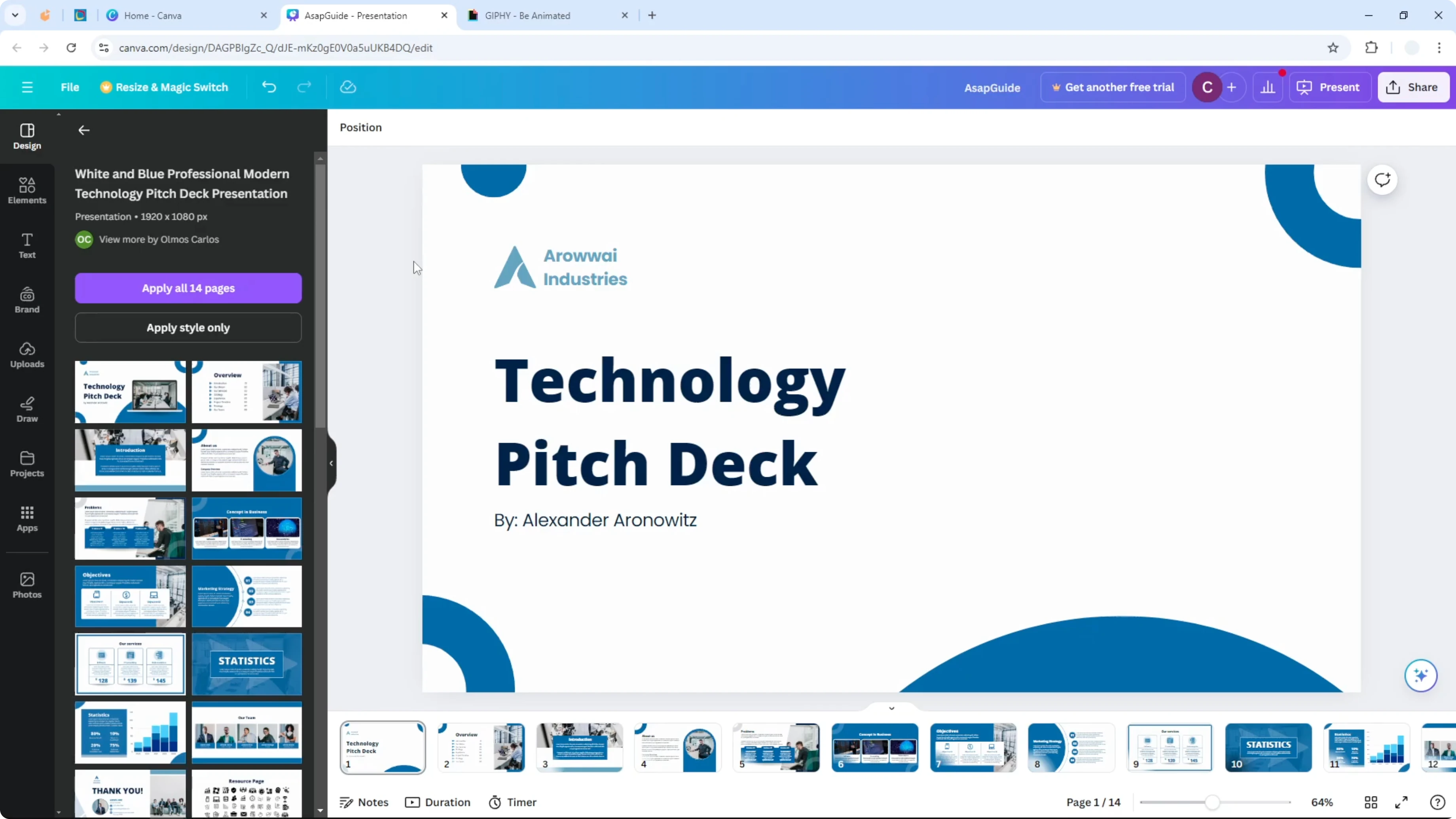
Here is how you can insert a GIF file into your Canva presentation. The steps are simple and quick. You will be working just like you do with regular images.
Upload to Add GIF to Canva Presentation
If you have a GIF file on your computer, you can upload it to your Canva account and insert it to your slide. It is almost like inserting a regular picture in Canva. It is the same thing basically.
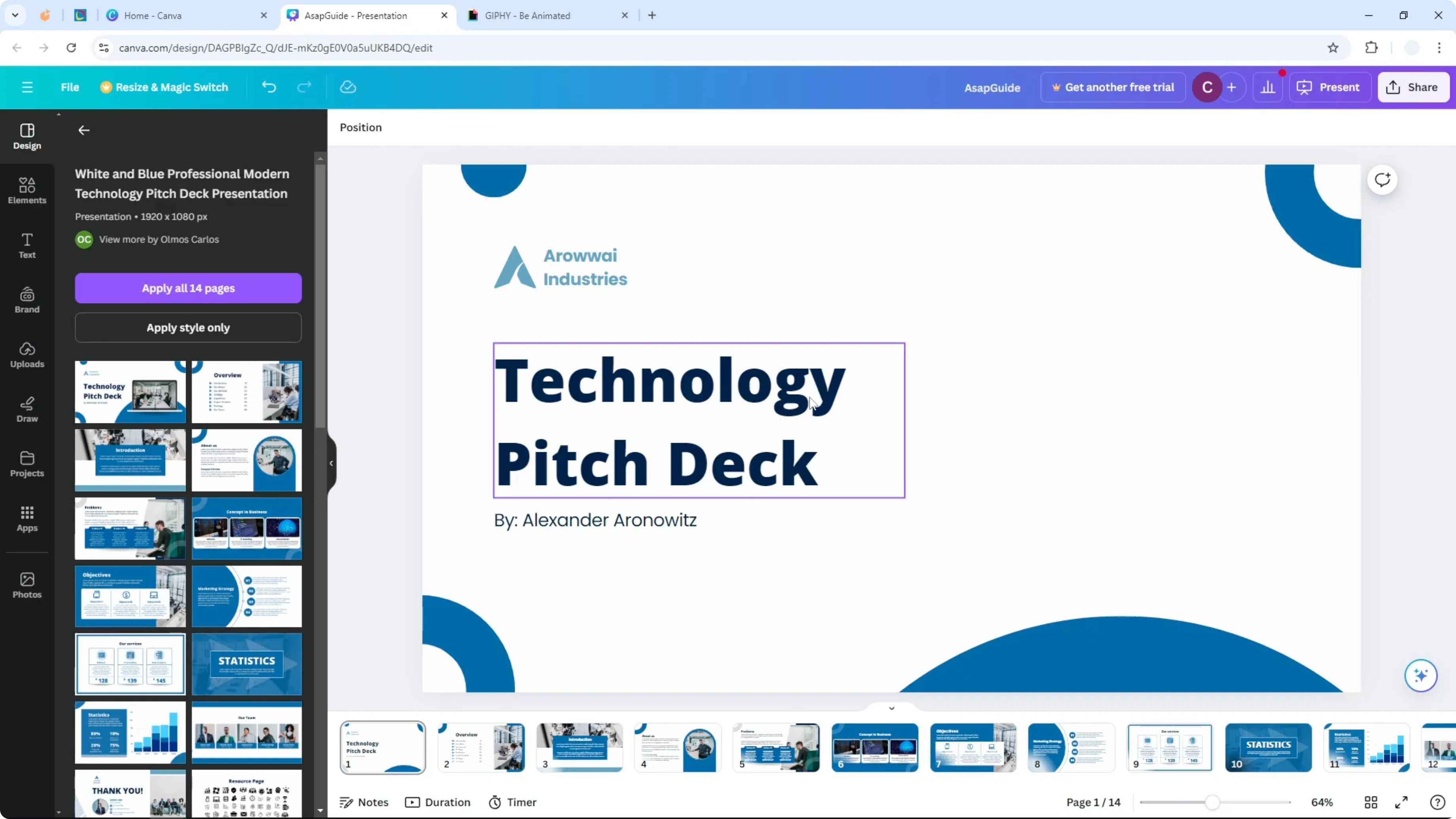
If you want audio playing under your slides, see how to add background music to your Canva presentation. It pairs well with animated visuals. Keep it subtle so your content stays clear.
Giphy in Add GIF to Canva Presentation
I am going to use GIFs that come from a platform like Giphy. Giphy is a popular place to find GIFs and it is integrated in Canva. This makes it easy to bring popular GIF images directly into your slides.
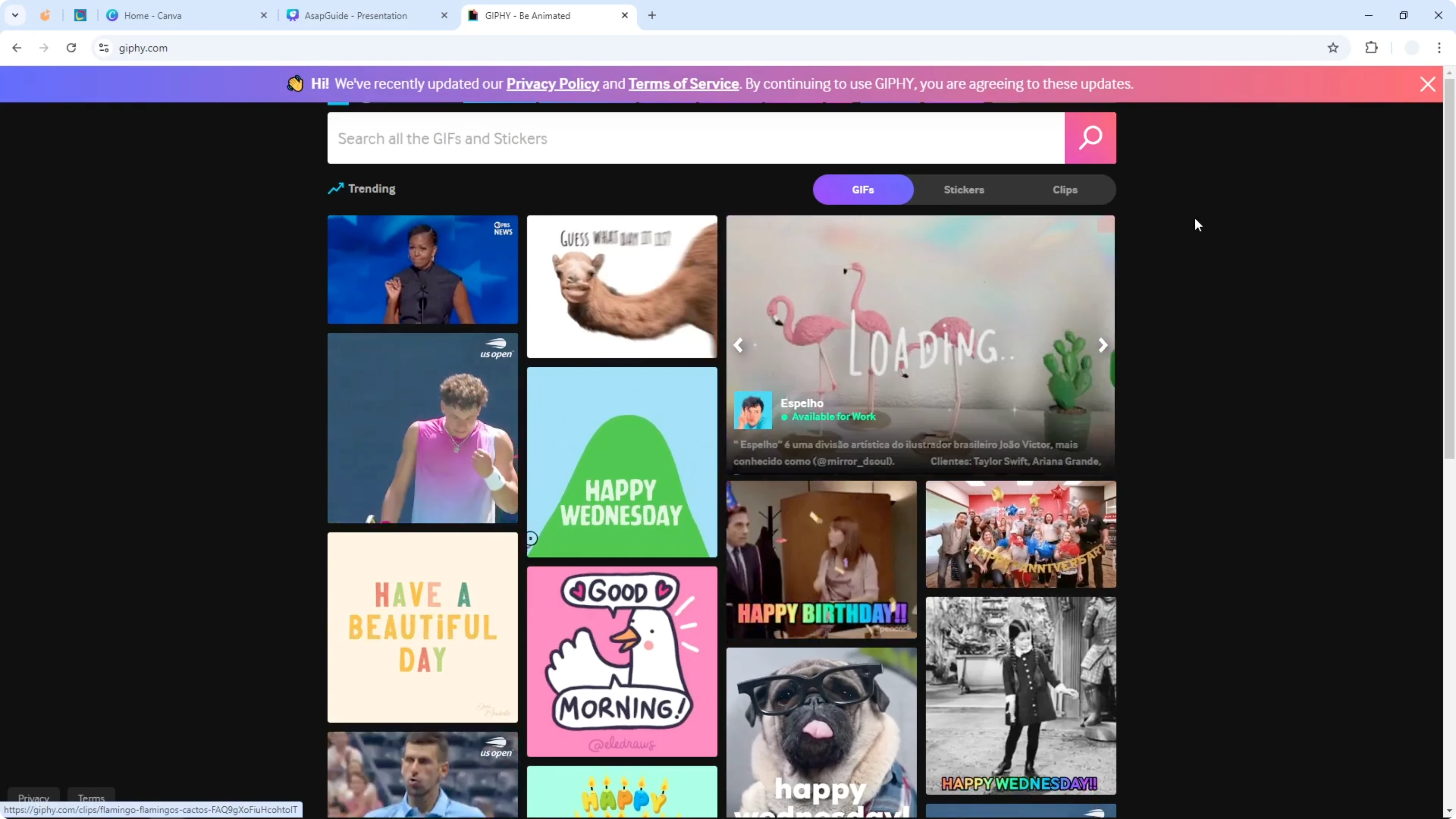
Open Giphy for Add GIF to Canva Presentation
Step 1. Go to the Apps menu in Canva.
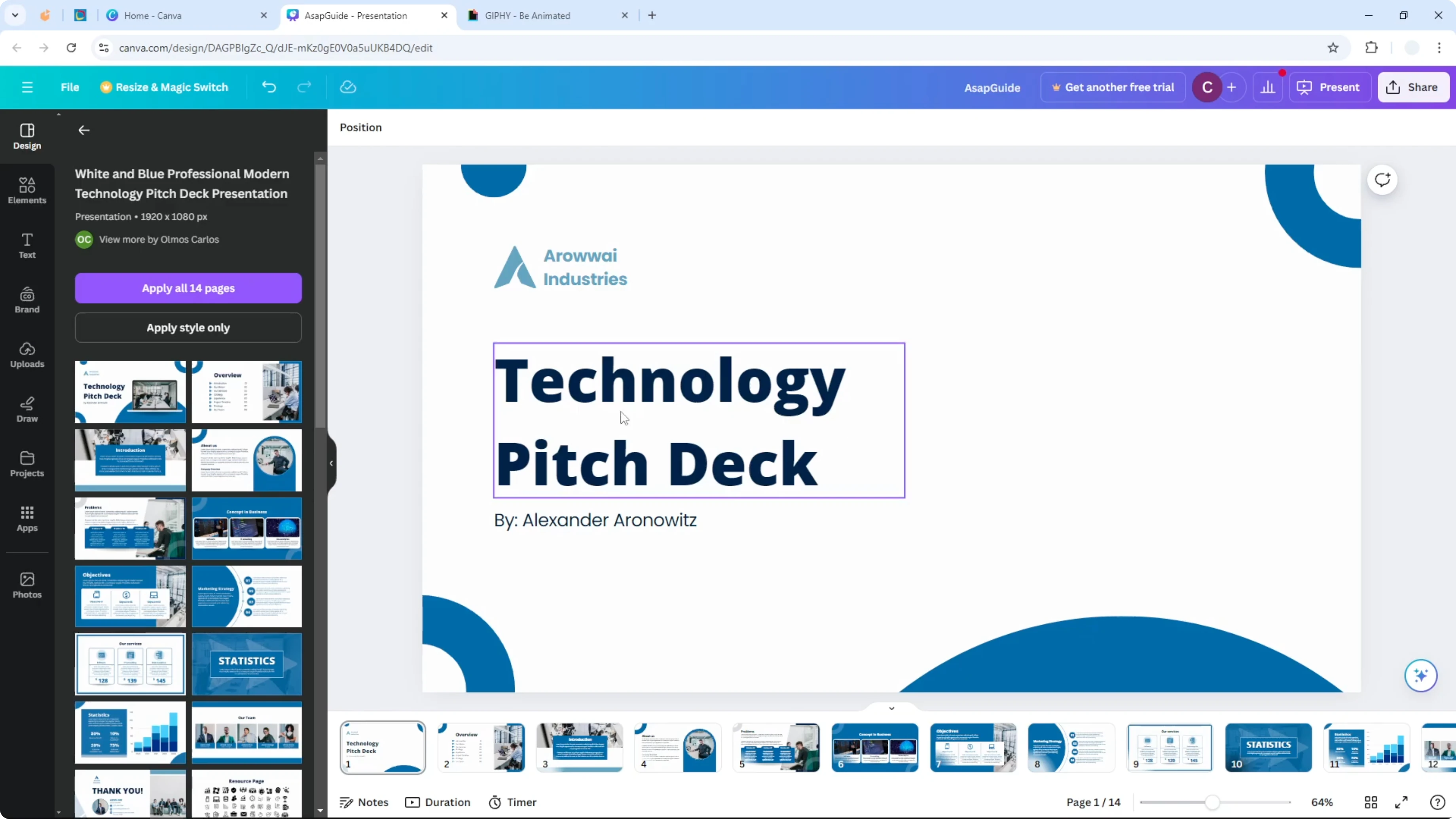
Step 2. Search for Giphy and open it.
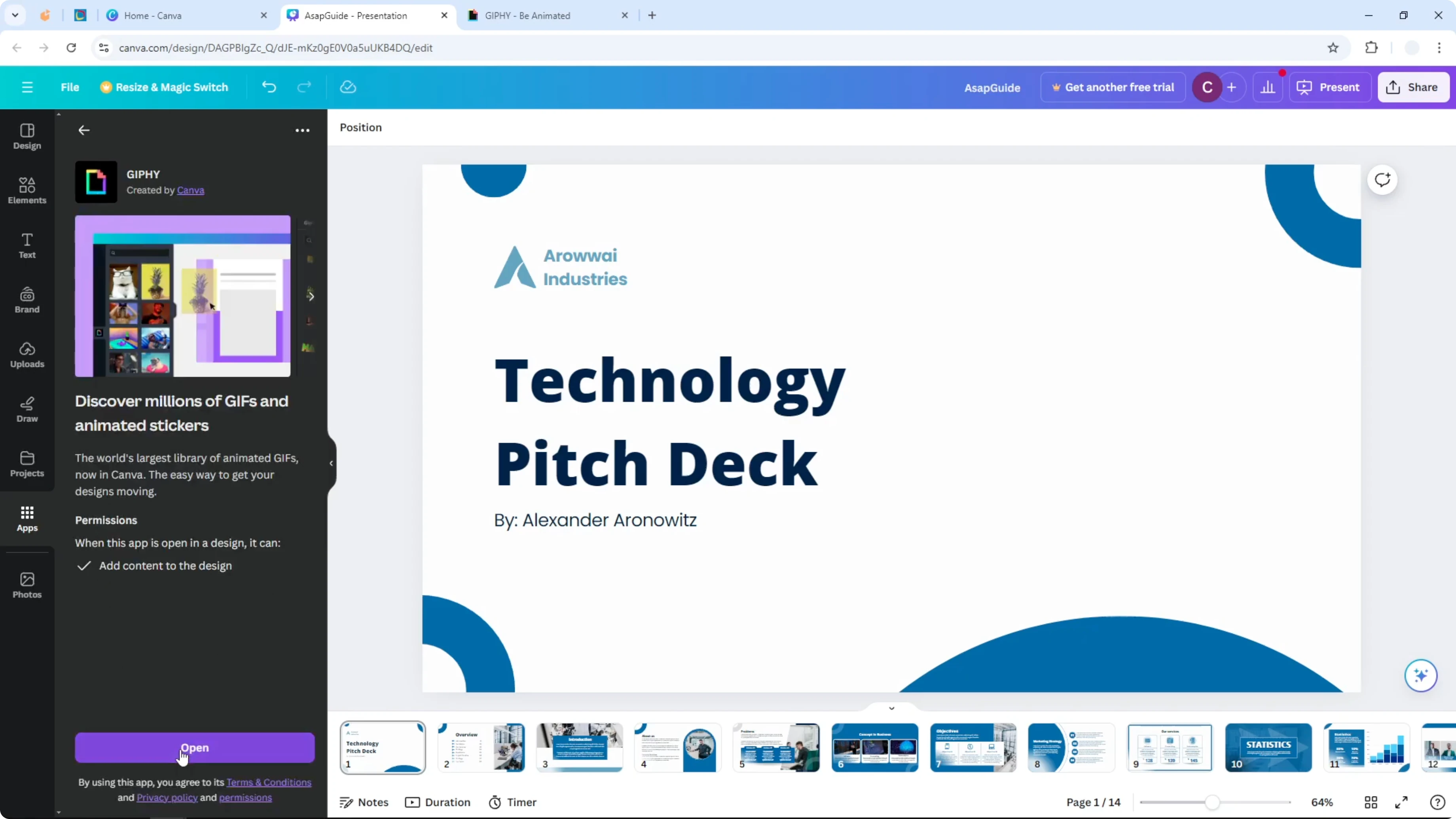
Step 3. Give the platform access to your Canva account.
Step 4. Start searching for GIF images like you search for images in your Canva account.
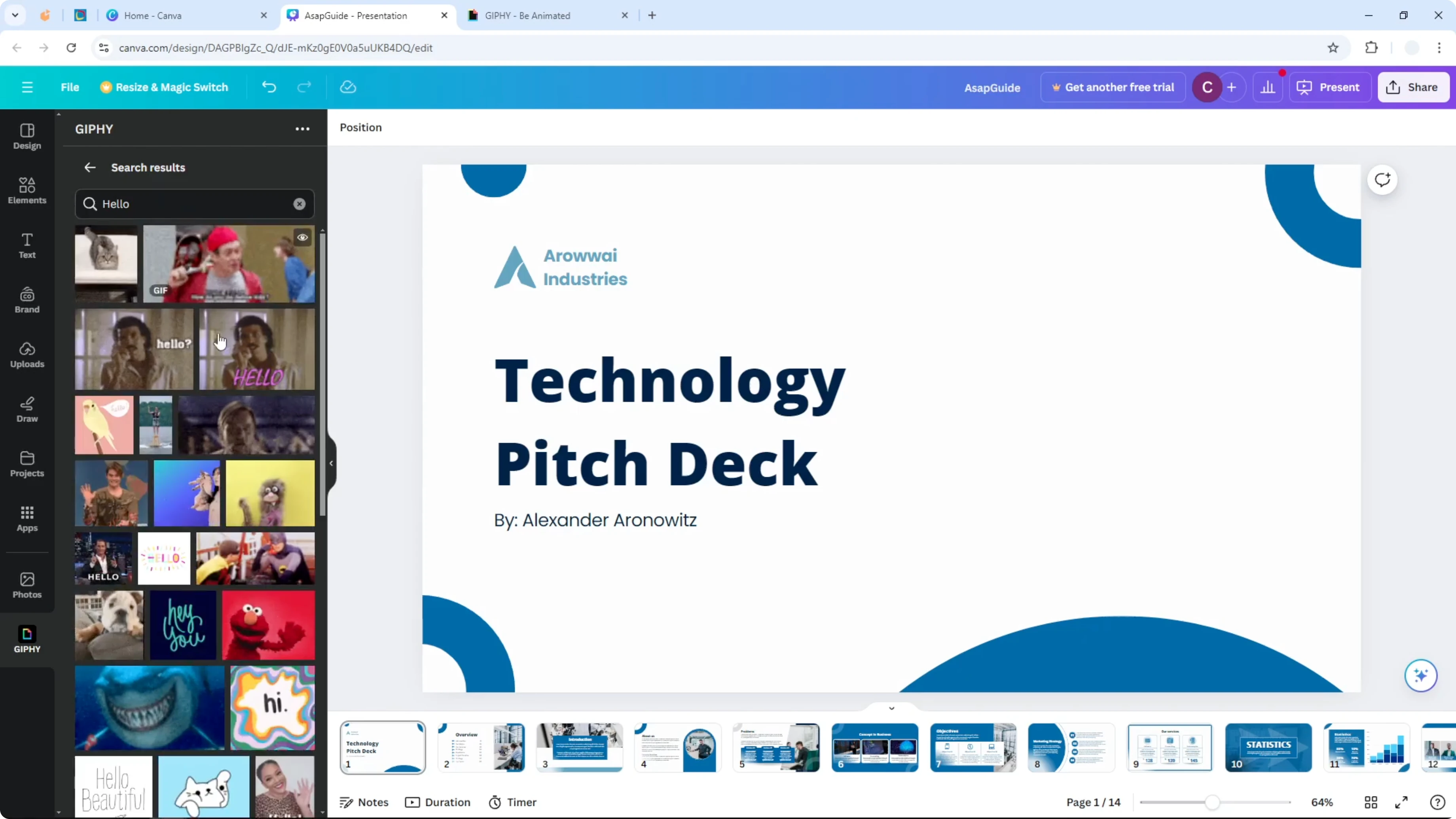
Insert and edit for Add GIF to Canva Presentation
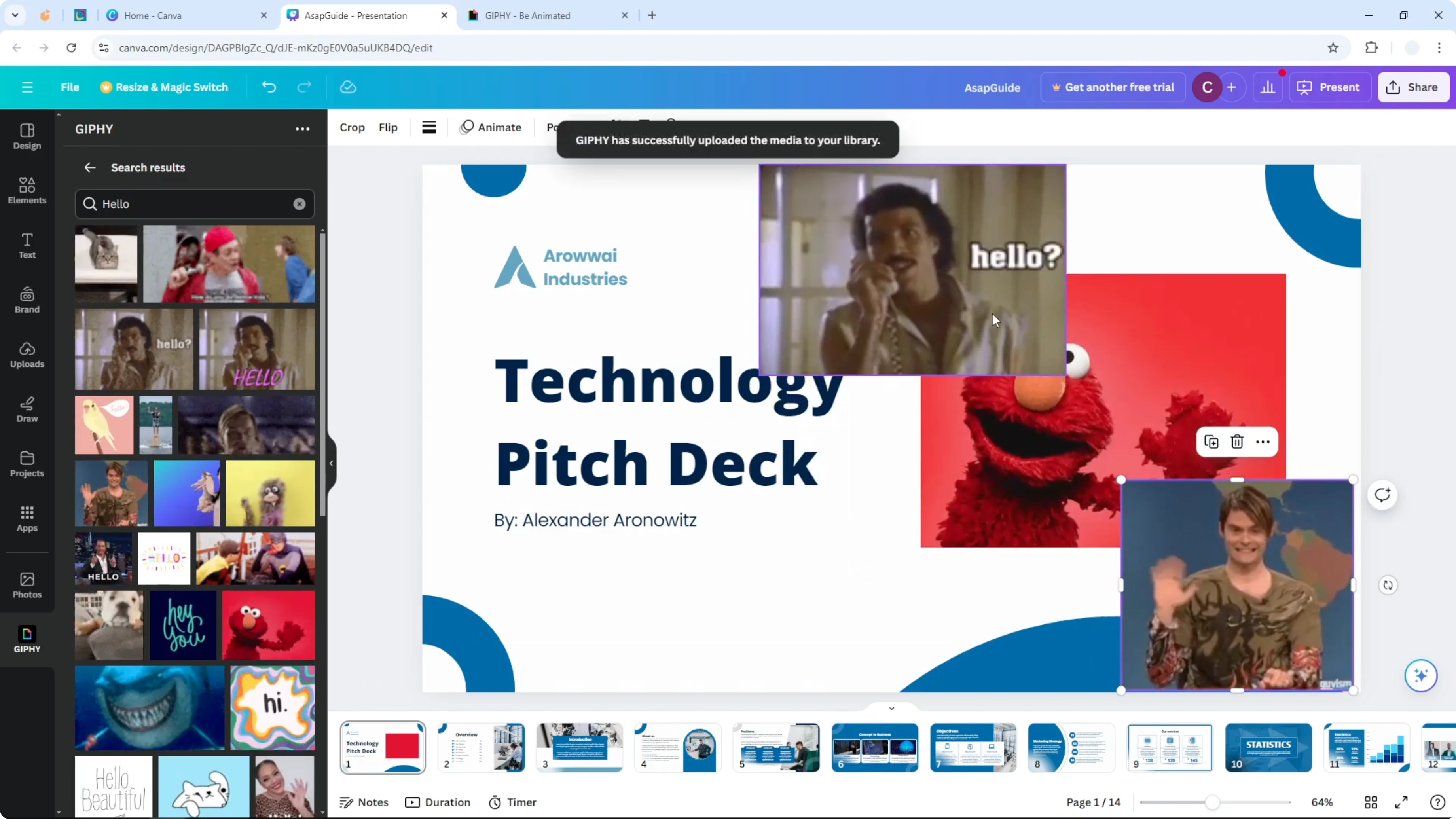
Click any image to insert it immediately into your presentation. It behaves exactly like a regular image. You can insert as many as you want.
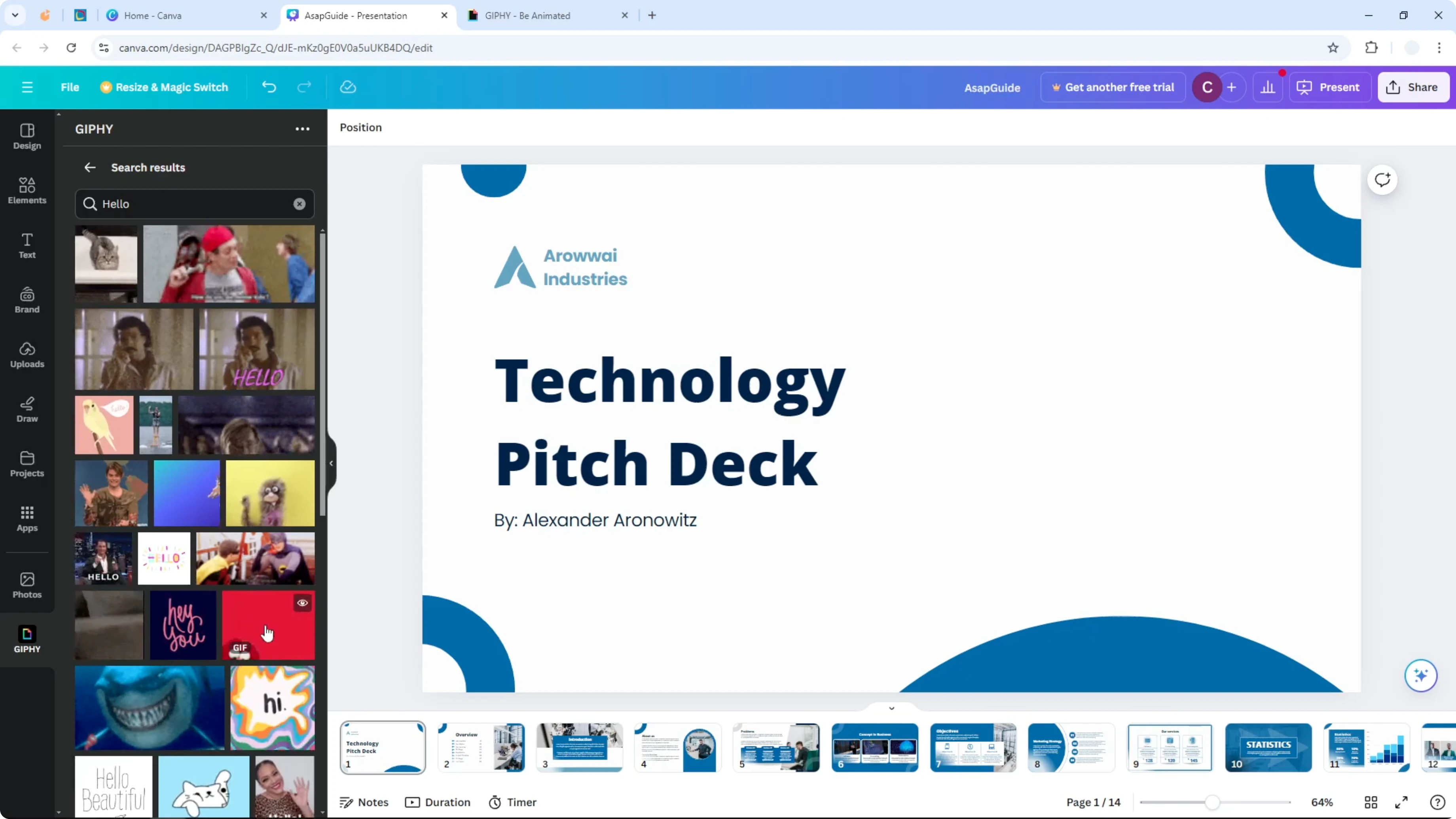
You can edit, crop, and move it around. Use the same image editing tools you already use in Canva. Everything works the same way as with images.
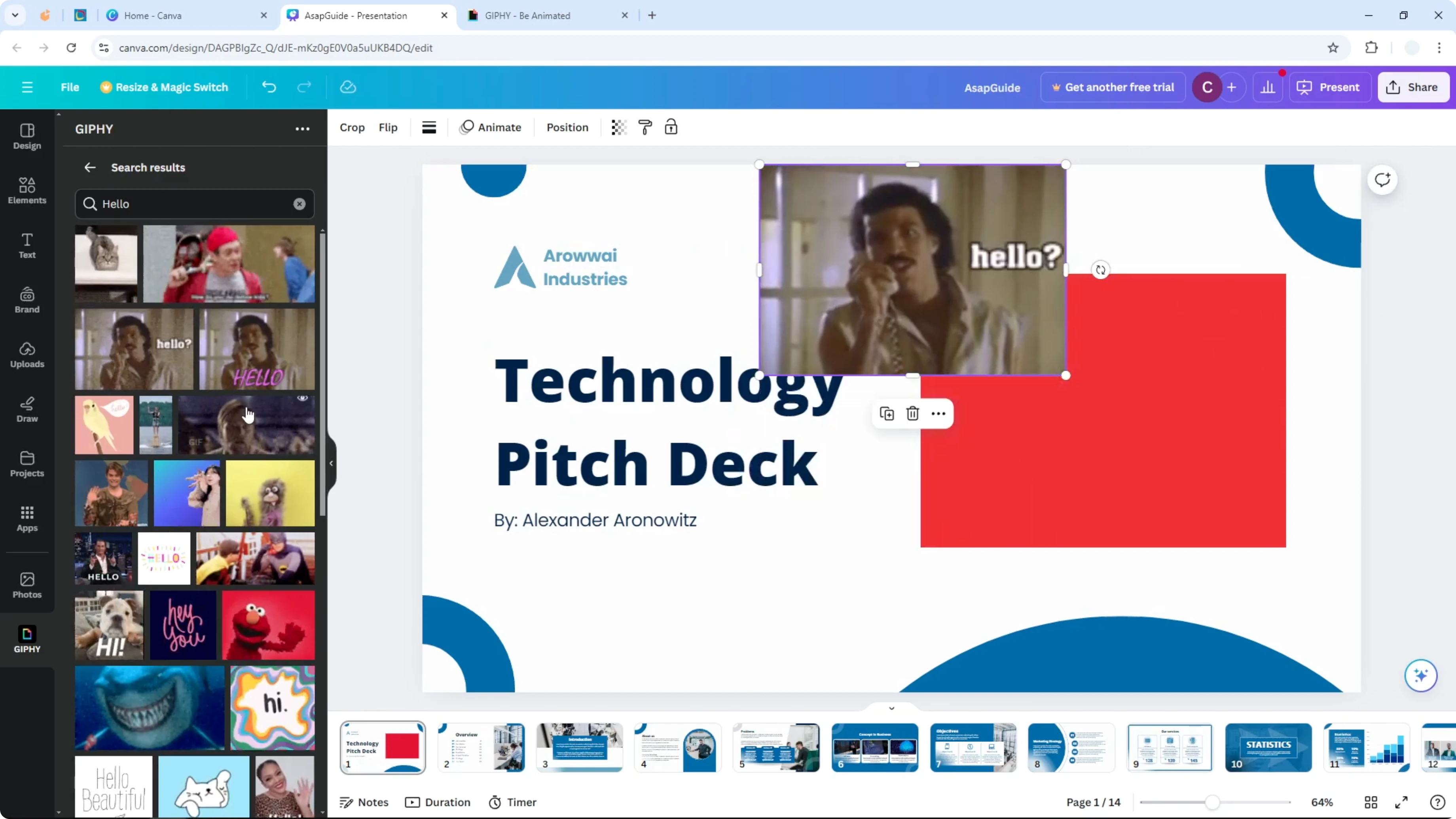
If you want your animation to react to sound, you can add music to a GIF in Canva. This can help set a mood or pace. Keep timing in mind so the loop feels natural.
Polish after Add GIF to Canva Presentation
You can enhance your slides further with motion between pages. Add timing and flow when you add transitions to your Canva presentation. Match transitions to the energy of your GIFs for a smooth flow.
Final thoughts on Add GIF to Canva Presentation
GIFs are easy to add and behave like regular images in Canva. Use Giphy inside Canva to search, insert, and edit quickly. Keep edits simple so your animation supports your message and stays clear.
Recent Posts

How to Visualize Yourself as a Pixelized Character with AI?
How to Visualize Yourself as a Pixelized Character with AI?

How to Revive Faded Memories and Enhance Image Clarity with AI?
How to Revive Faded Memories and Enhance Image Clarity with AI?

How to Visualize Yourself as an Animal Crossing Character with AI?
How to Visualize Yourself as an Animal Crossing Character with AI?