How to Add Background Music to Canva Presentation
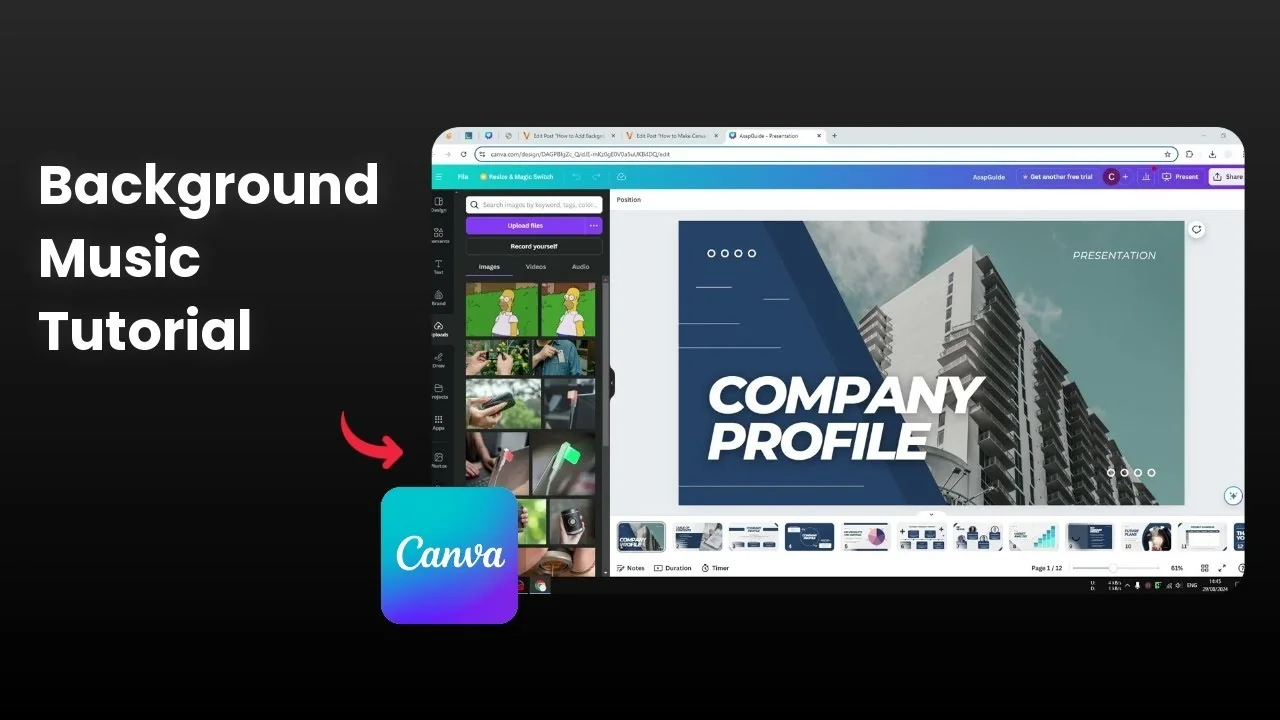
Background music helps maintain your audience’s attention, add sound effects, and emphasize emotion or a key concept. It is a powerful way to make your presentation sound and feel better. I’ll walk you through how I add it in Canva.
If you are building out your slides at the same time, you can also add a background photo to support the mood of your soundtrack.
Add Background Music to Canva Presentation: Start
Open your presentation document in Canva.
Get music from your computer and upload it, or get music from the Elements section. I often search for lofi music and then navigate to the Audio section.
If you are on the premium version, you should see dozens of high quality background tracks. Since I am on the free version here, I upload my own MP3 or WAV file.
Wait until the audio file is fully uploaded to your Canva account. Click the track and it will be applied to the document.
For styled slide titles that match your audio theme, see how to add background text and make headings stand out.
Add Background Music to Canva Presentation: Adjust audio
You will see an audio waveform appear on the timeline. The example here is 30 seconds long, and that is fine, because you can upload a much longer track if you want to.
I reduce the volume to around 50 percent to keep narration or on-screen content clear. If you are using the premium version, there are extra features available, but I ignore those here.
Add Background Music to Canva Presentation: Present and check
Start the presentation and listen to the music playing behind your slides. It sounds really good and supports the flow.
Close the presentation when you are done testing. That is basically it.
For a decorative touch that pairs well with upbeat tracks, try a subtle sparkle effect by adding a glitter background on key slides.
Add Background Music to Canva Presentation: Final thoughts
Pick a track that supports your message, keep the volume gentle, and test the timing across your slides. Uploading your own MP3 or WAV is quick, and clicking the track applies it instantly. With a few simple adjustments, your Canva presentation feels more engaging and polished.
Recent Posts

How to Visualize Yourself as a Pixelized Character with AI?
How to Visualize Yourself as a Pixelized Character with AI?

How to Revive Faded Memories and Enhance Image Clarity with AI?
How to Revive Faded Memories and Enhance Image Clarity with AI?

How to Visualize Yourself as an Animal Crossing Character with AI?
How to Visualize Yourself as an Animal Crossing Character with AI?