How to Make a Translucent Background in Canva
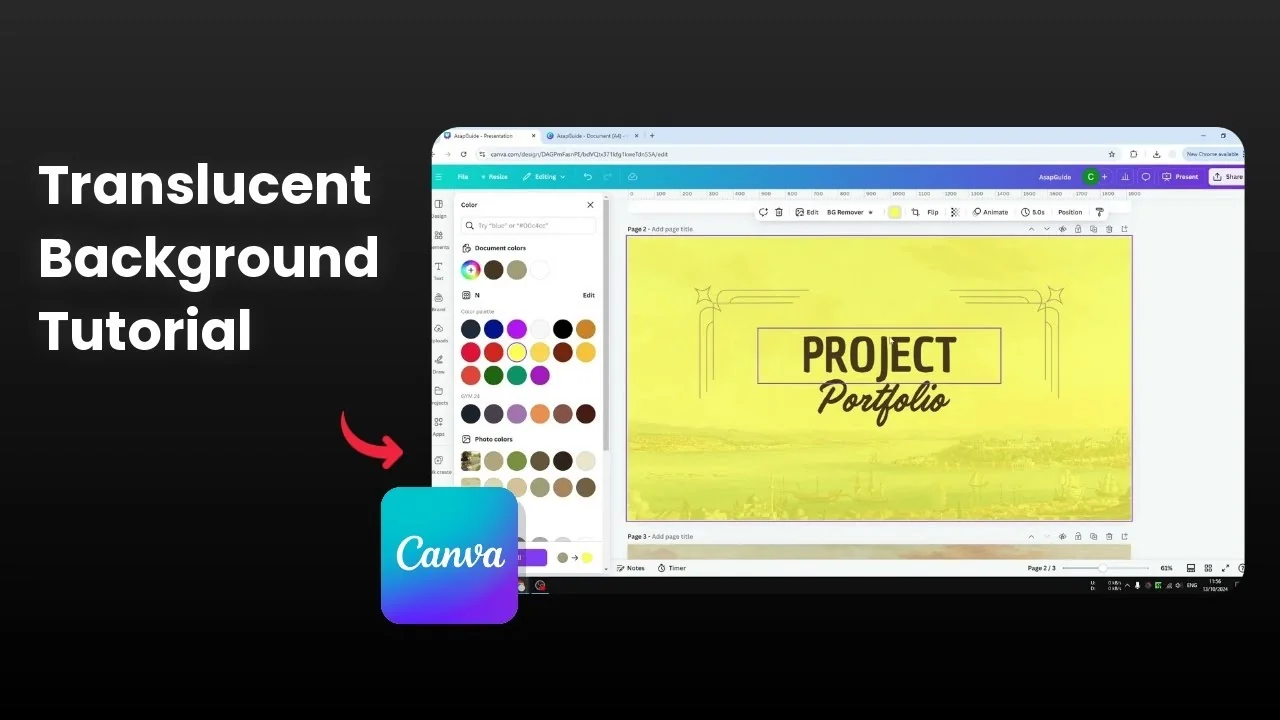
I will show you how you can make a translucent background in Canva. I have a template from the Canva library with a painting like background, but it is not translucent. I am going to make this background translucent, meaning that you can see what is underneath the background.
The background sits at the very bottom layer of your design. When you make the background translucent, you should be able to see the color that is used underneath the background. If you need to start by adding an image, see how to add a background photo in Canva.
Make a Translucent Background in Canva
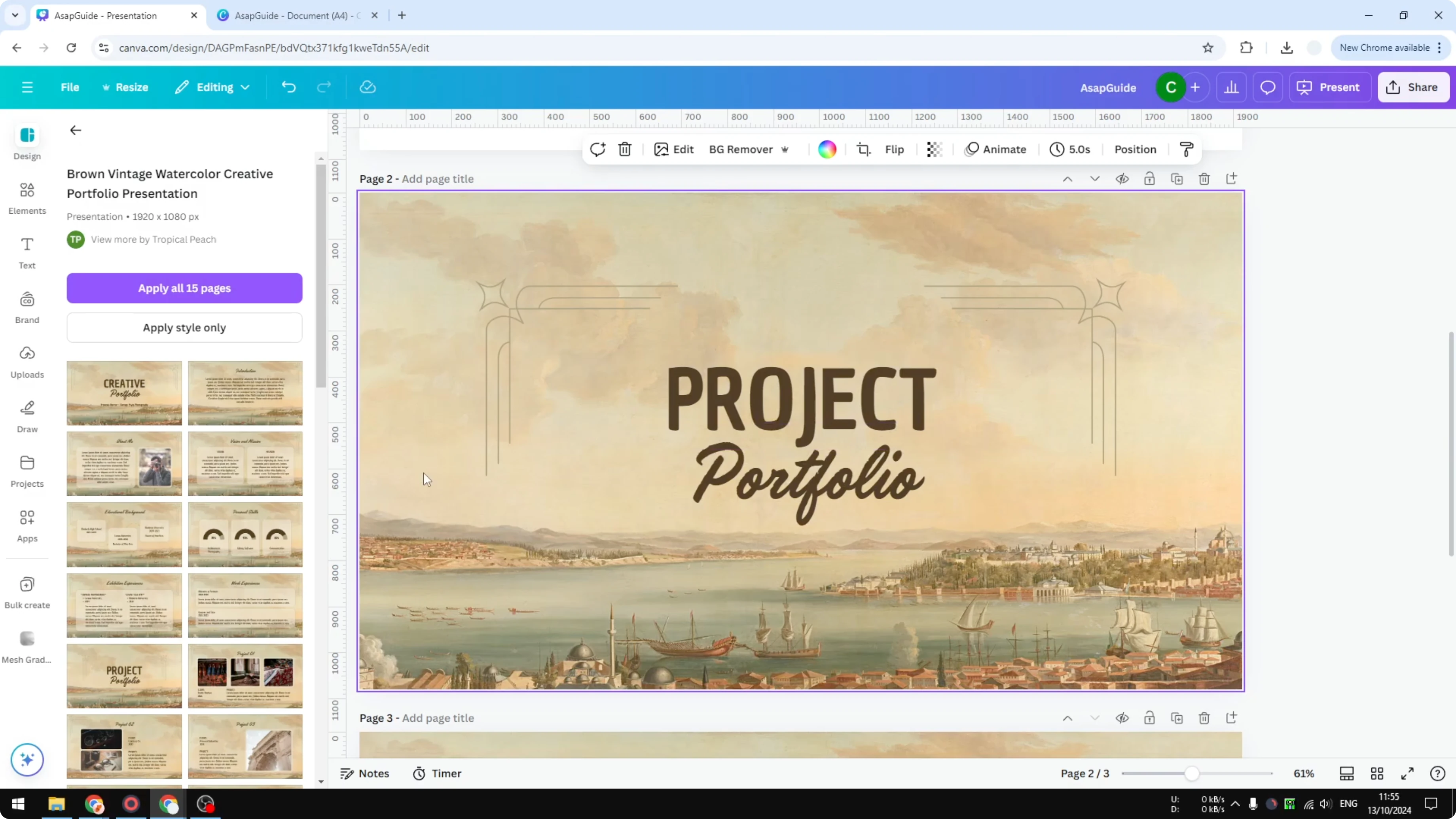
Select the background
Click on the background. You can click anywhere on the empty area.
Open the transparency control
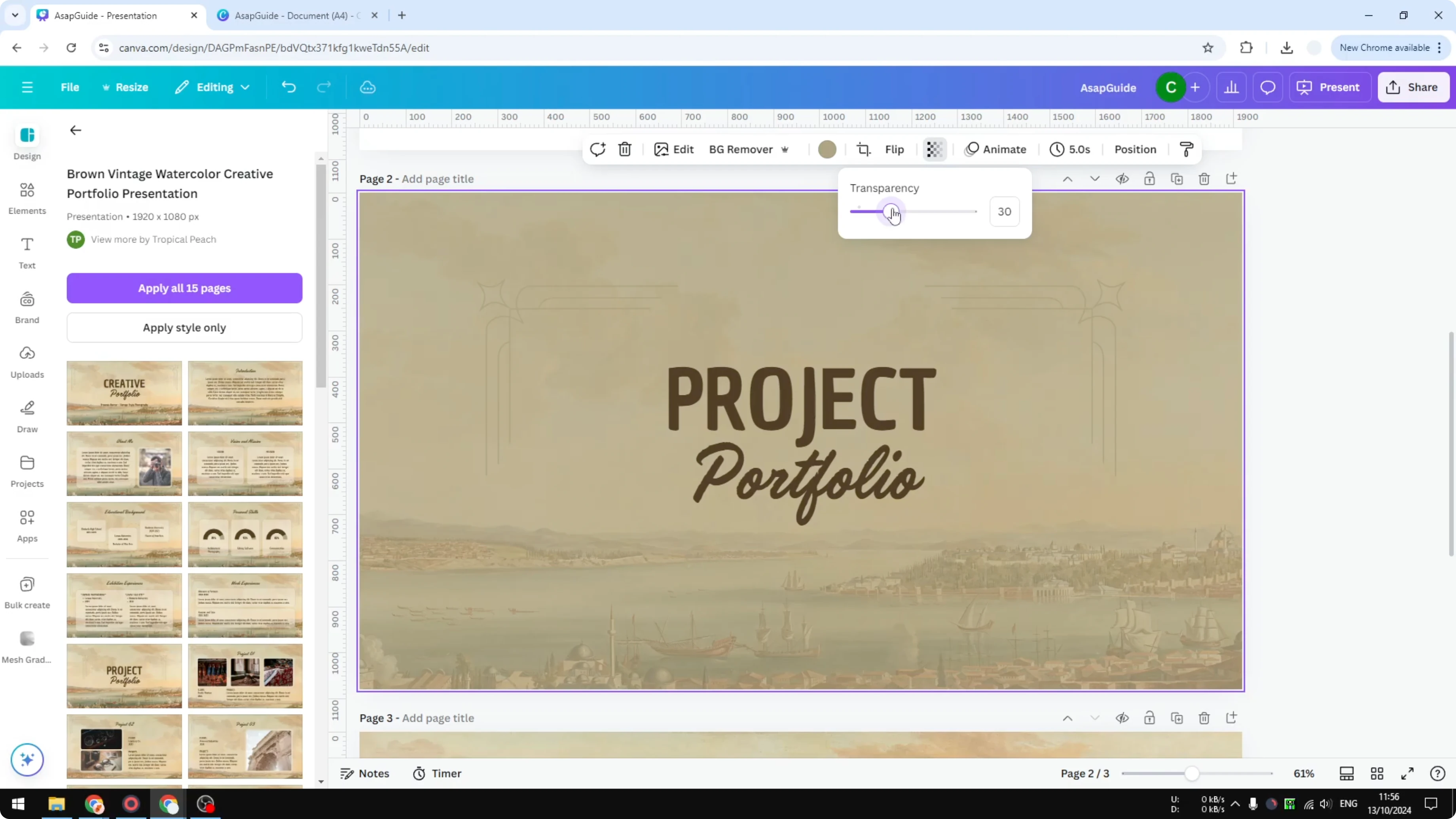
Go to the transparency menu. Reduce the transparency and it will reveal the background.
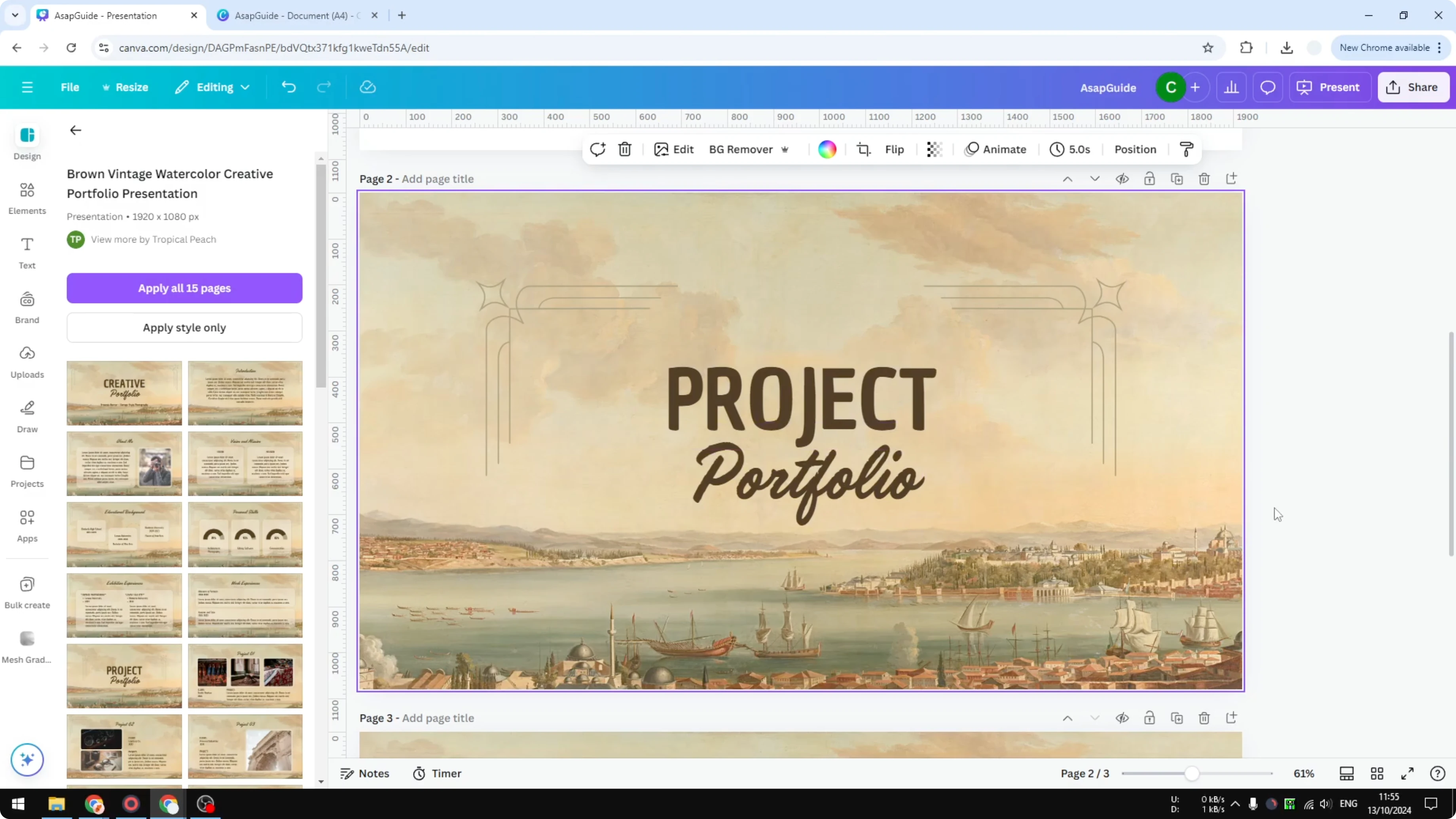
Do not set it to 0 because 0 means it will be fully transparent. We want it to be translucent, so we still see the background and we also see the layer behind the background.
Read More: Add Background Text Canva
Pick a percentage
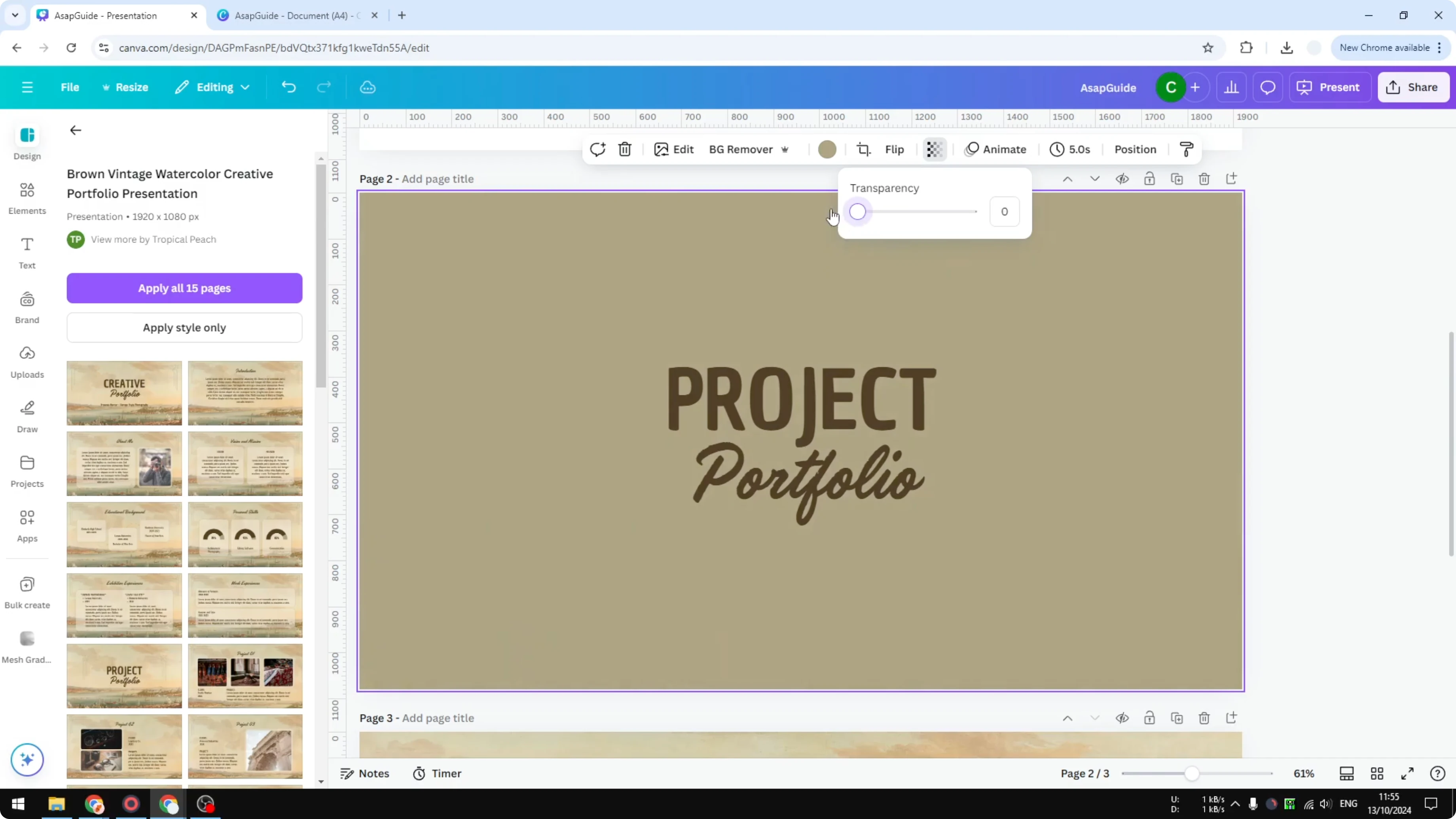
Set it to 30 percent. At 30 percent you can see the page background color used on this page or slide.
Change the page color
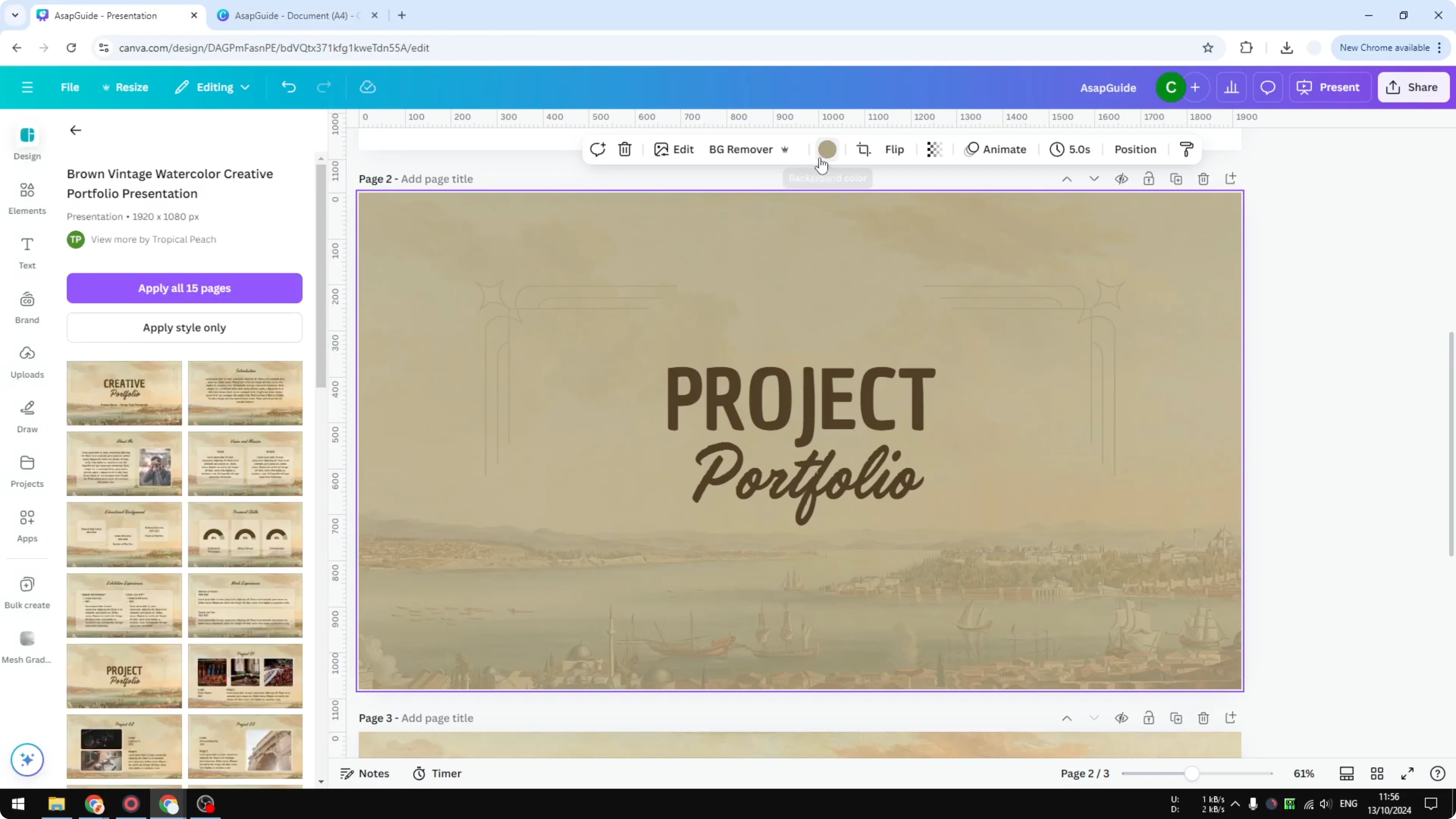
Change the page color to a different color and it will be reflected in the document. You will see the new color showing through the translucent background.
Read More: Add Glitter Background Canva
Final Thoughts
Making a background translucent lets you reveal the page color beneath while keeping the design visible. Click the background, open transparency, and adjust to a percentage that works for your layout. Avoid 0 transparency if you want translucent instead of fully transparent.
Recent Posts

How to Visualize Yourself as a Pixelized Character with AI?
How to Visualize Yourself as a Pixelized Character with AI?

How to Revive Faded Memories and Enhance Image Clarity with AI?
How to Revive Faded Memories and Enhance Image Clarity with AI?

How to Visualize Yourself as an Animal Crossing Character with AI?
How to Visualize Yourself as an Animal Crossing Character with AI?