How To Insert A Table In Canva
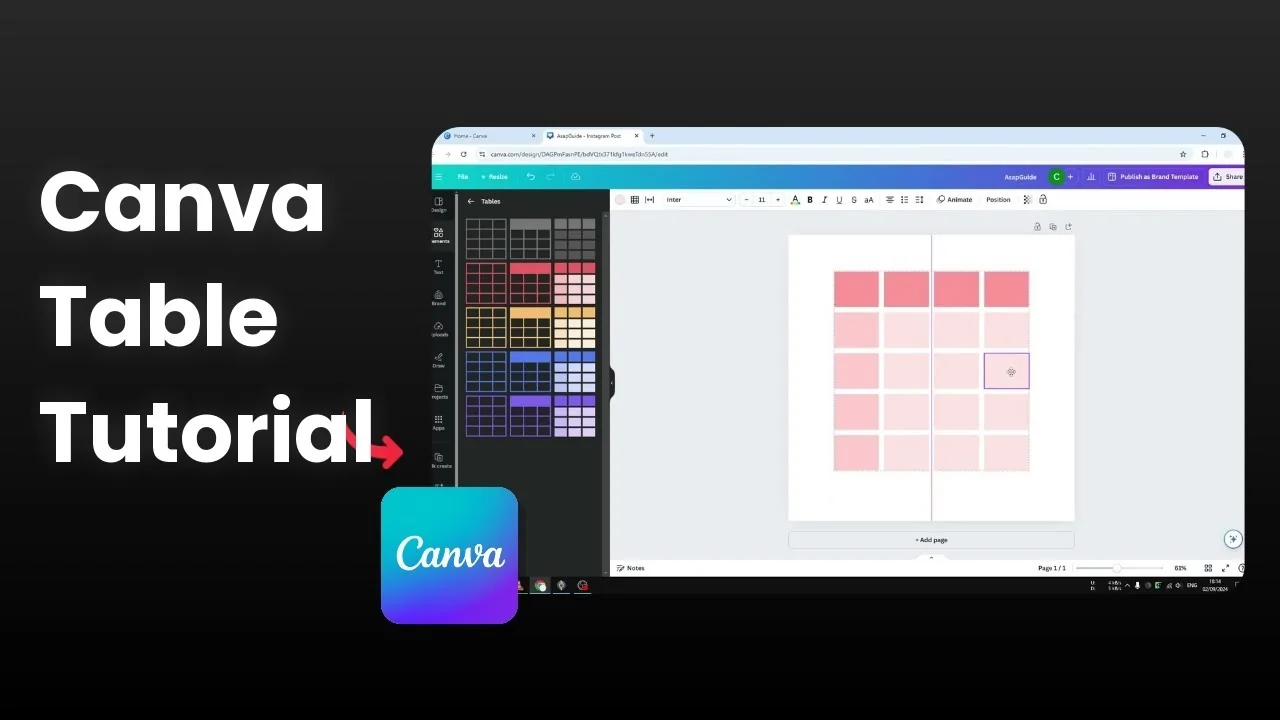
I'm going to show you how you can insert a table to your Canva page or your Canva document. I recommend starting with a blank page.
Open your Canva document and prepare a blank page. This gives you room to size and position your table easily.
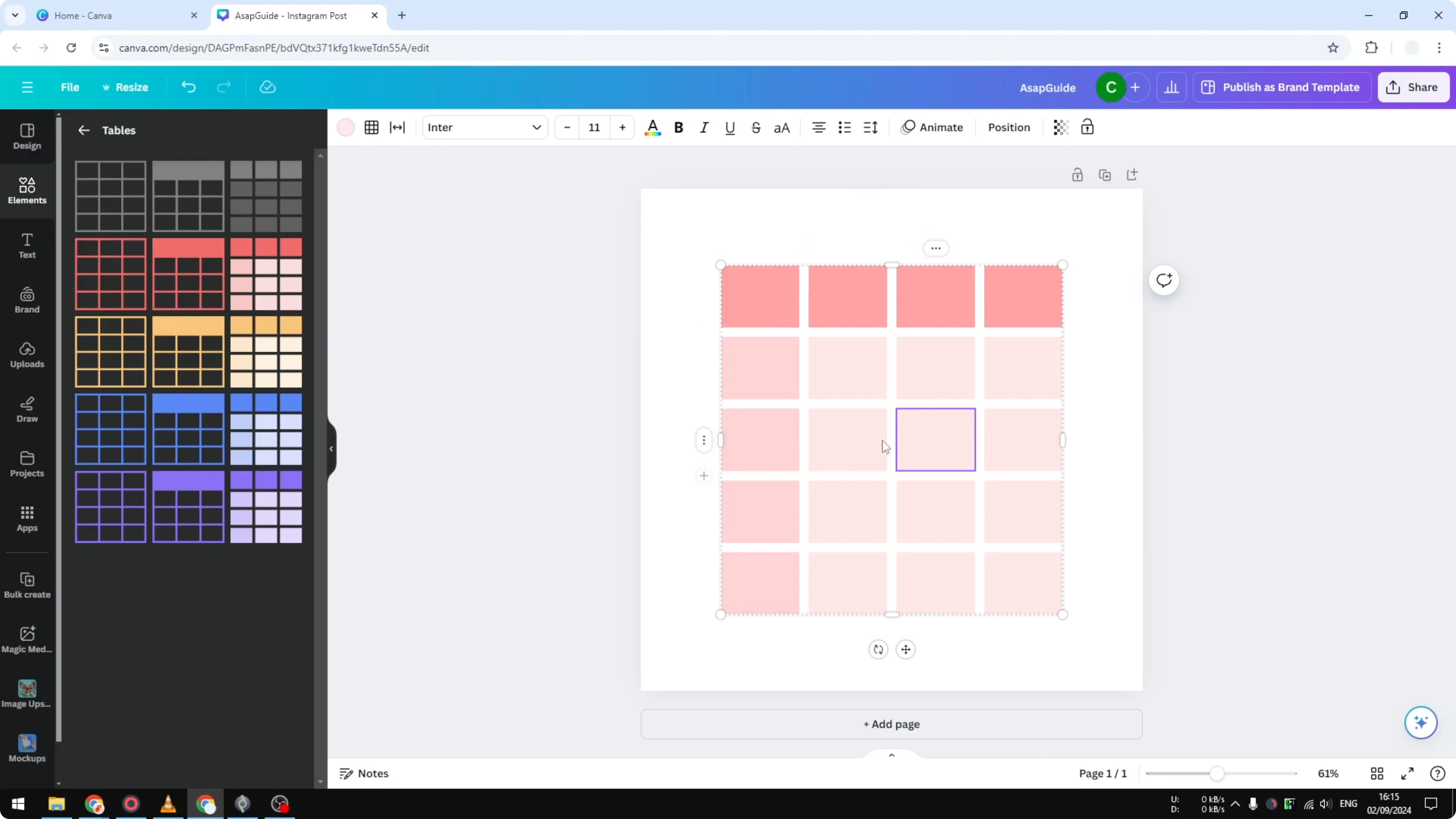
Insert A Table In Canva: Find and insert a table
Go to the Elements menu. In the search bar, type table because that is the keyword that we really need.
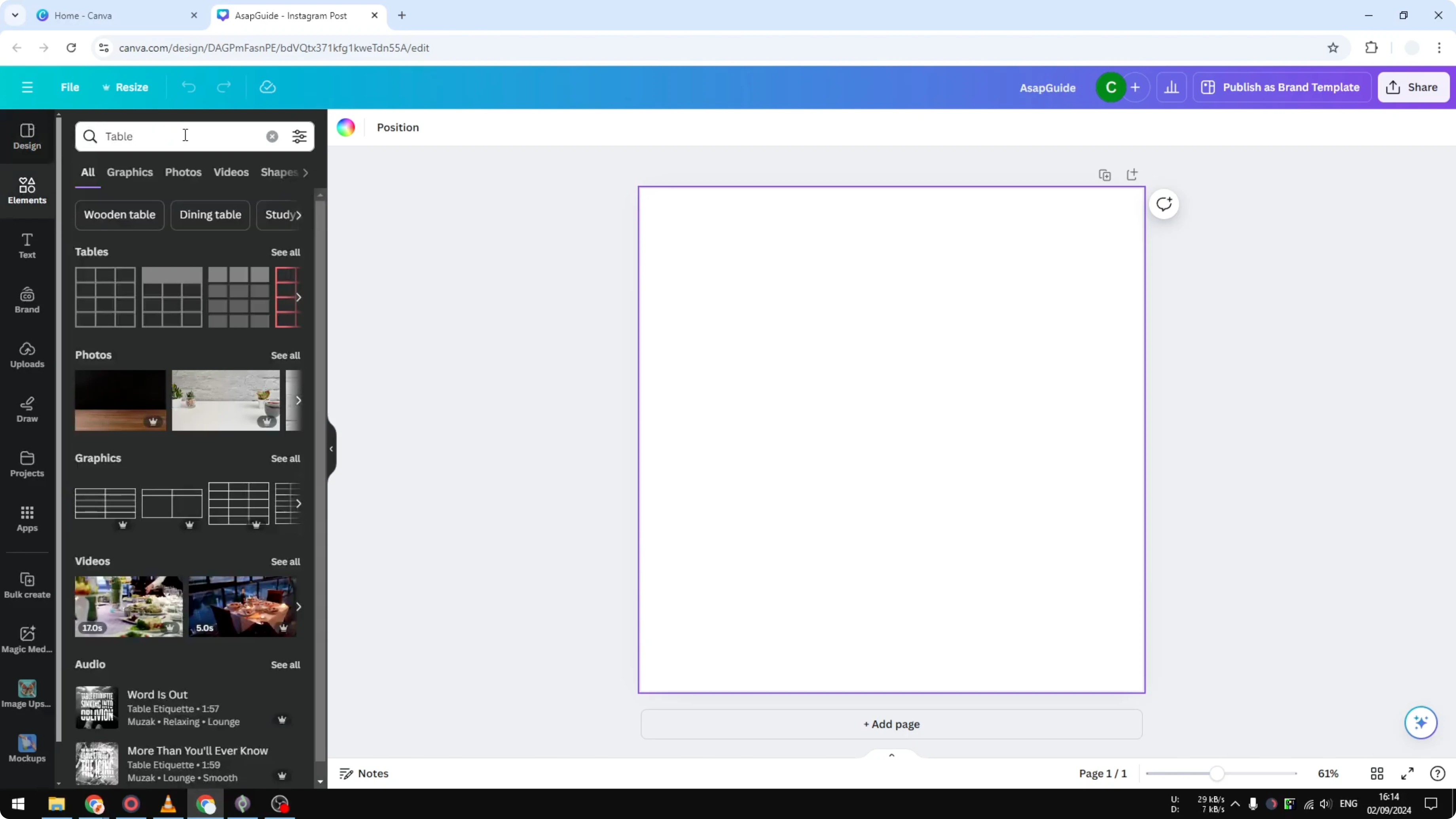
Click See all in the Tables section. You will see some premade table designs that you can insert to your document.
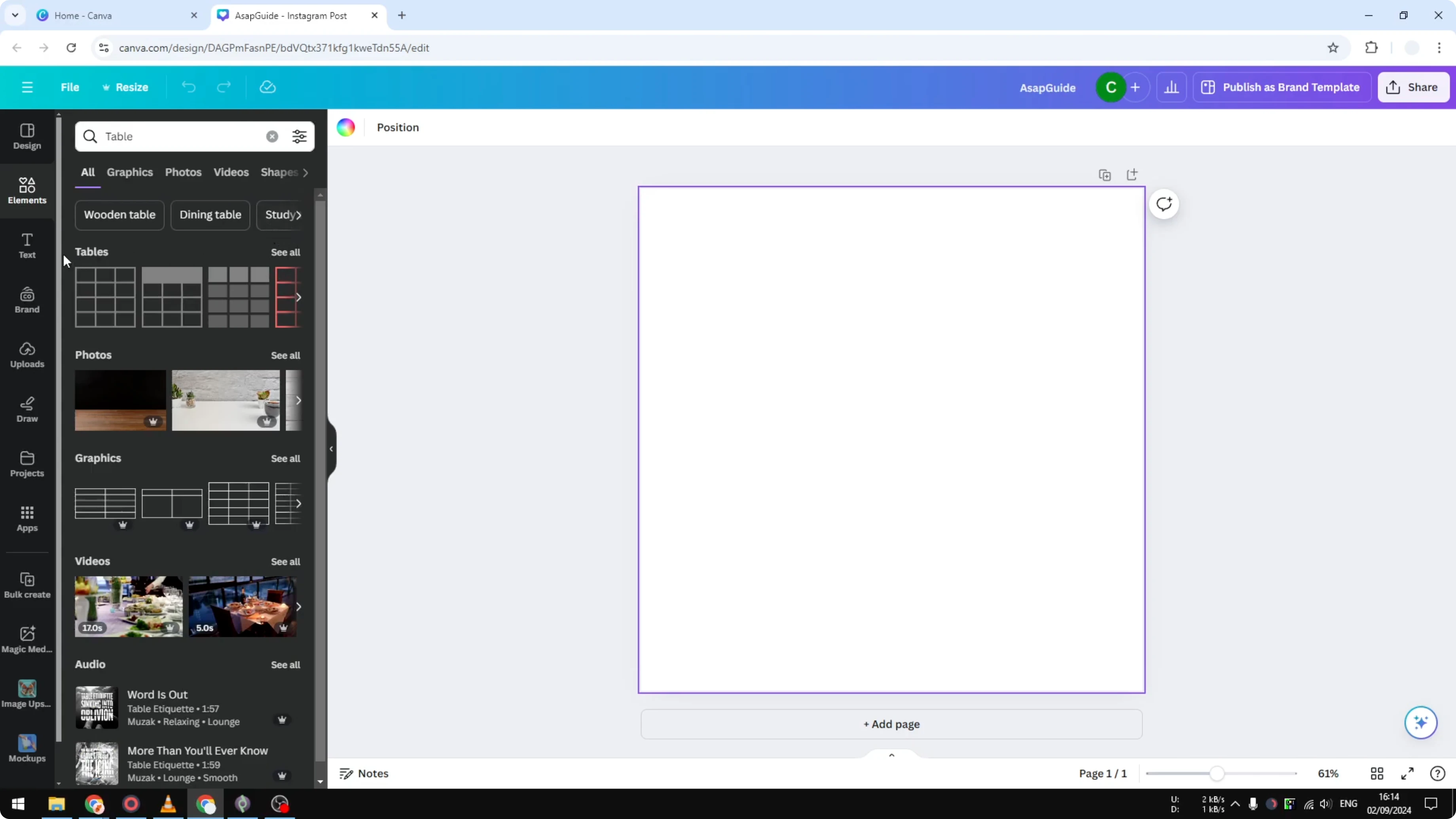
Select a table design you like. Adjust the size to make it bigger, and position it in the middle of the page.
Read More: Insert Icons Canva
Insert A Table In Canva: Add rows and columns
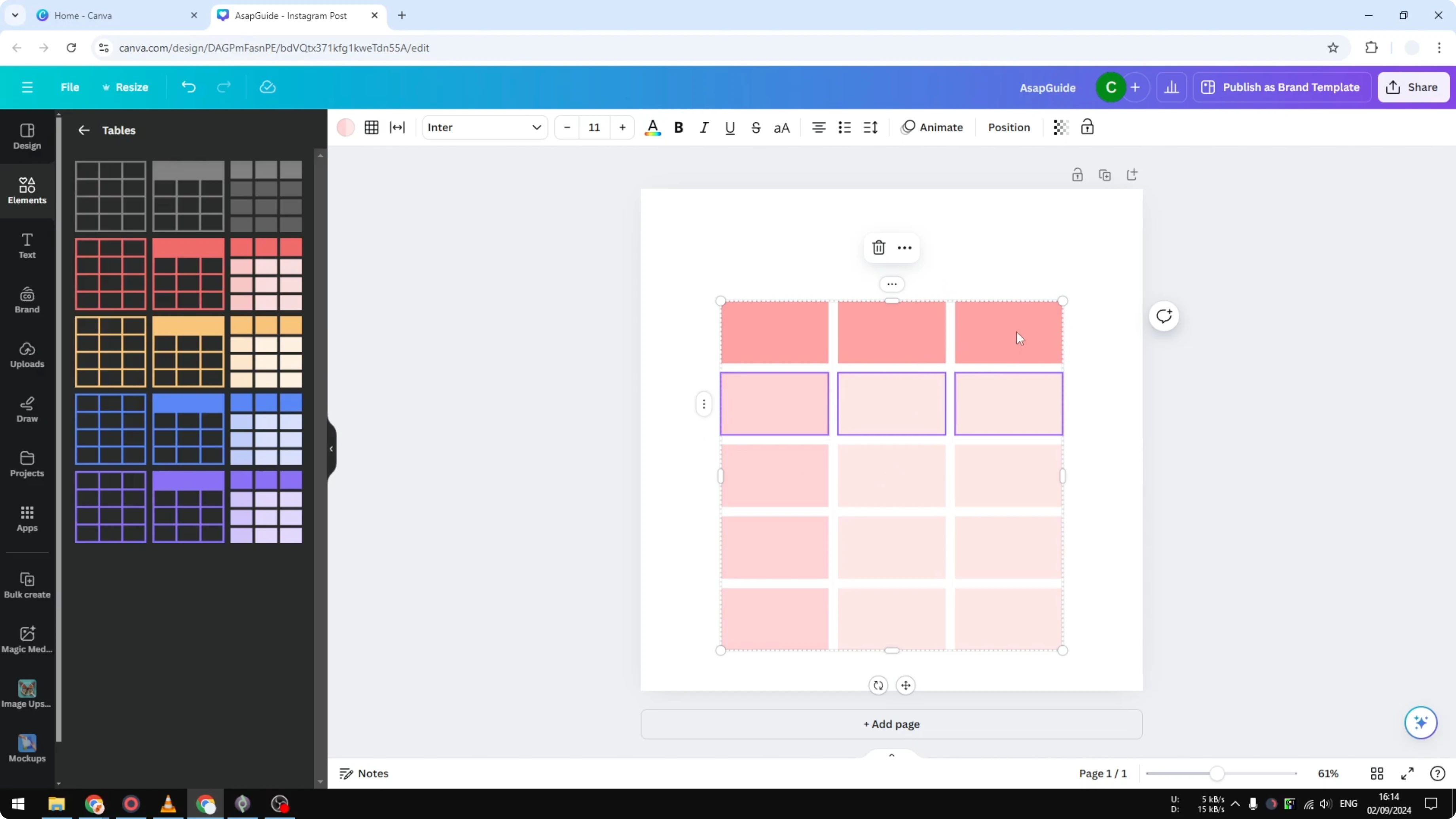
If you want to add more rows, click the side menu on the table and choose Add row. It will add more rows to your table.
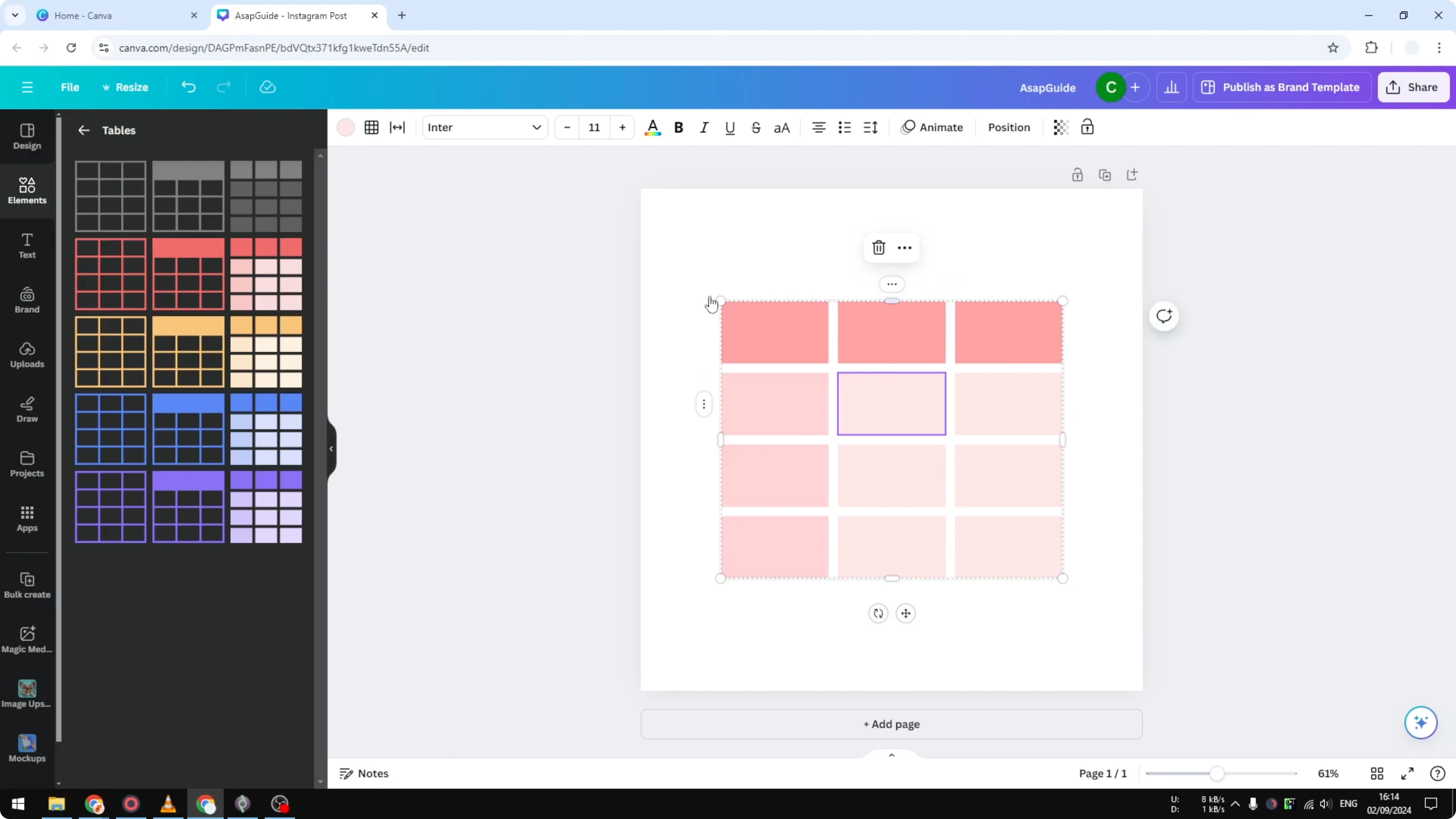
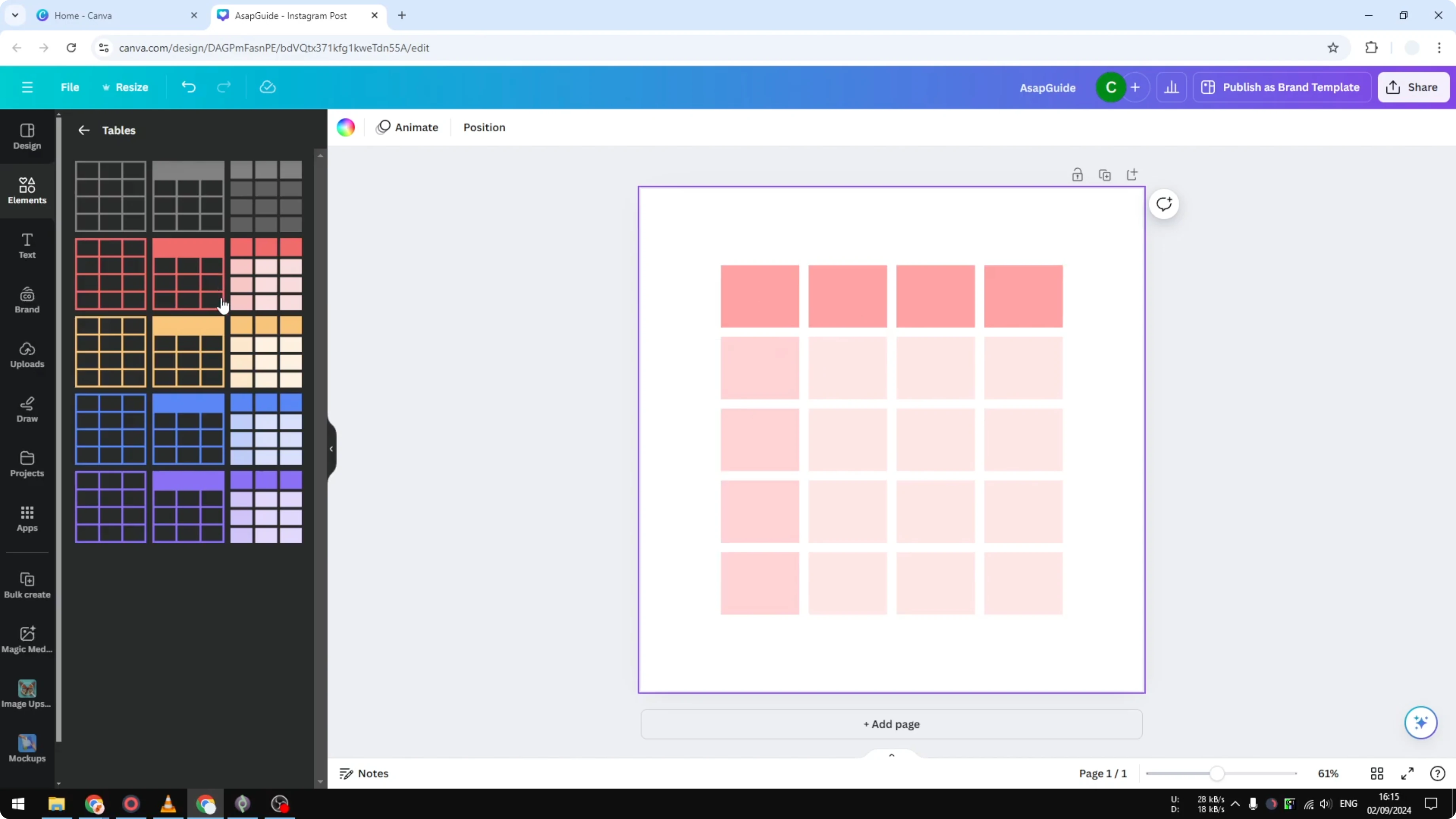
To add another column, select either side of the table, open the side options, and click Add column. Now you can build the layout you need, for example a 4x5 table, and put it in the middle.
Read More: Insert Emojis Canva
Insert A Table In Canva: Change cell colors
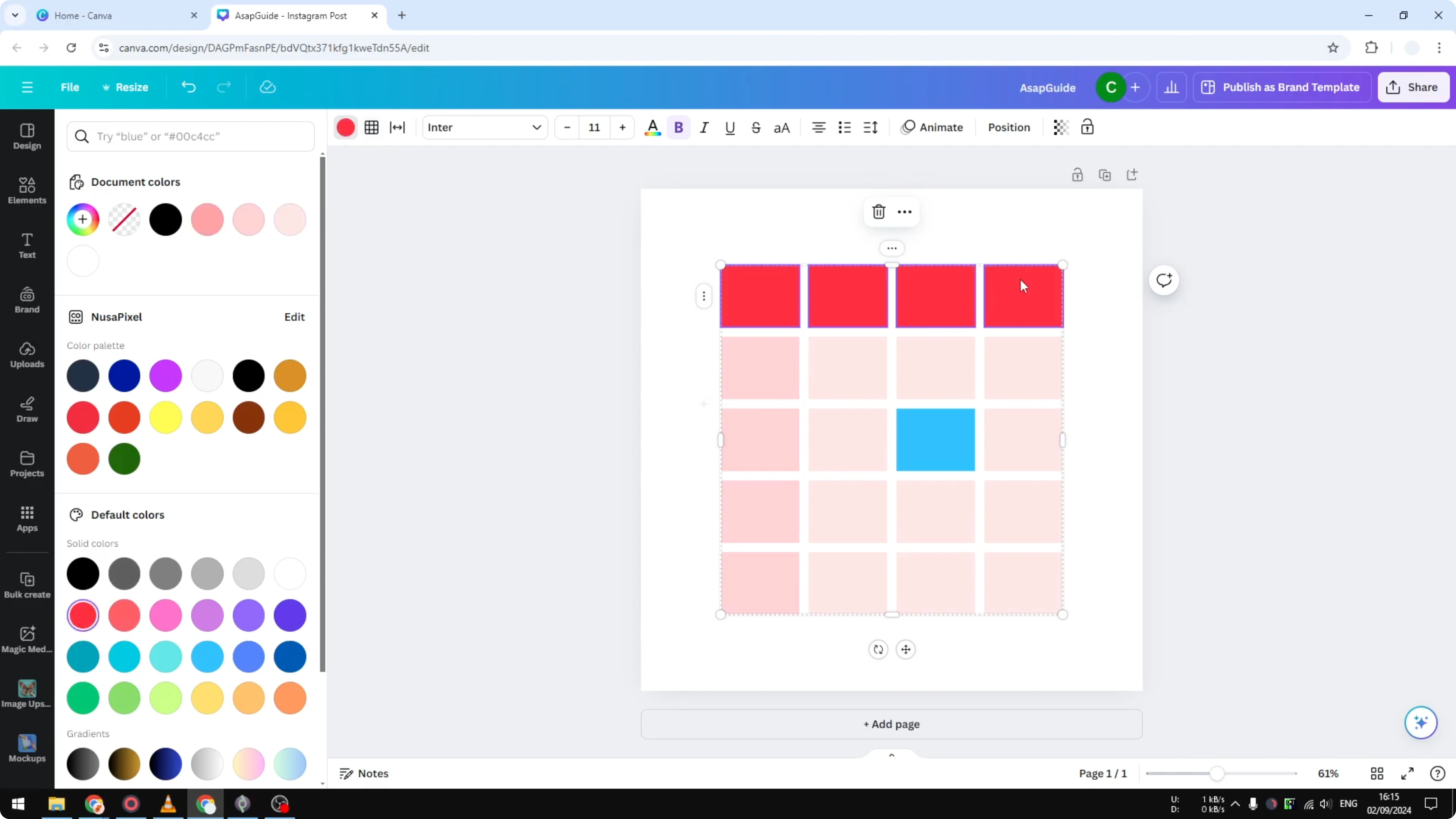
By default you will see colors that come with the design you selected. You can always change the color later.
Select a cell and change the cell color to something like blue. You can also select multiple cells and change them together, for example to a strong red.
Read More: How To Insert Canva Video In Google Slides
Insert A Table In Canva: Final thoughts
You can insert a table quickly by searching for table in Elements, picking a premade layout, and placing it on your page. Add rows and columns from the side controls, then customize colors to match your design. That is essentially how you can insert a table to your Canva document.
Recent Posts

How to Visualize Yourself as a Pixelized Character with AI?
How to Visualize Yourself as a Pixelized Character with AI?

How to Revive Faded Memories and Enhance Image Clarity with AI?
How to Revive Faded Memories and Enhance Image Clarity with AI?

How to Visualize Yourself as an Animal Crossing Character with AI?
How to Visualize Yourself as an Animal Crossing Character with AI?