How to Turn Yourself into a Fun, Exaggerated Caricature with AI?
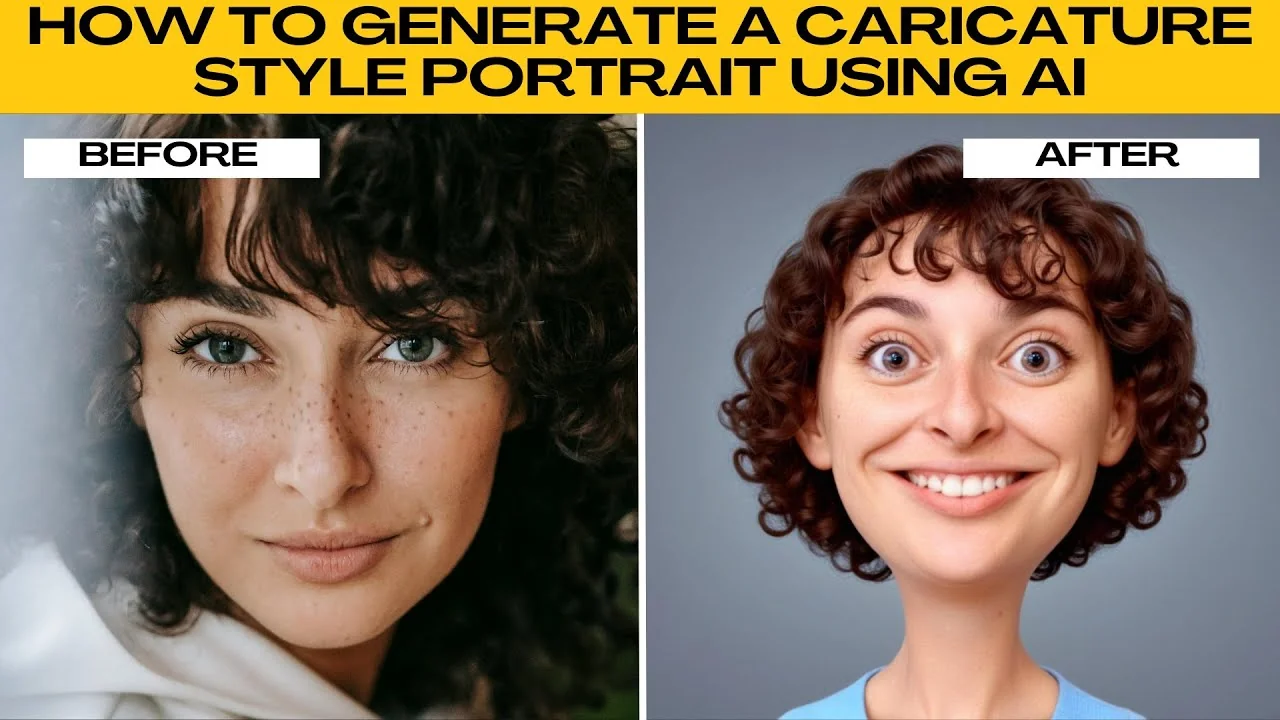
I will teach you how to generate a caricature style portrait using AI.
Caricatures are a fun and playful way to reimagine yourself or someone else. With oversized heads, exaggerated facial features, and cartoonish expressions, caricature portraits are great for profile pictures, social media content, and even party invitations. Thanks to Photos AI Artifacts, you can now create a caricature style portrait in just a few clicks.
Get started
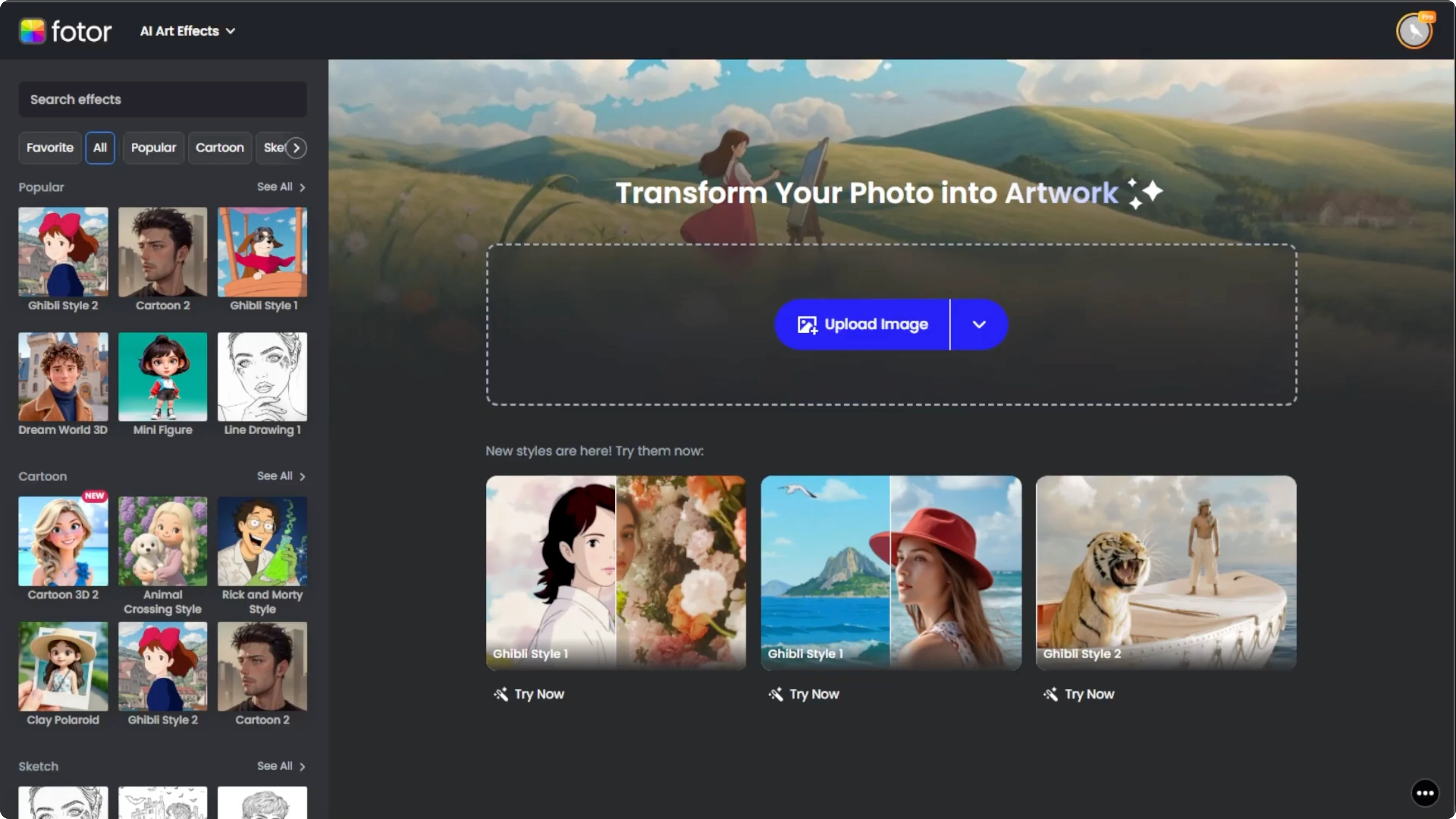
Launch your browser and go to Photos AI Artifacts. This is where you will find all the AI powered art filters, including the caricature style.
Read More: Cartoon yourself with AI
Upload your photo
Click the upload image button or drag and drop your image into the editor.
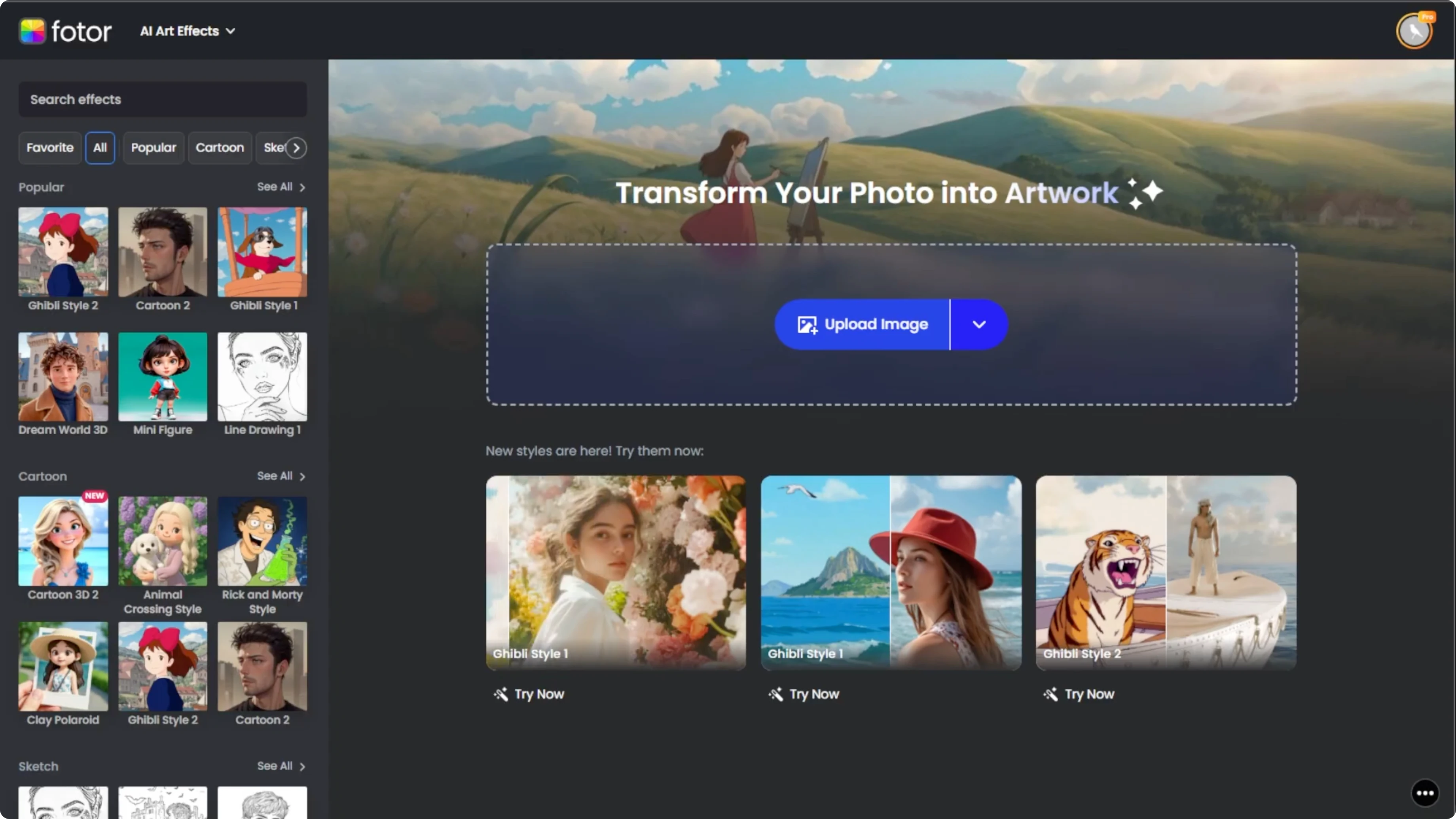
For best results, choose a well lit front facing portrait with a neutral background. Avoid cropped faces, profile views, or heavily filtered images as these may confuse the AI and lead to distorted results.
Apply the effect
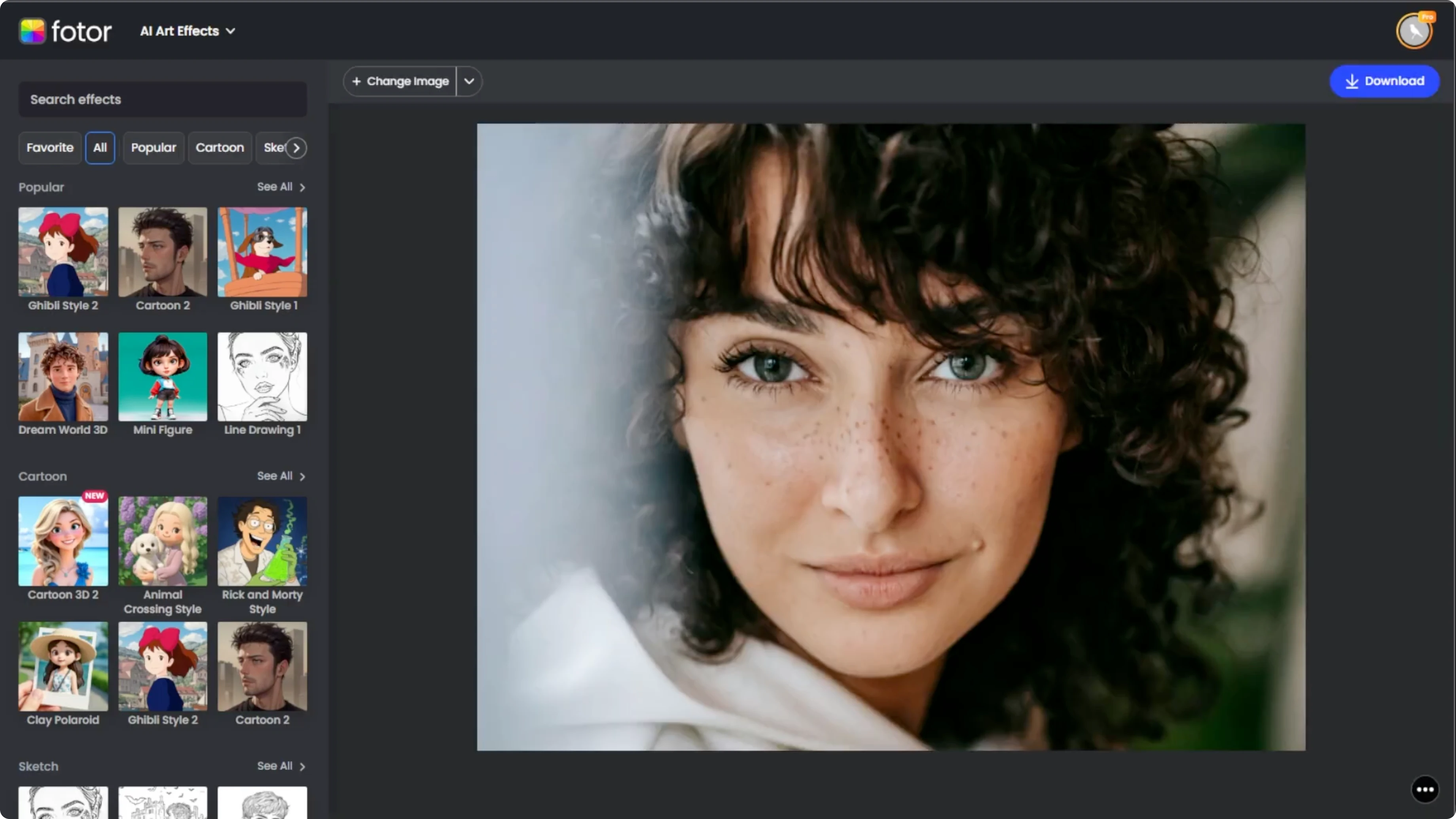
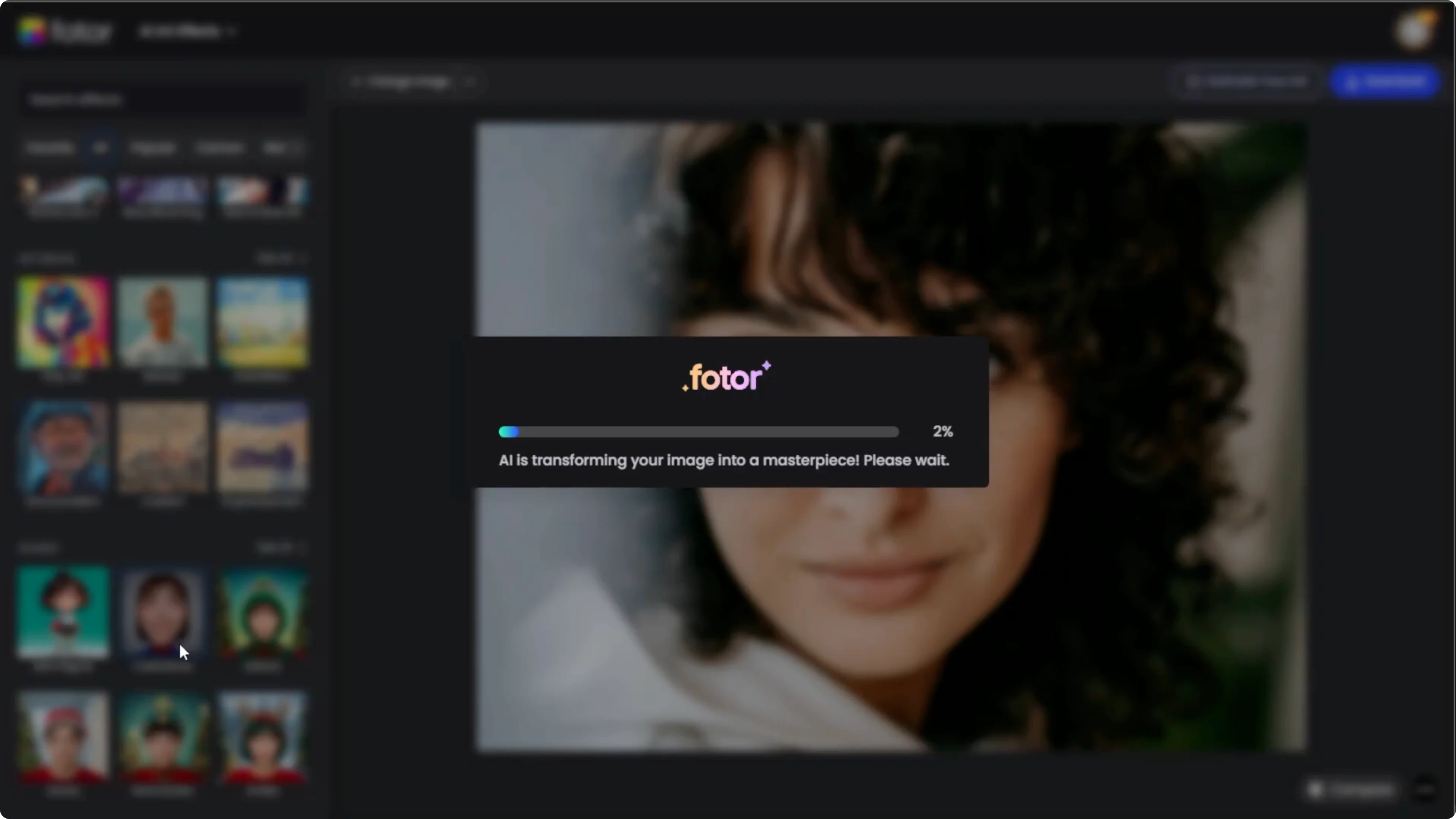
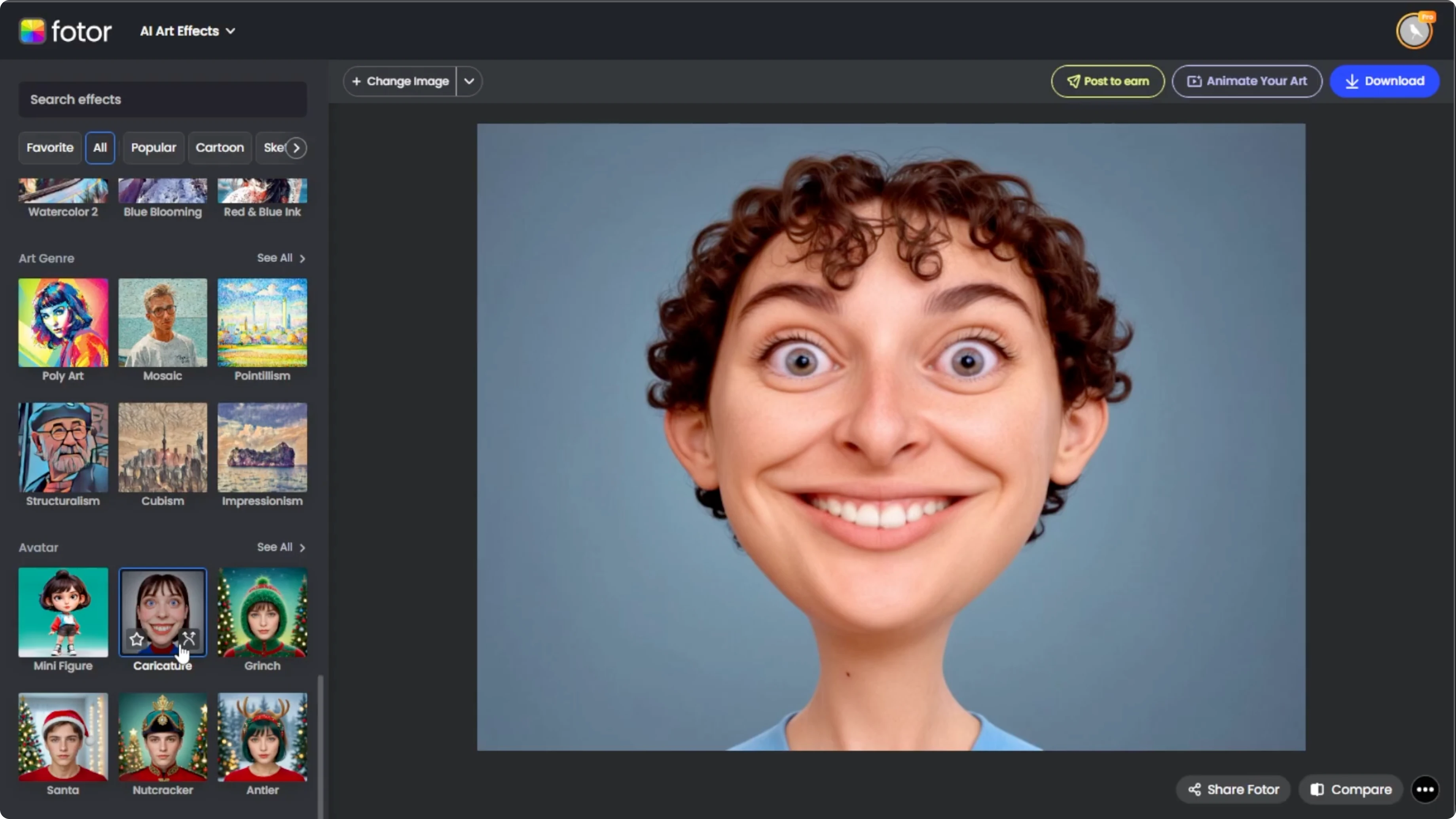
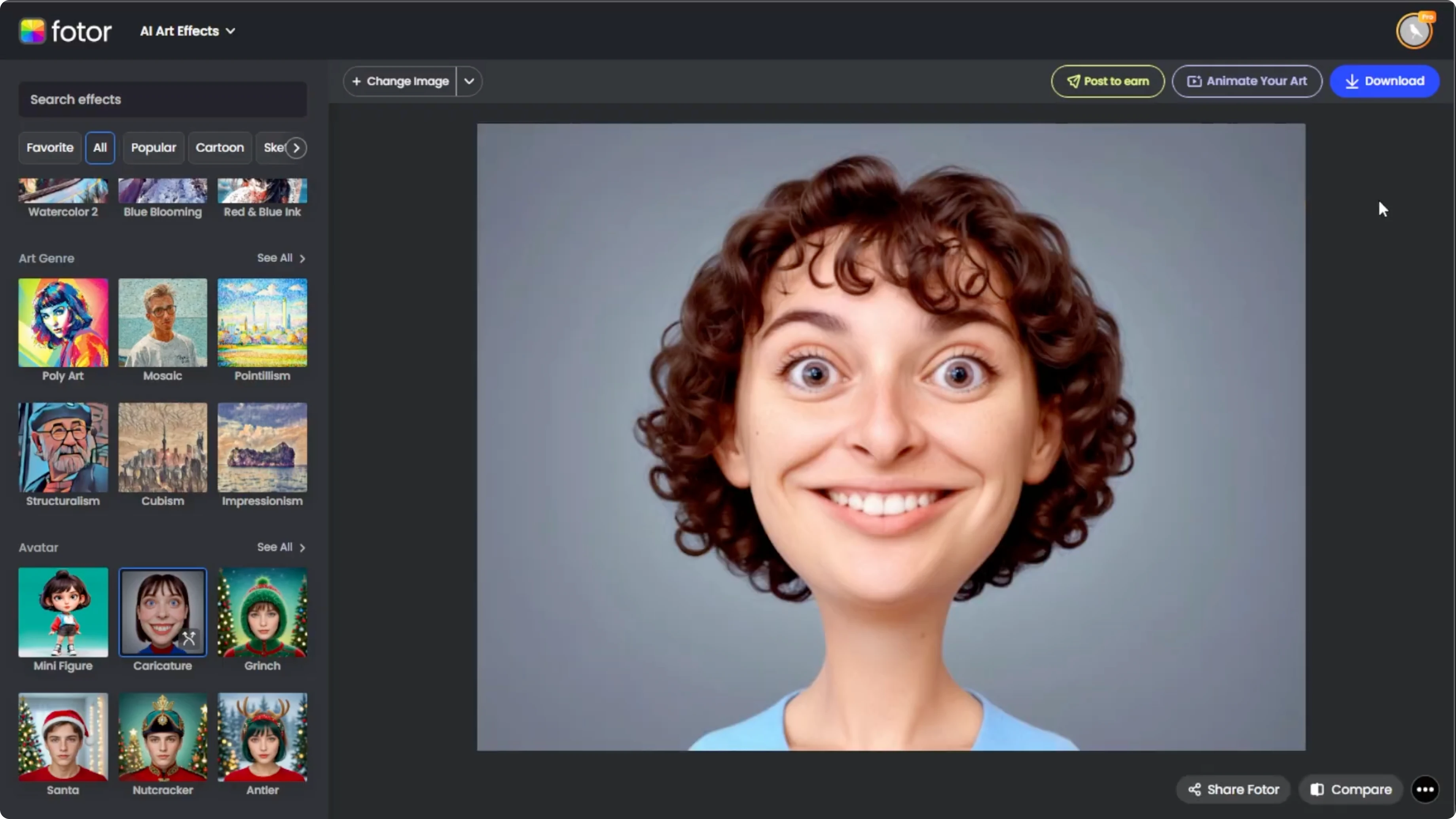
Look to the left sidebar of the editor where you will find various art categories. Scroll down to the avatar section. Click the caricature option to apply the effect.
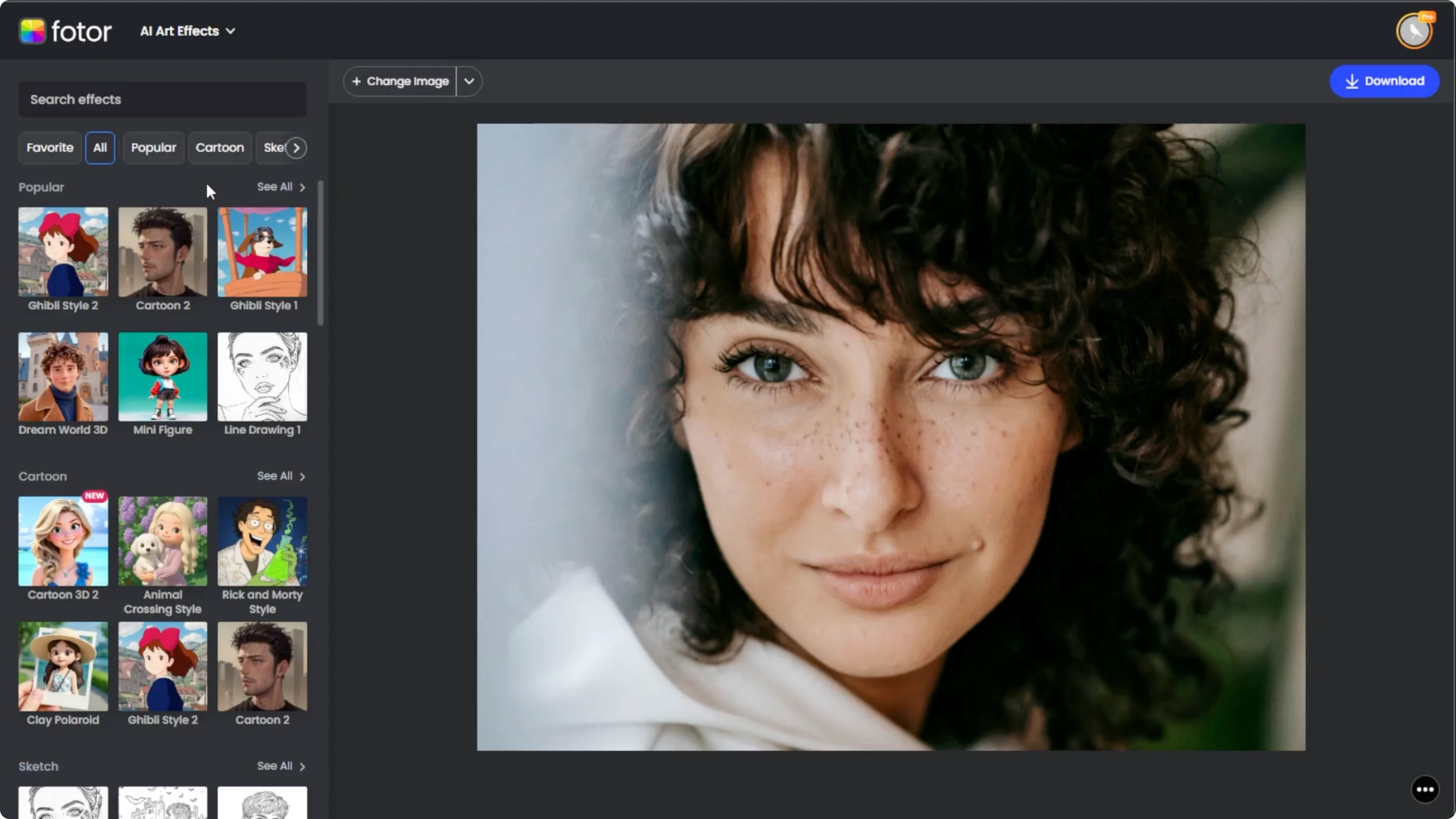
Within seconds, your image will be transformed into a humorous cartoon version with a larger than life head and stylized features typical of caricature art.
Read More: Turn daytime photos into night scenes
Compare and refine
Click the compare button located at the bottom right of the editor to view the original image side by side with your new caricature version.
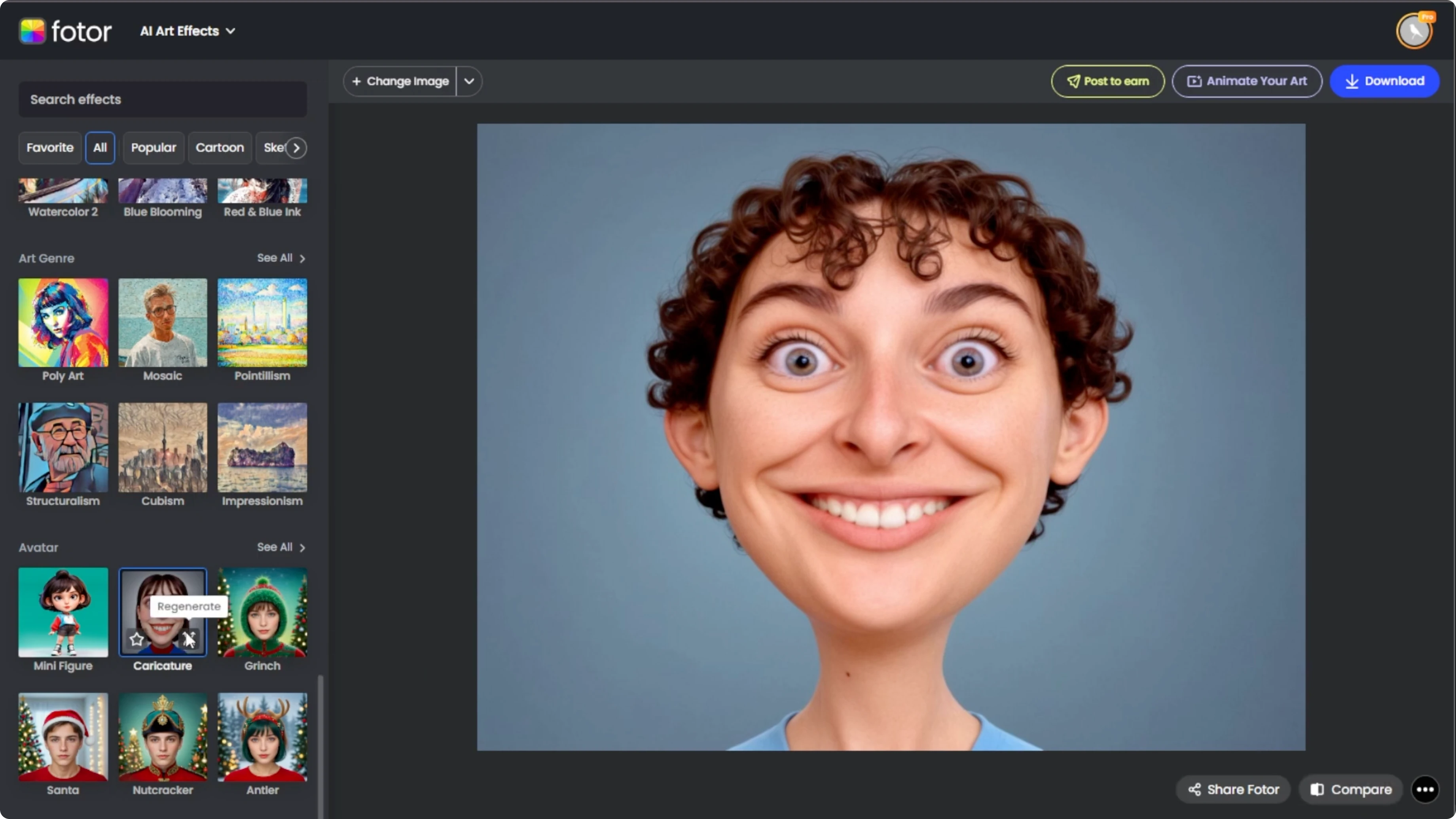
If you are not happy with the results, click the regenerate button on the effects thumbnail, and each generation gives a slightly different version of the caricature. Regeneration usually takes around 10 seconds, and you can repeat this as many times as needed to get a version you like best.
Read More: Make yourself look muscular with AI
Save your portrait
Once satisfied with the final image, click download to save it to your device.
Final thoughts
A clear head on photo and smart effect choices make the AI produce a bold caricature fast. Use compare and regenerate until the expression and proportions feel right. Save your favorite version and share it wherever you want a fun twist.
Recent Posts

How to Visualize Yourself as a Pixelized Character with AI?
How to Visualize Yourself as a Pixelized Character with AI?

How to Revive Faded Memories and Enhance Image Clarity with AI?
How to Revive Faded Memories and Enhance Image Clarity with AI?

How to Visualize Yourself as an Animal Crossing Character with AI?
How to Visualize Yourself as an Animal Crossing Character with AI?