How to Visualize Yourself as the Opposite Gender with AI?
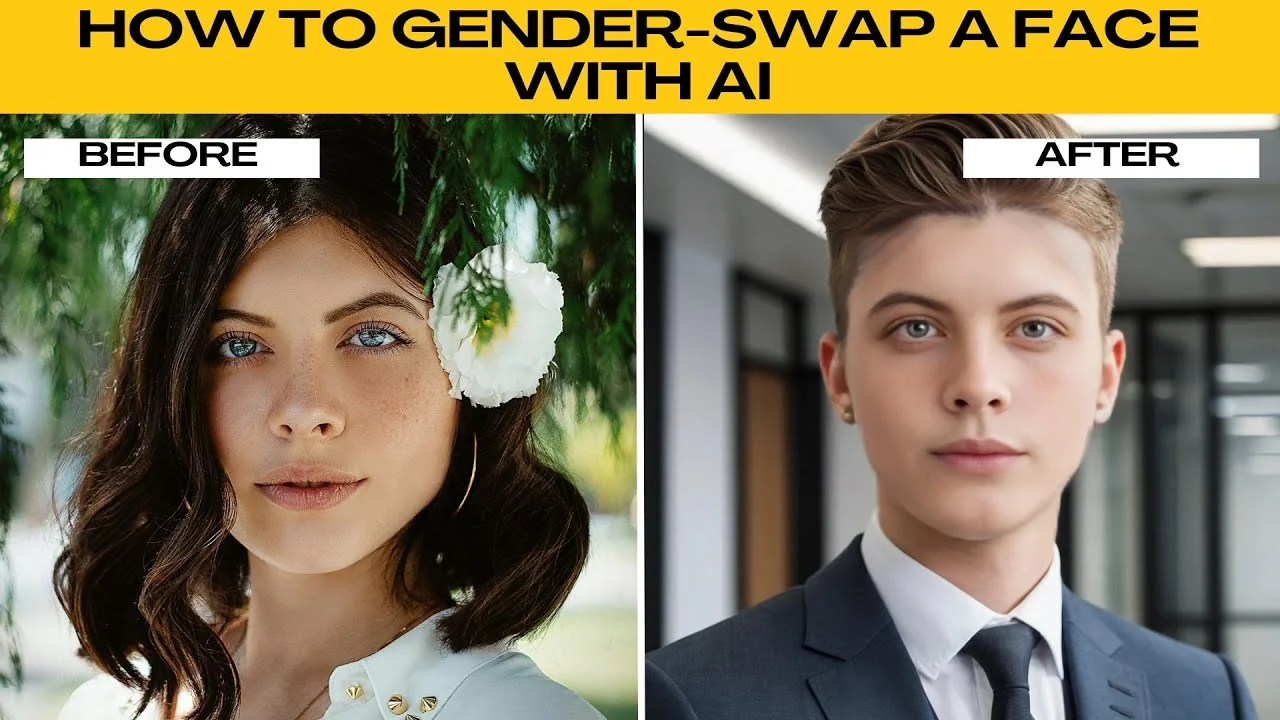
I will teach you how to gender swap a face with AI. With the AI Ease face swap tool, you can apply gender swapping effects for fun, creative, or editing purposes. This walkthrough keeps the steps simple and quick.
For broader photo edits beyond swapping faces, see our guide to image editing with ICEdit AI. This pairs well with face swaps when you want to retouch or color correct. It helps you polish final images.
Get started
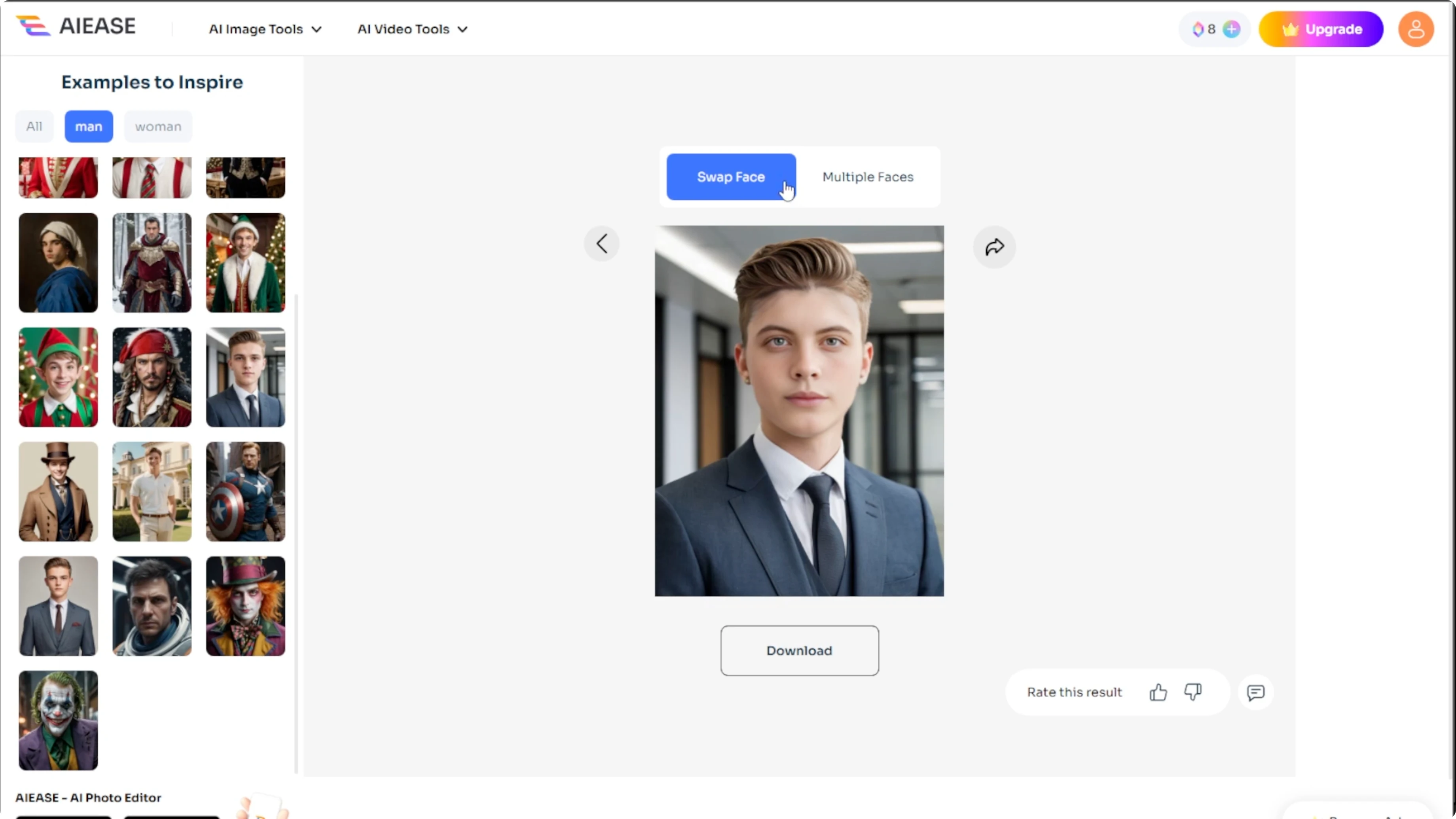
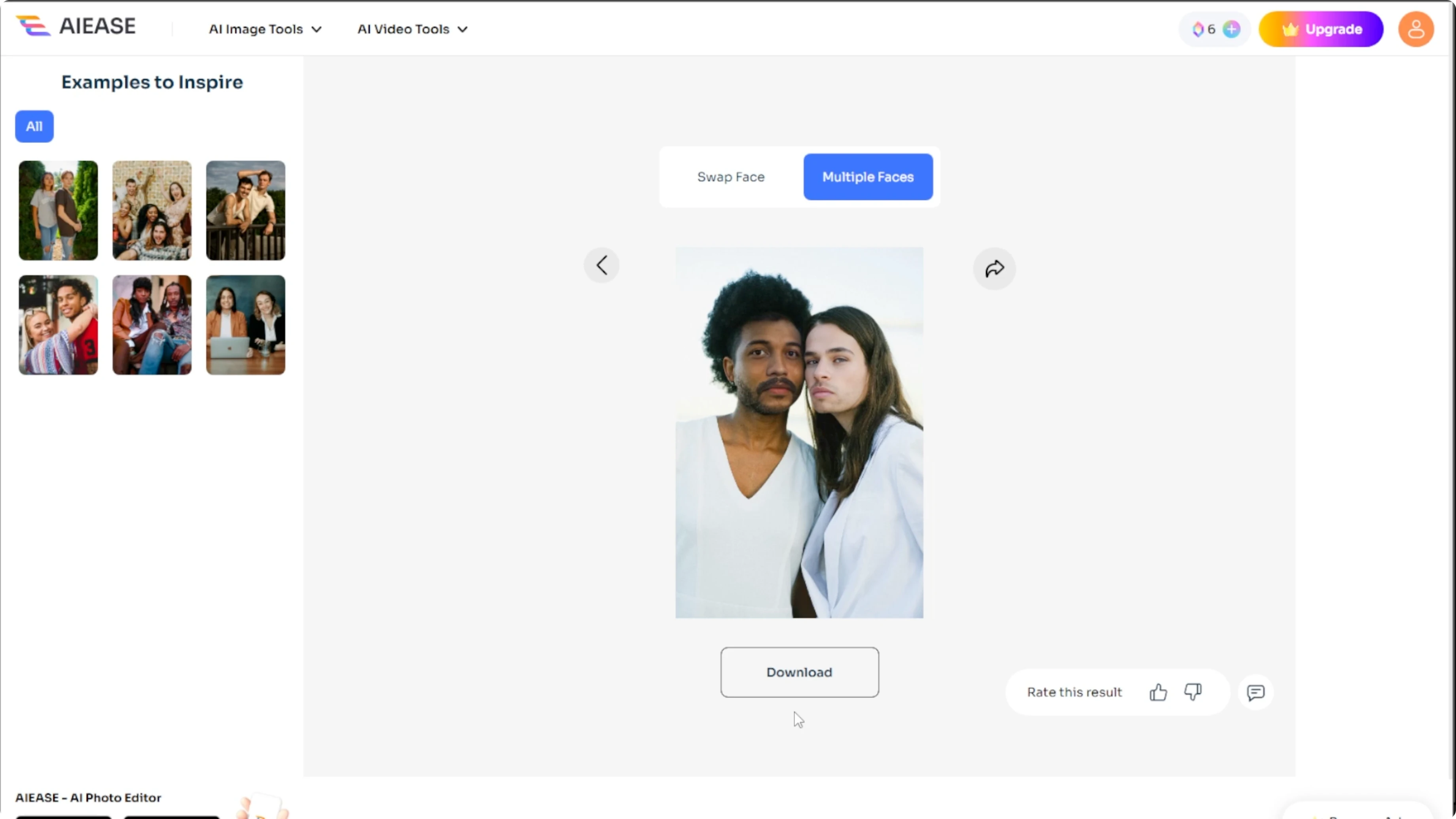
Open the AI Ease face swap tool. You will see two options at the top. Swap face is for two single faces, and multiple faces is for editing several people in one image.
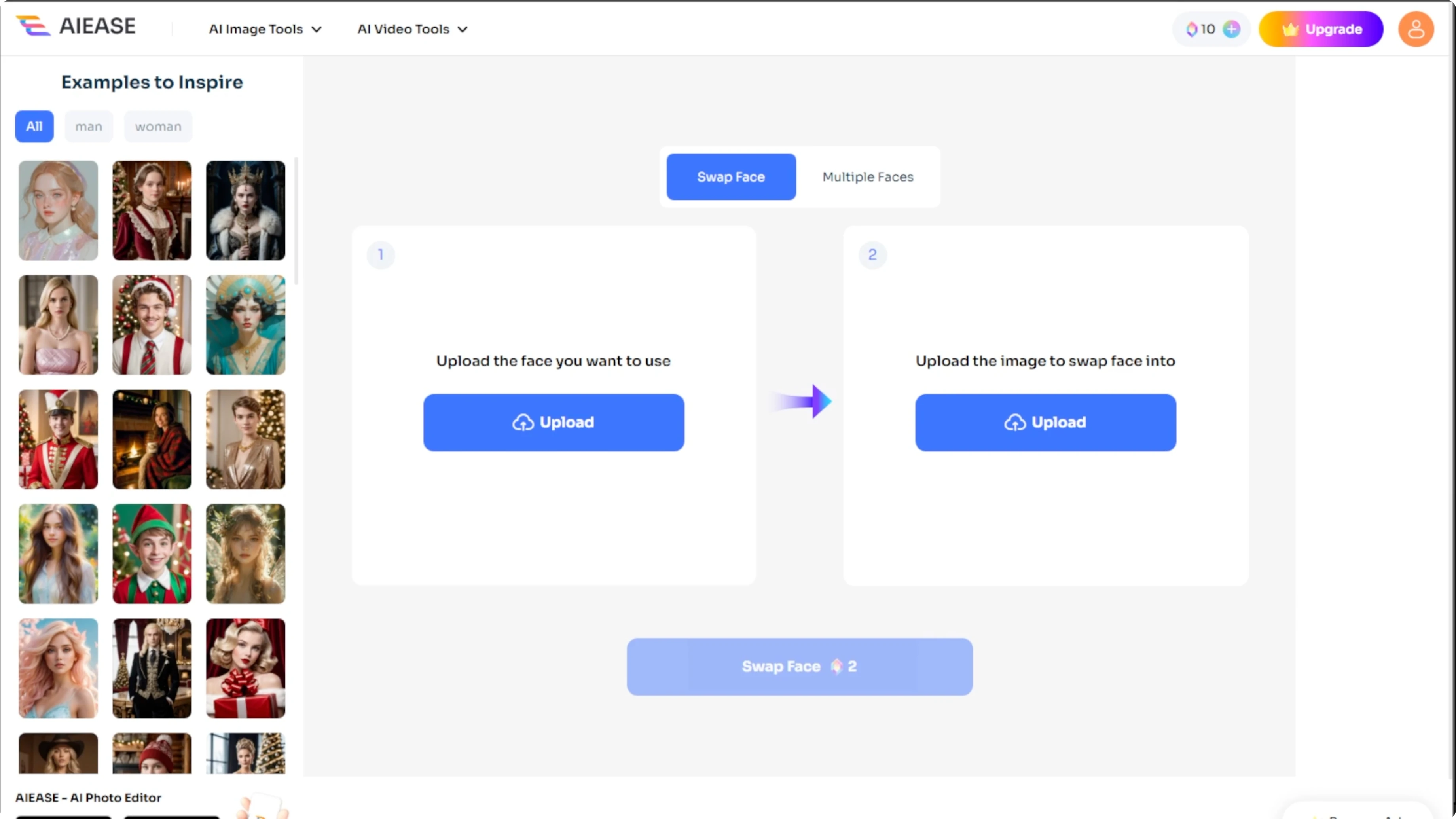
Single face swap
Upload the target face, for example a male or a female face for gender swapping.
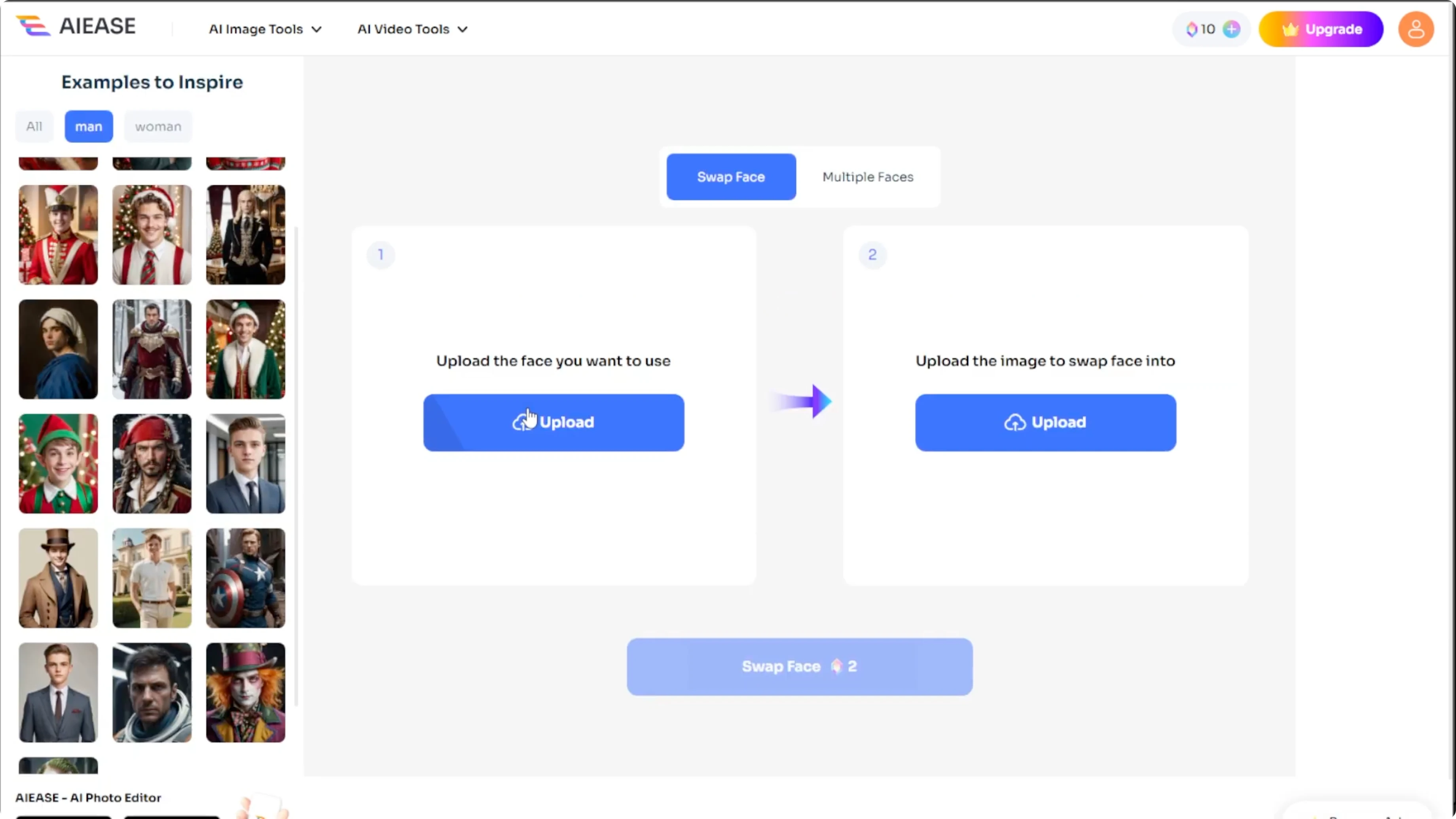
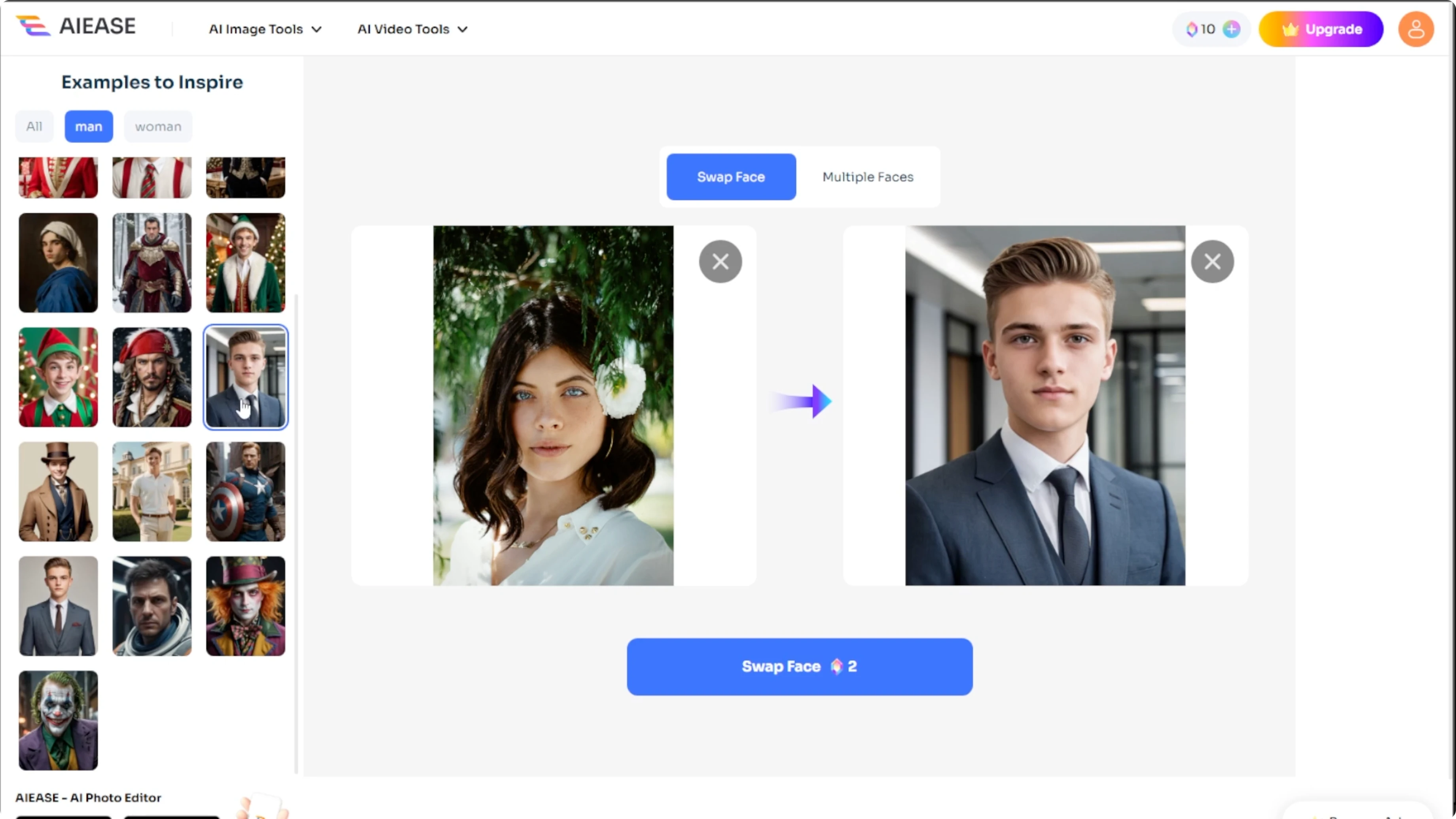
Upload the destination image where the face will appear.
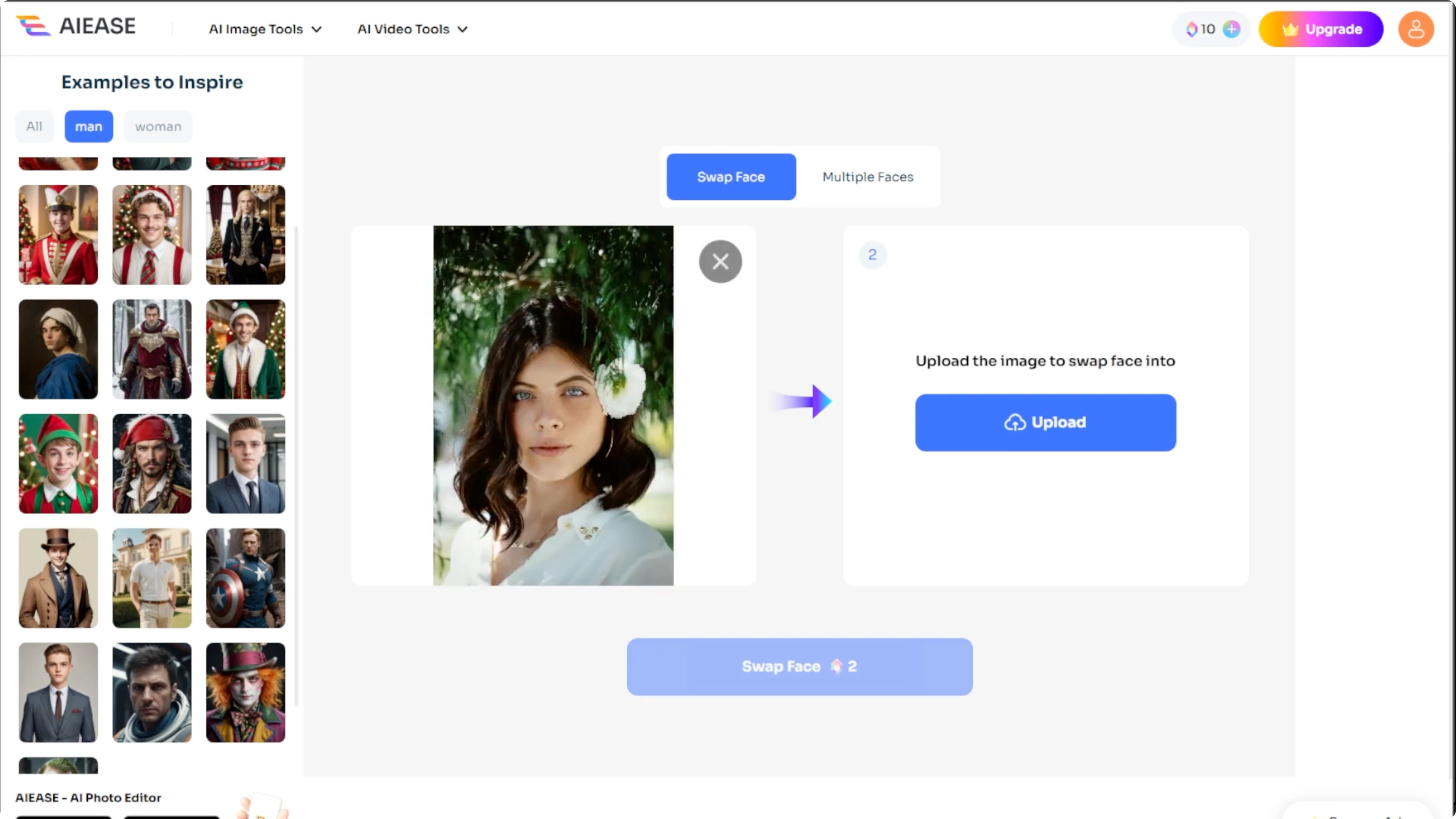
Optional step, scroll the gallery to use free sample images.
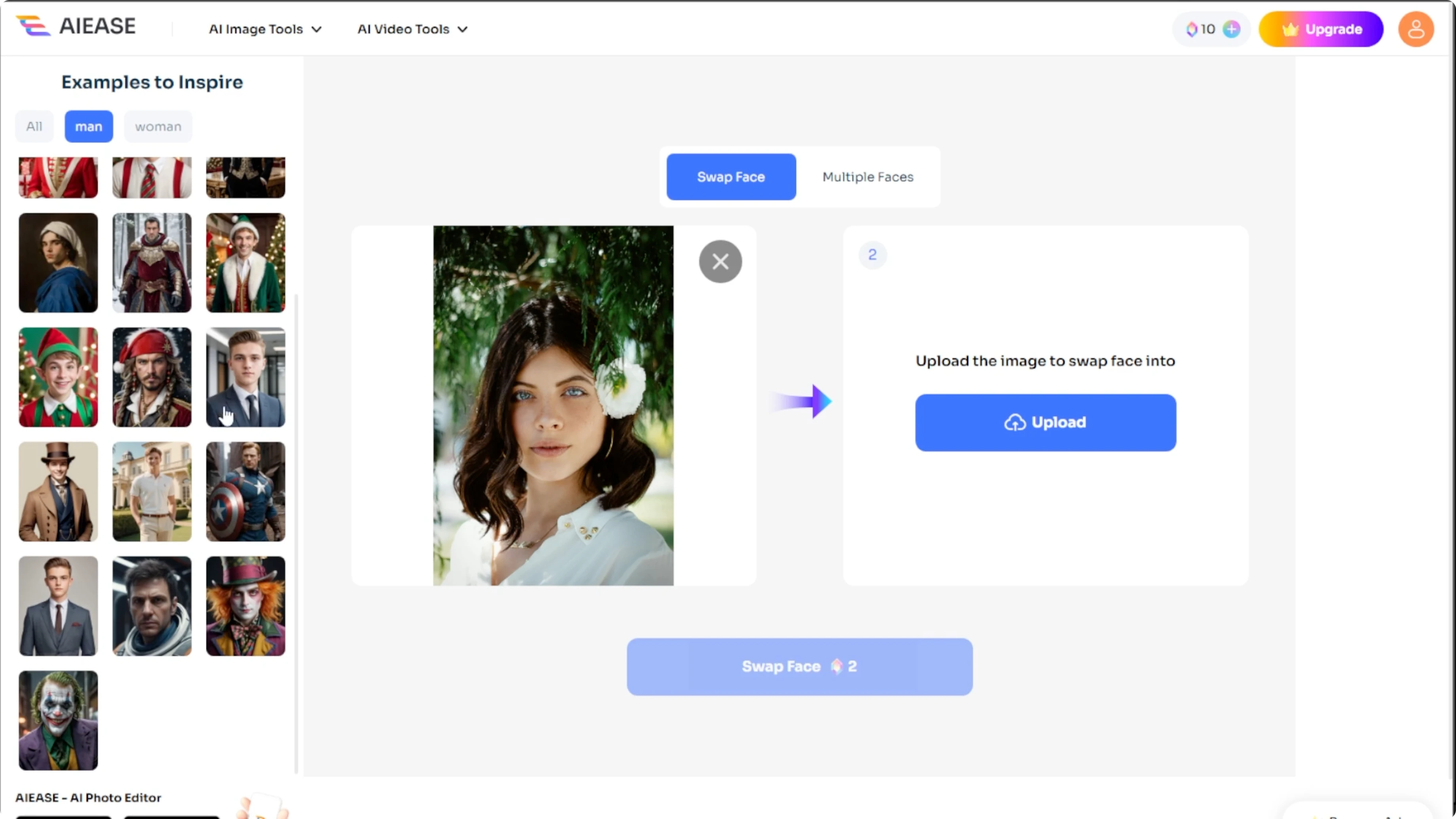
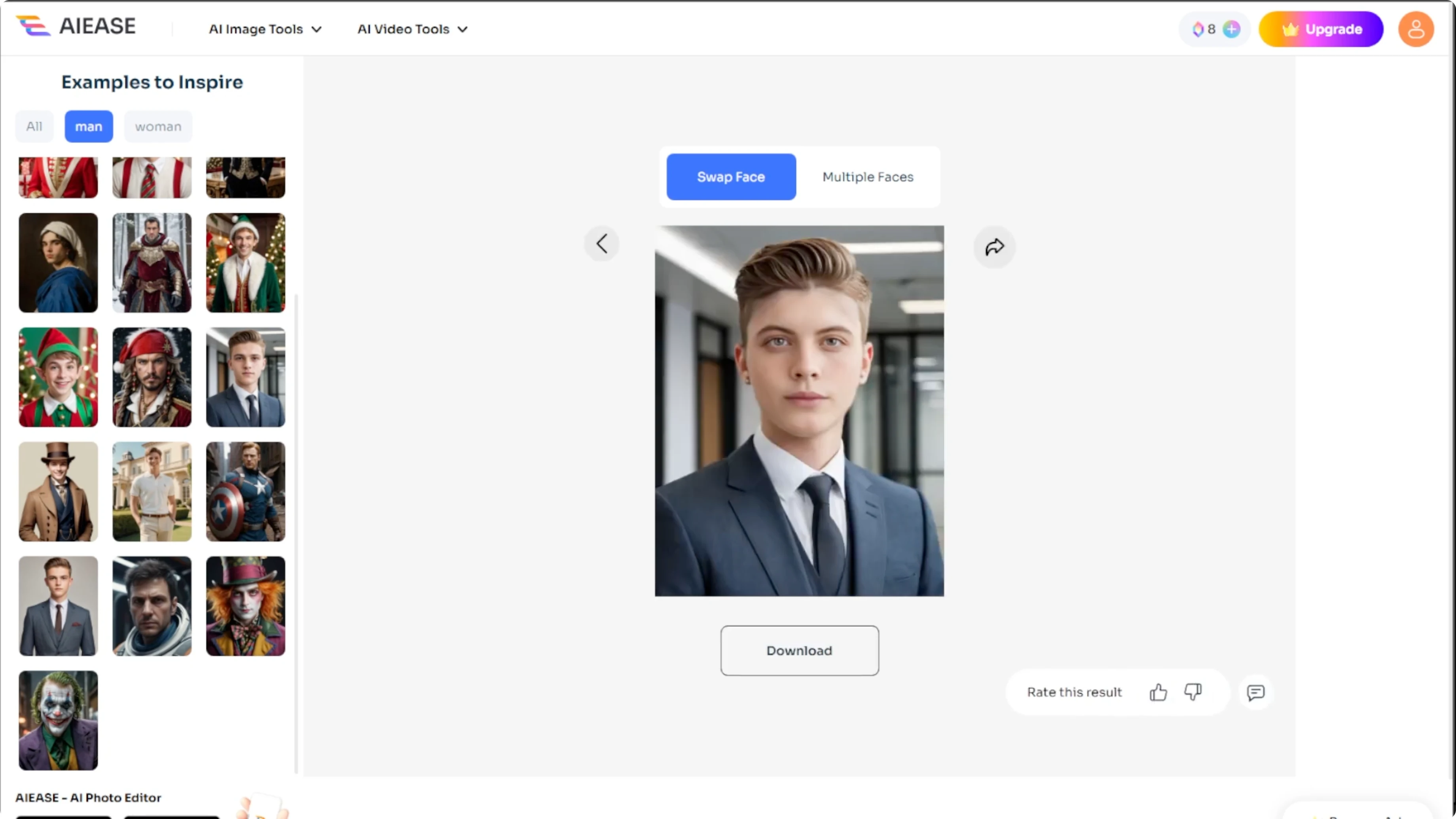
Click Swap Face and the AI will process the swap in about ten seconds.
When the image has been generated, download it, share it on social media, or upload new images to try again.
If you want to stylize your result after the swap, try a fun look with a cartoon effect in Canva AI. This adds a playful finish to portraits. It works well for social posts.
Multiple faces
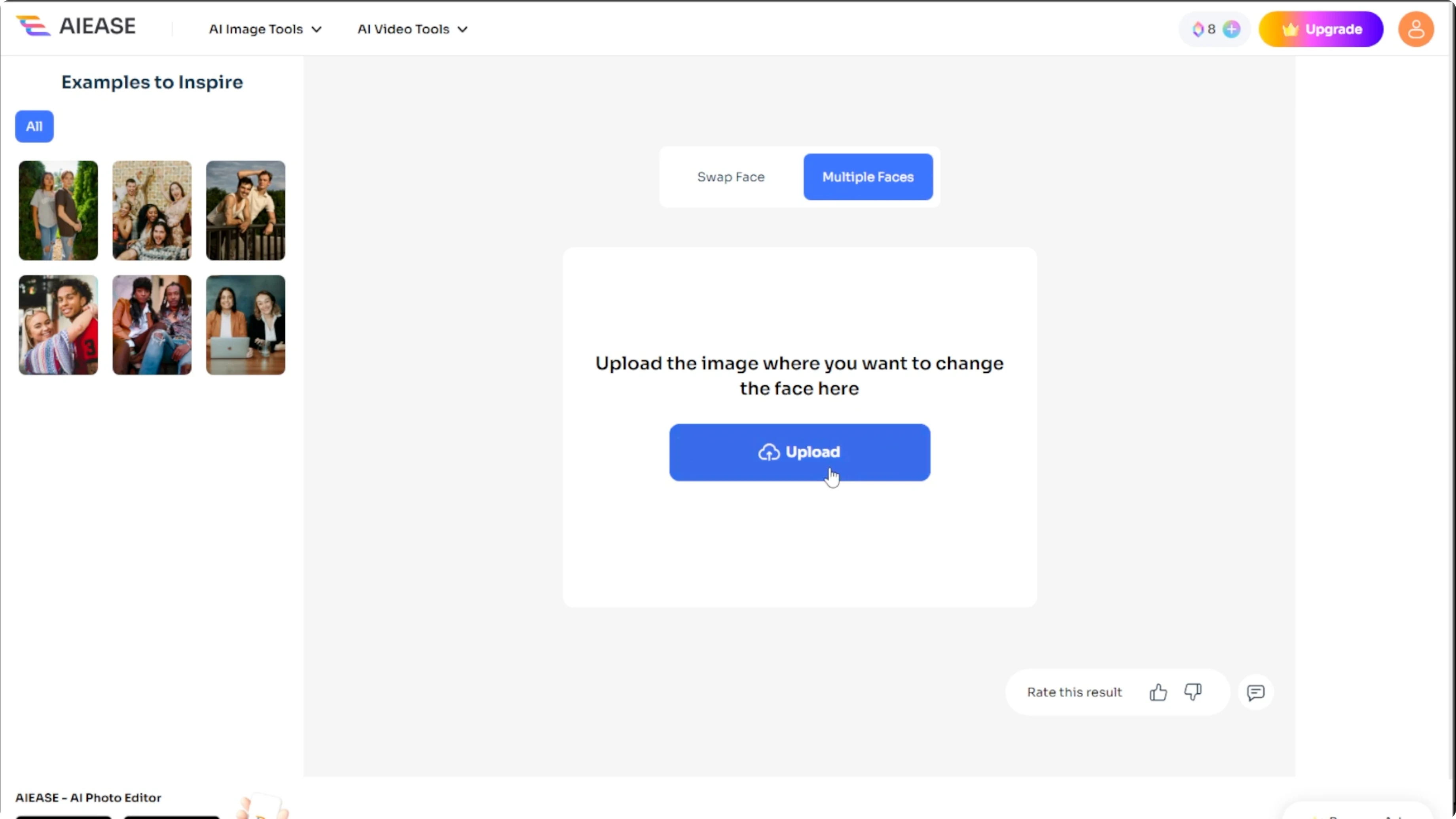
Switch to the Multiple Faces tab.
Upload a photo with several faces and the AI will automatically detect all faces.
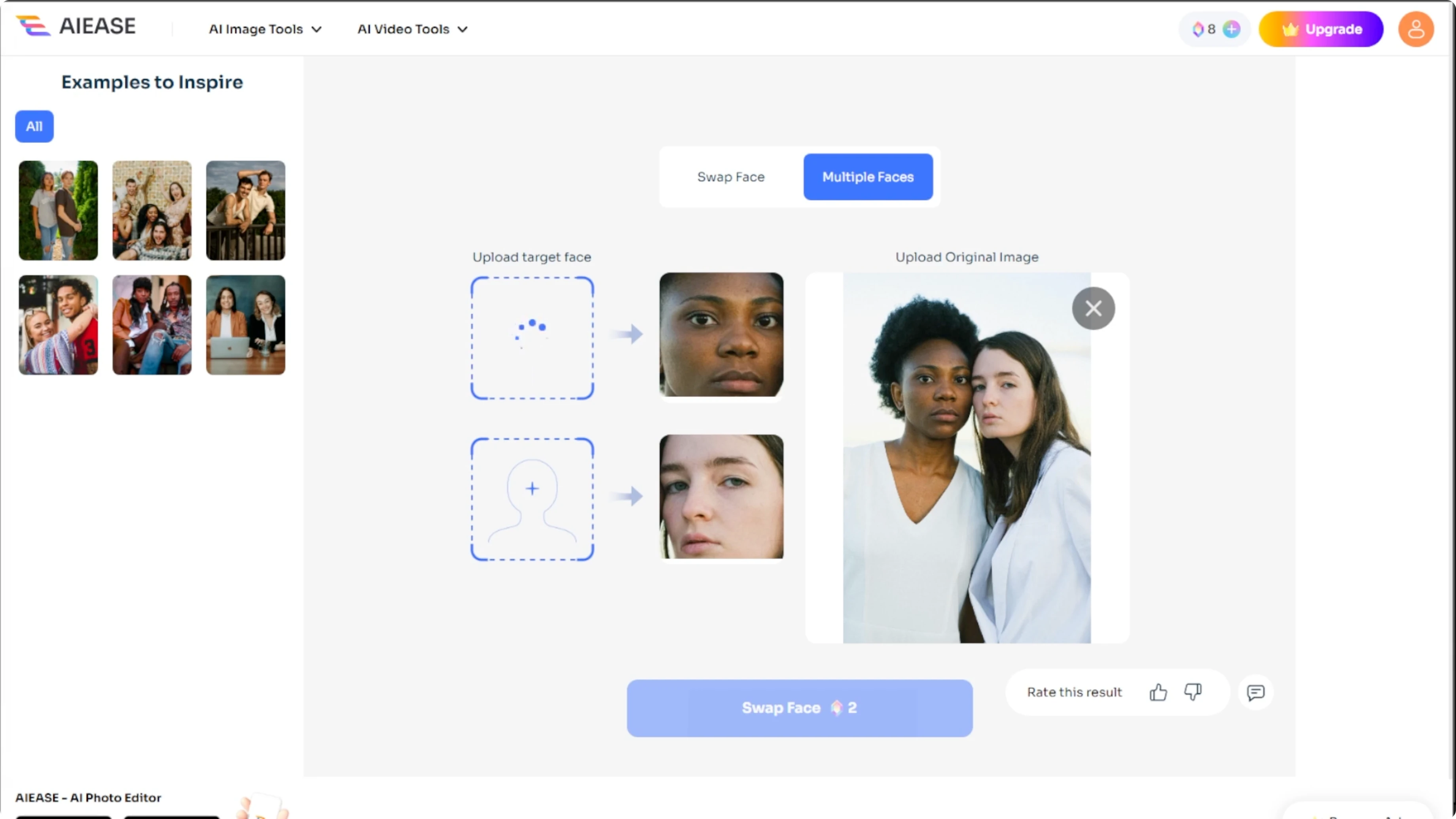
Click on a face to replace, then upload a new source face.
Click Swap Face to generate the edited image.
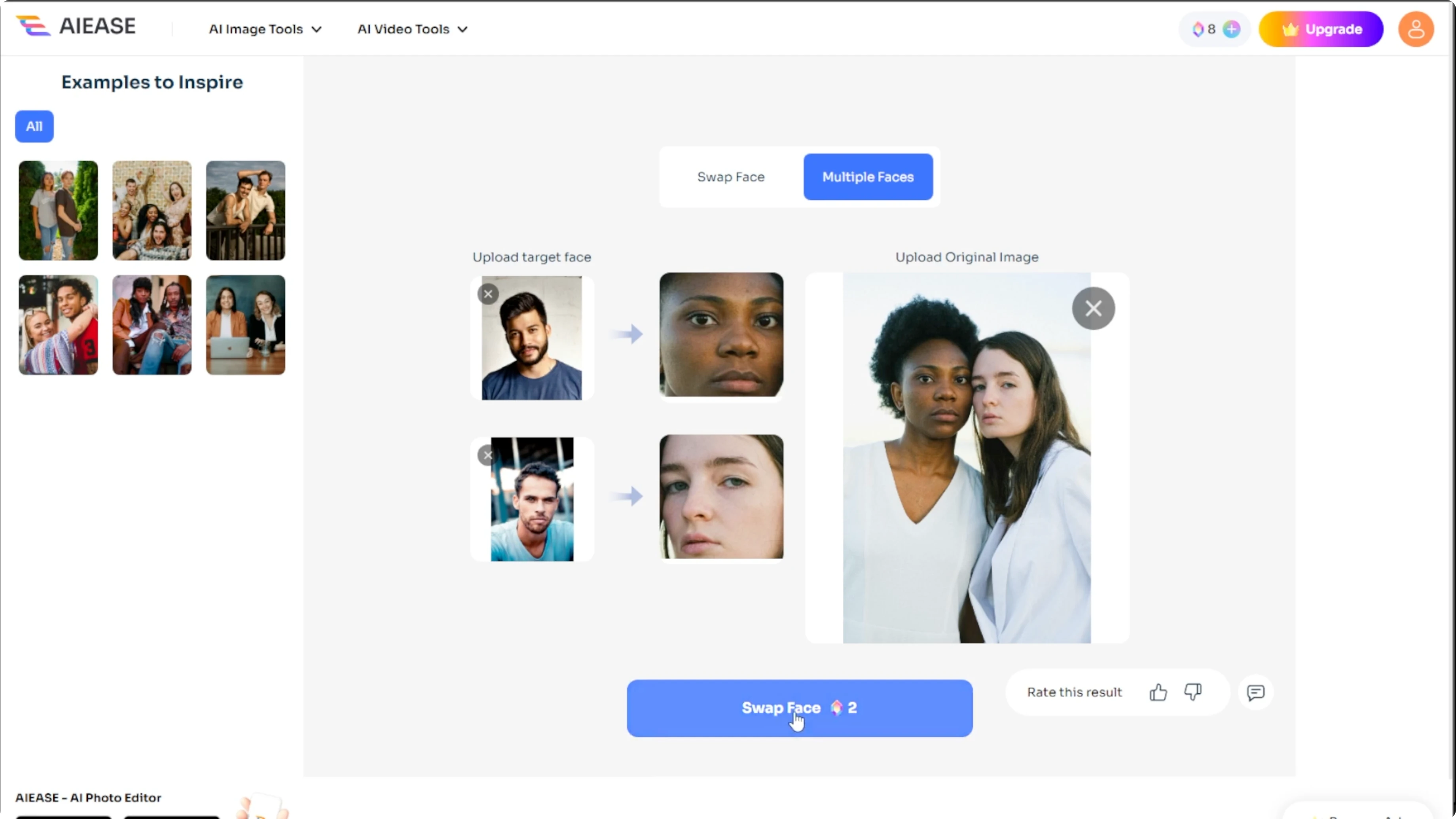
After the AI completes the swap, save or share the results as desired.
Tips
For best results, use clear front facing images with good lighting. Avoid extreme angles or motion blur. Keep faces large enough in the frame for accurate detection.
If you want body shape edits to match the new look, you can make yourself look more muscular with AI. This works as a follow up after finishing your face swap. It completes a full style transformation.
Final thoughts
AI gender face swapping is quick once you know the steps. Upload a source face, choose a destination image, and generate the swap, or switch to multiple faces when editing groups. Clean images and good lighting make the best results.
Recent Posts

How to Visualize Yourself as a Pixelized Character with AI?
How to Visualize Yourself as a Pixelized Character with AI?

How to Revive Faded Memories and Enhance Image Clarity with AI?
How to Revive Faded Memories and Enhance Image Clarity with AI?

How to Visualize Yourself as an Animal Crossing Character with AI?
How to Visualize Yourself as an Animal Crossing Character with AI?