How AI Can Perfect Photos by Opening Closed Eyes Naturally?

I will teach you how to open closed eyes in a photo using AI. This tool analyzes the subject's face and digitally opens closed eyelids using AI facial synthesis. For more editing ideas, see this AI image editing guide.
Upload
Open the editor
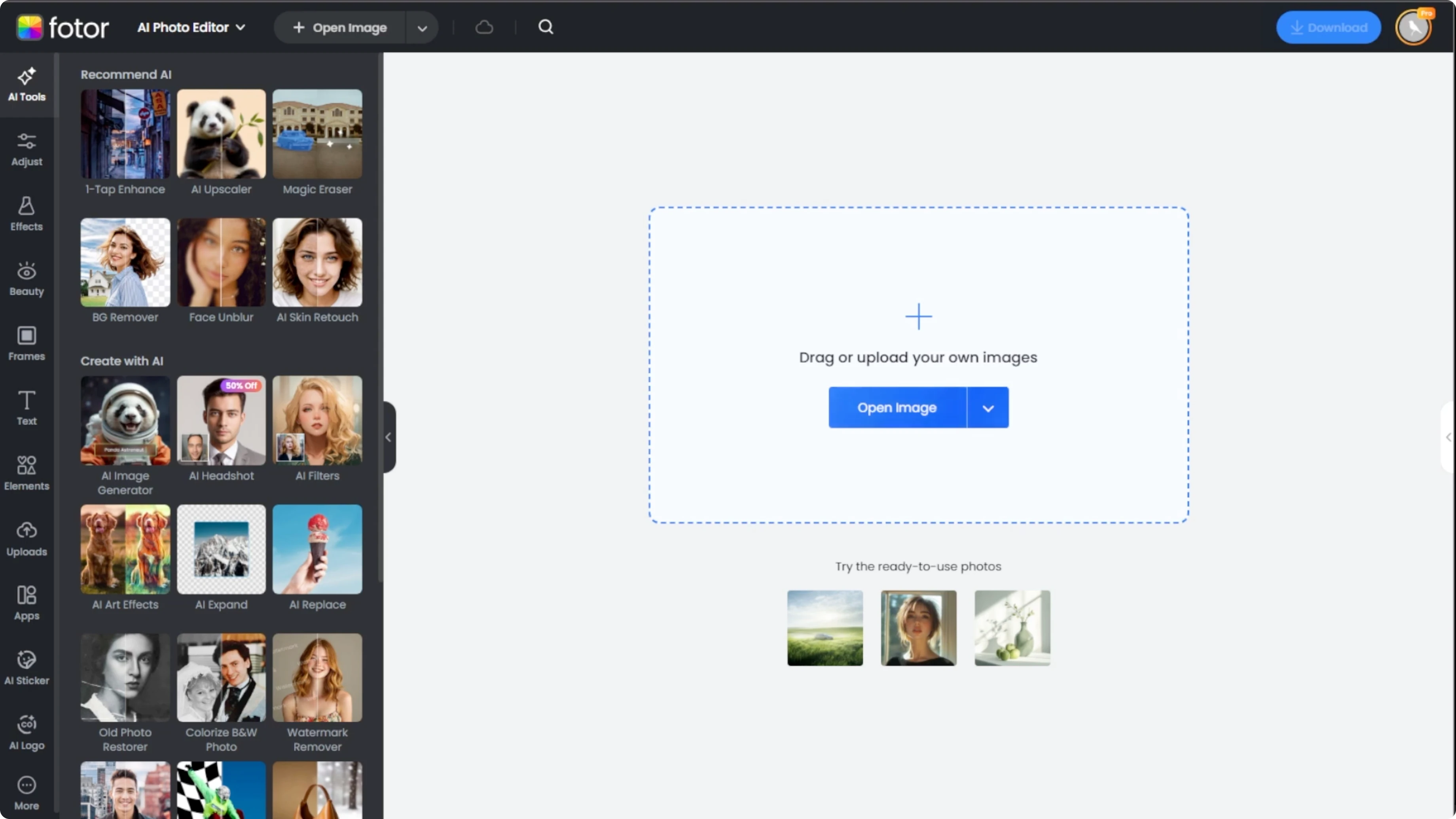
Go to the photo AI photo editor using your preferred browser. In the editor, you'll see an upload area on the main page.
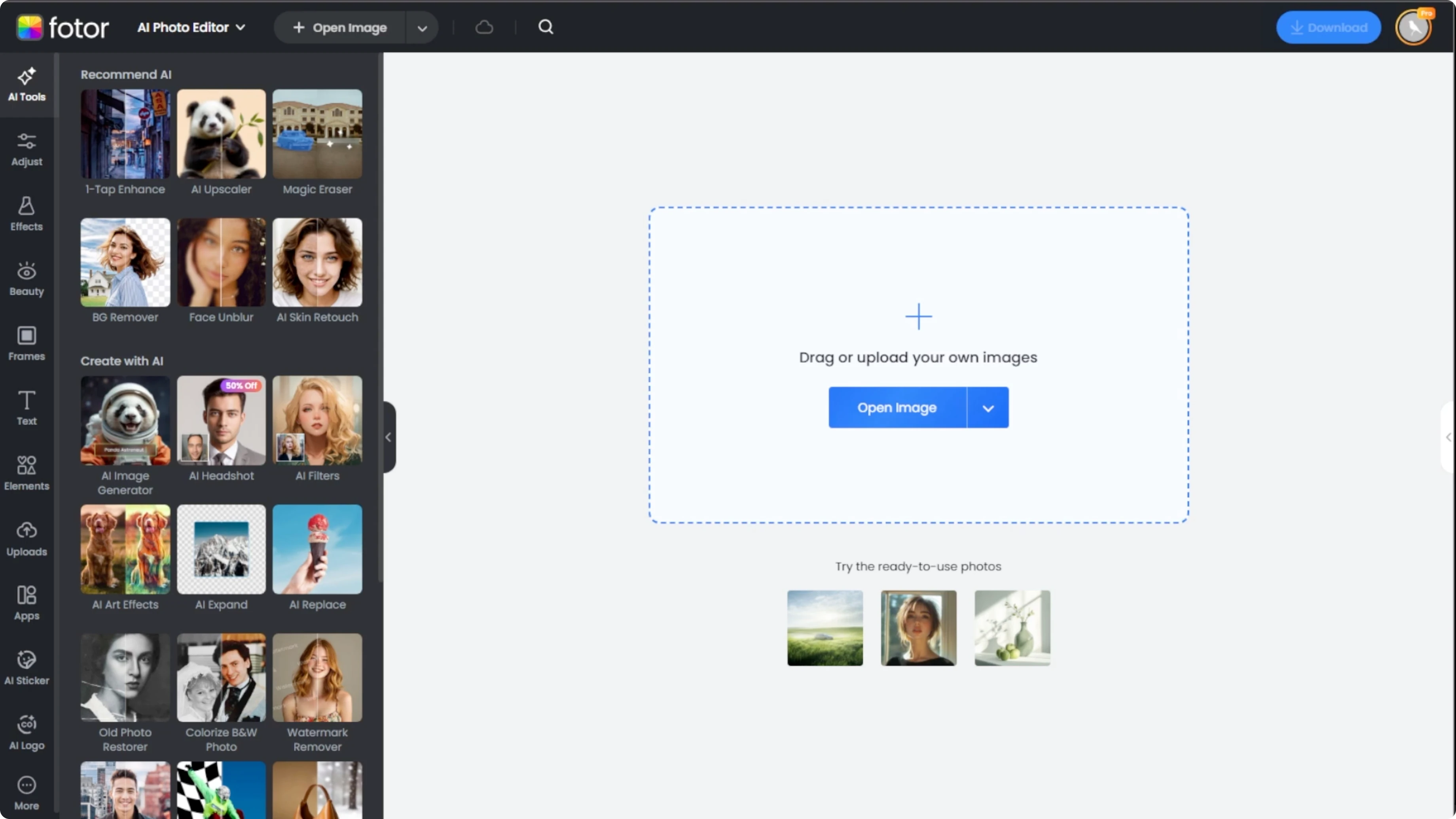
Select your image
Drag and drop your image file into the editor or click the upload button and browse your computer for the image that you want to fix. Choose an image where the subject's face is clearly visible and mostly facing forward for the best results.
Open Eyes tool
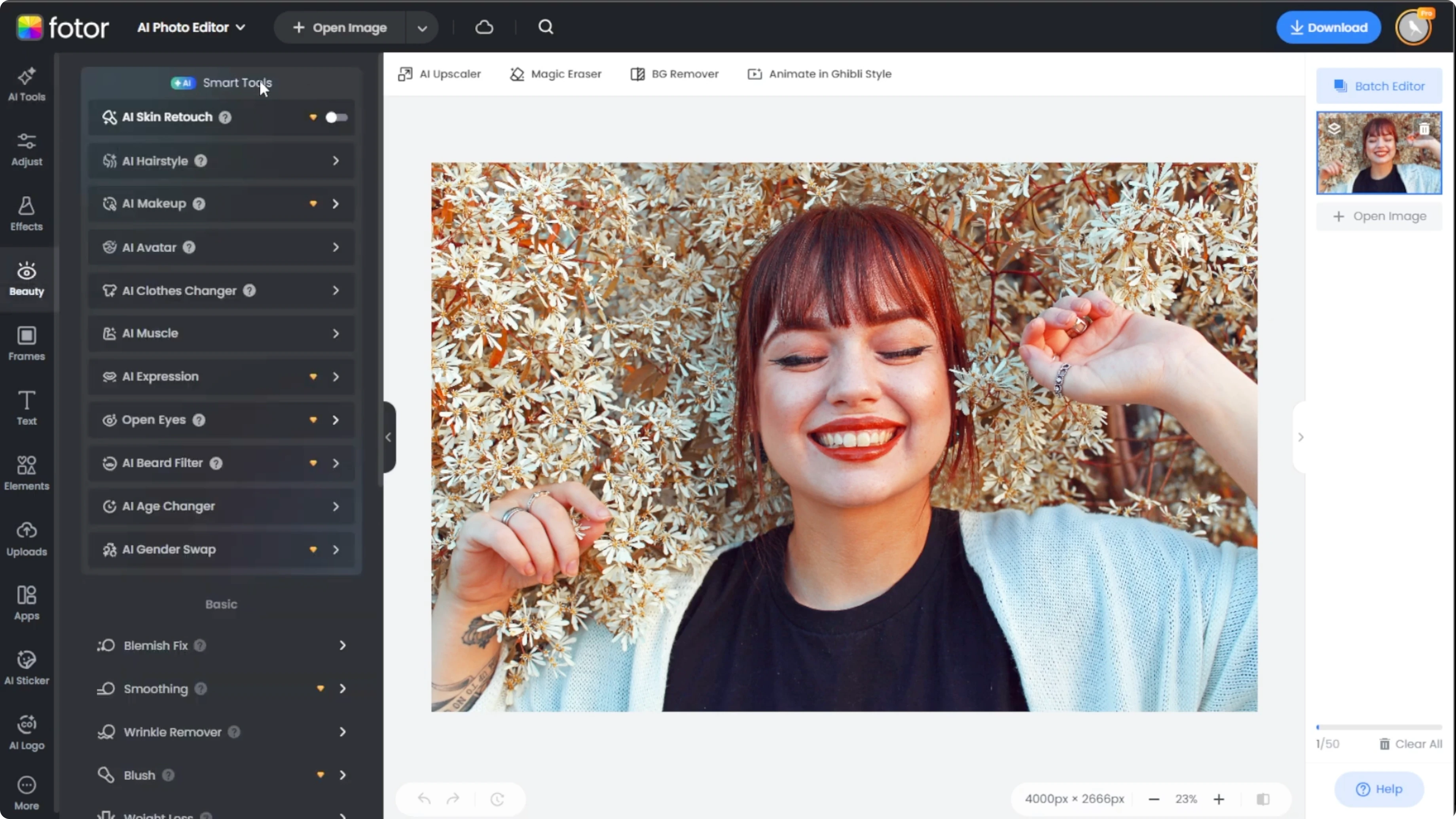
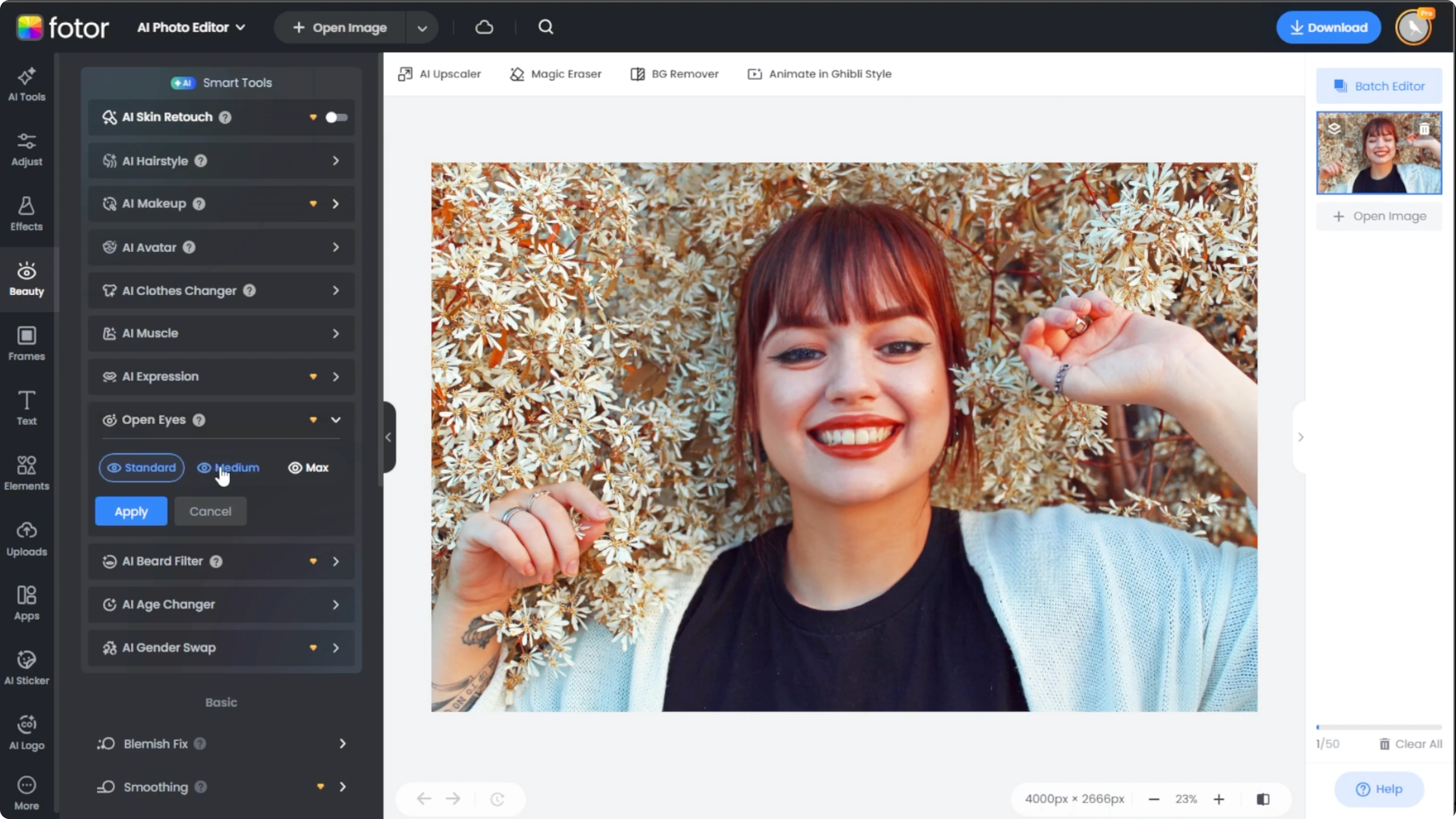
Look at the left sidebar and click on the beauty tab. Scroll down to the AI smart tools section and select Open Eyes.
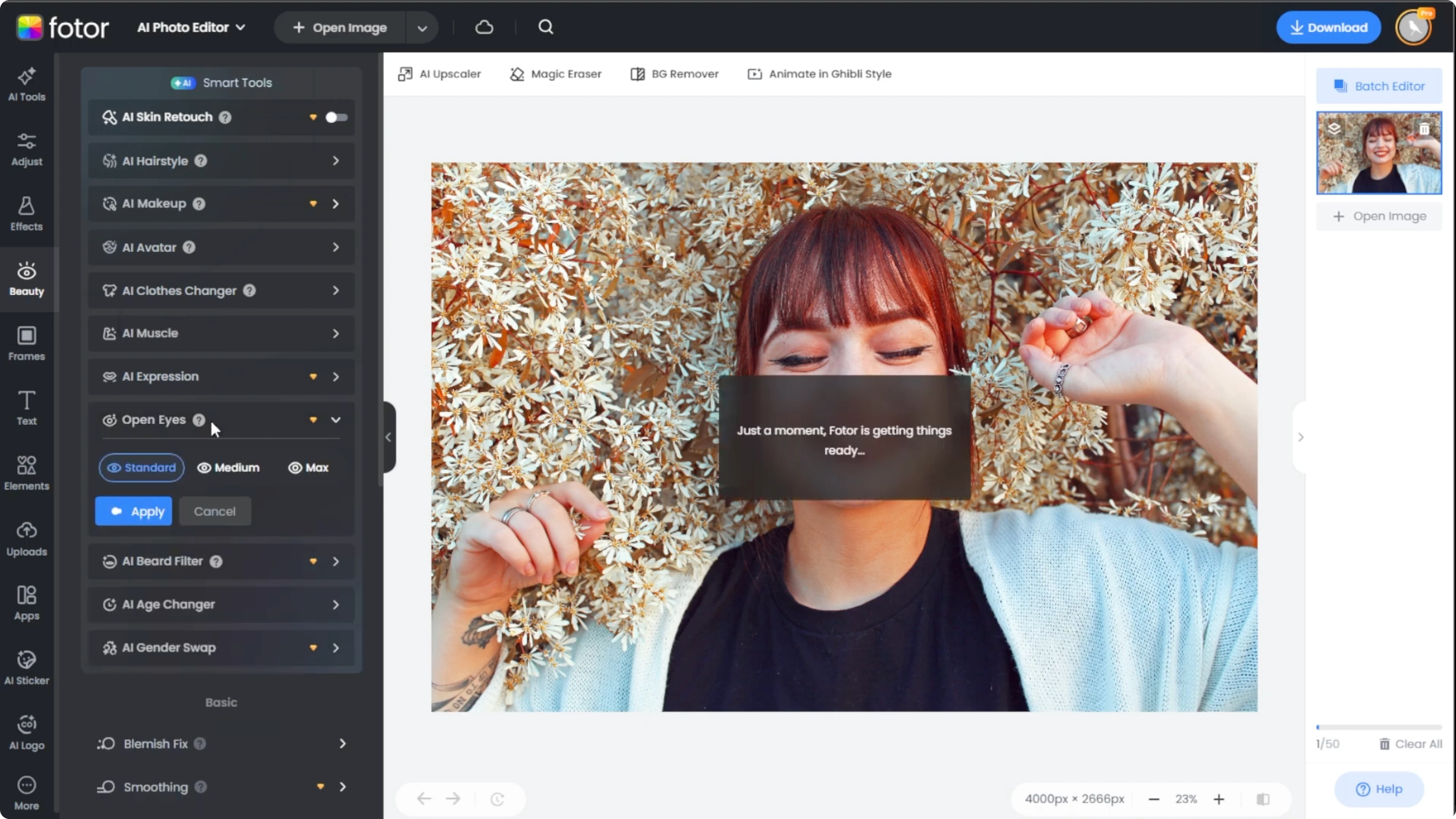
Choose correction level
Options
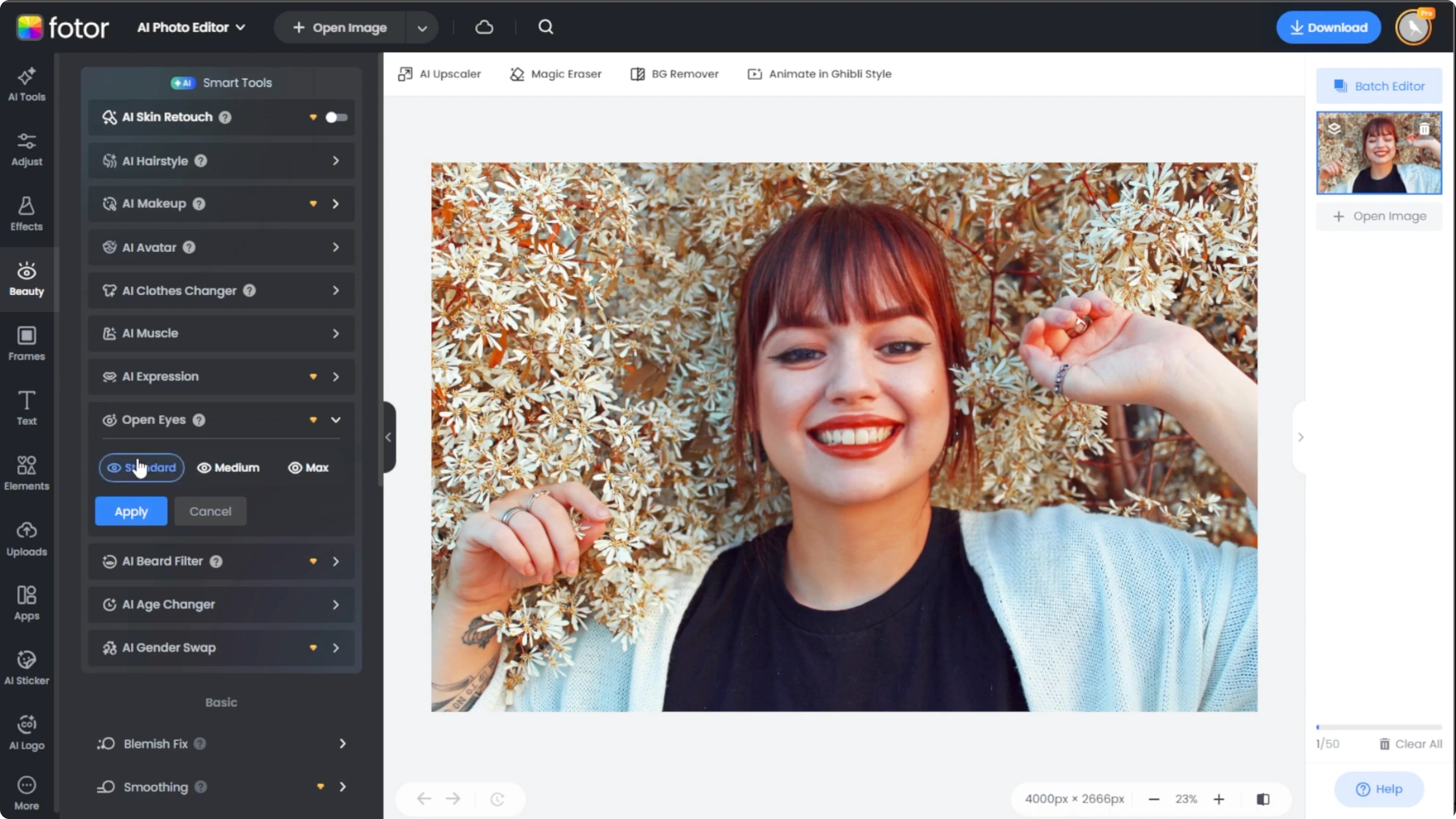
After the tool runs, you'll see three enhancement options. Standard, which is subtle and natural. Medium, which is slightly more defined, and Max, which is the boldest change with noticeable wide eyed effect.
Pick the right level
Click each option to preview it in real time. If both eyes are closed in the original image, Max may offer a more complete correction. For just slightly squinting eyes, Standard may be enough.
If you want to add a stylized touch after fixing the eyes, try a cartoon look in Canva with this cartoon effect tutorial.
Apply and export
Apply changes
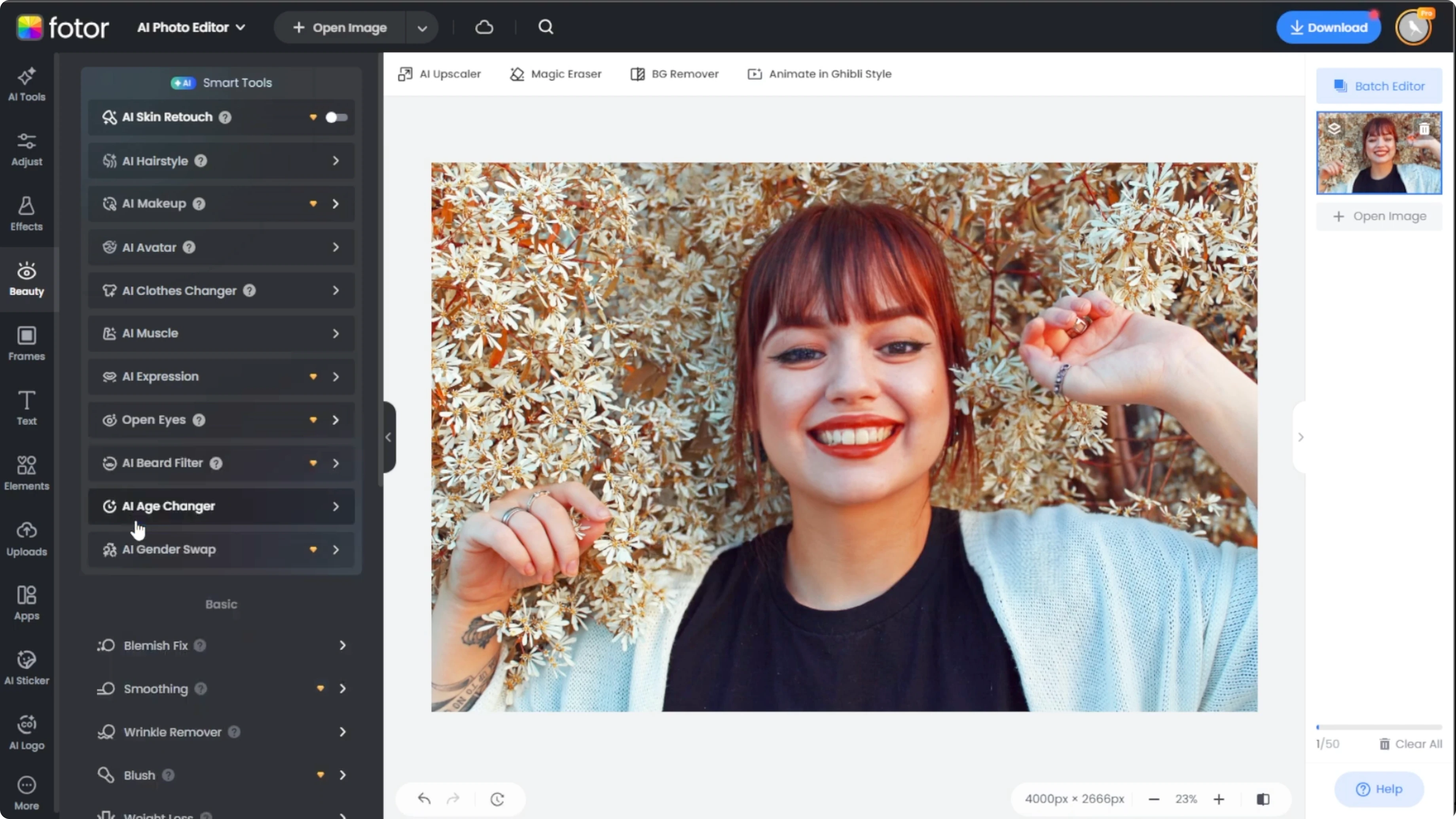
Once you're happy with the selected effect, click Apply to save the enhancement. Use the Compare button to view the original image side by side with the edited version.
Export
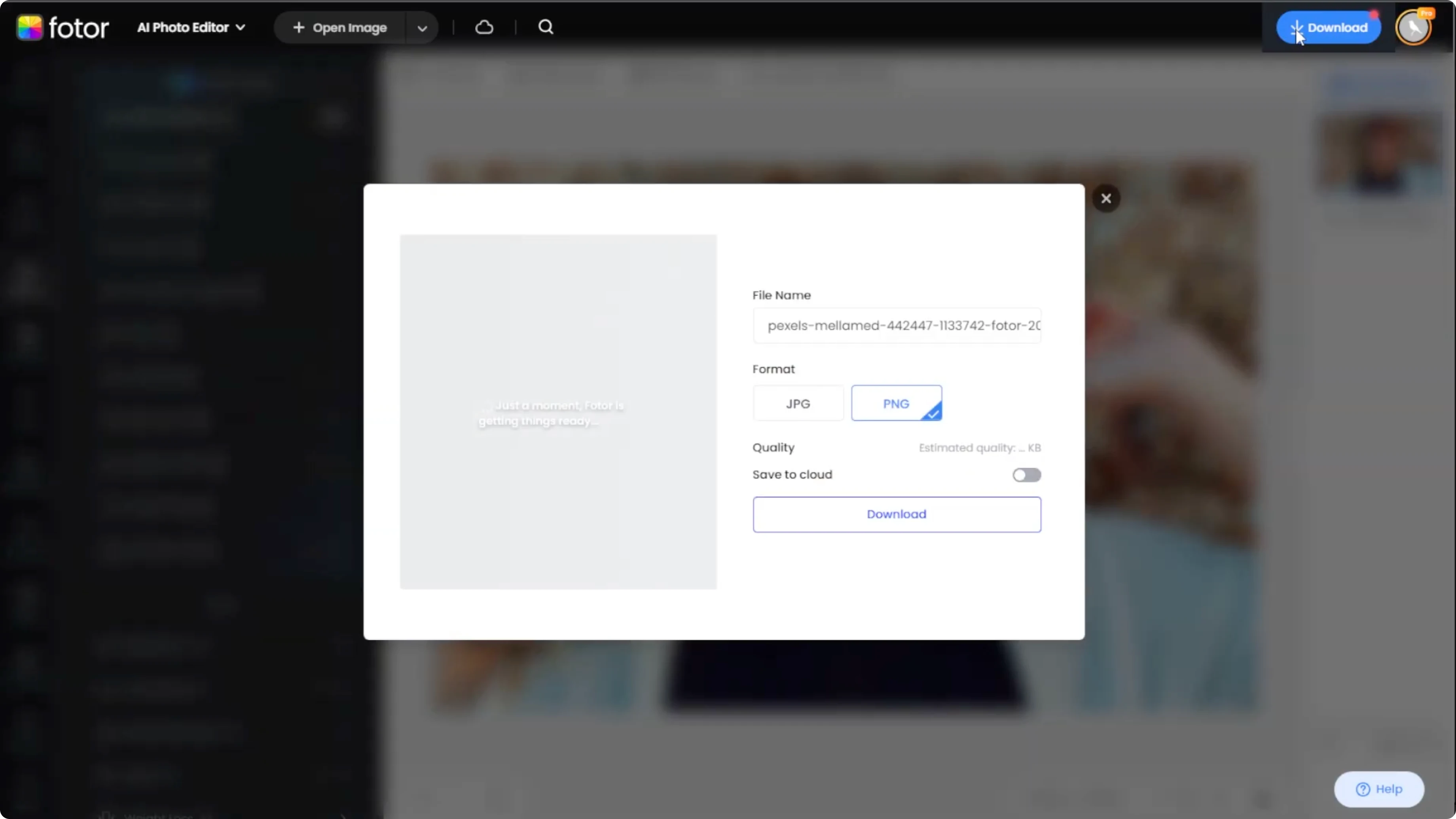
Click the Download button at the top right and choose your preferred file format and resolution. Save the final image to your device.
To turn edited photos into short clips or animations, take a look at AI generated videos in Canva.
Final thoughts
Opening closed eyes with AI is quick once you know where to find Open Eyes and how to pick Standard, Medium, or Max. Preview each level, apply the result, compare, and export in your preferred format. These steps help you rescue accidental blinks and make portraits look more alert and balanced.
Recent Posts

How to Visualize Yourself as a Pixelized Character with AI?
How to Visualize Yourself as a Pixelized Character with AI?

How to Revive Faded Memories and Enhance Image Clarity with AI?
How to Revive Faded Memories and Enhance Image Clarity with AI?

How to Visualize Yourself as an Animal Crossing Character with AI?
How to Visualize Yourself as an Animal Crossing Character with AI?