How to Easily Cut Out Faces and Remove Backgrounds with AI?
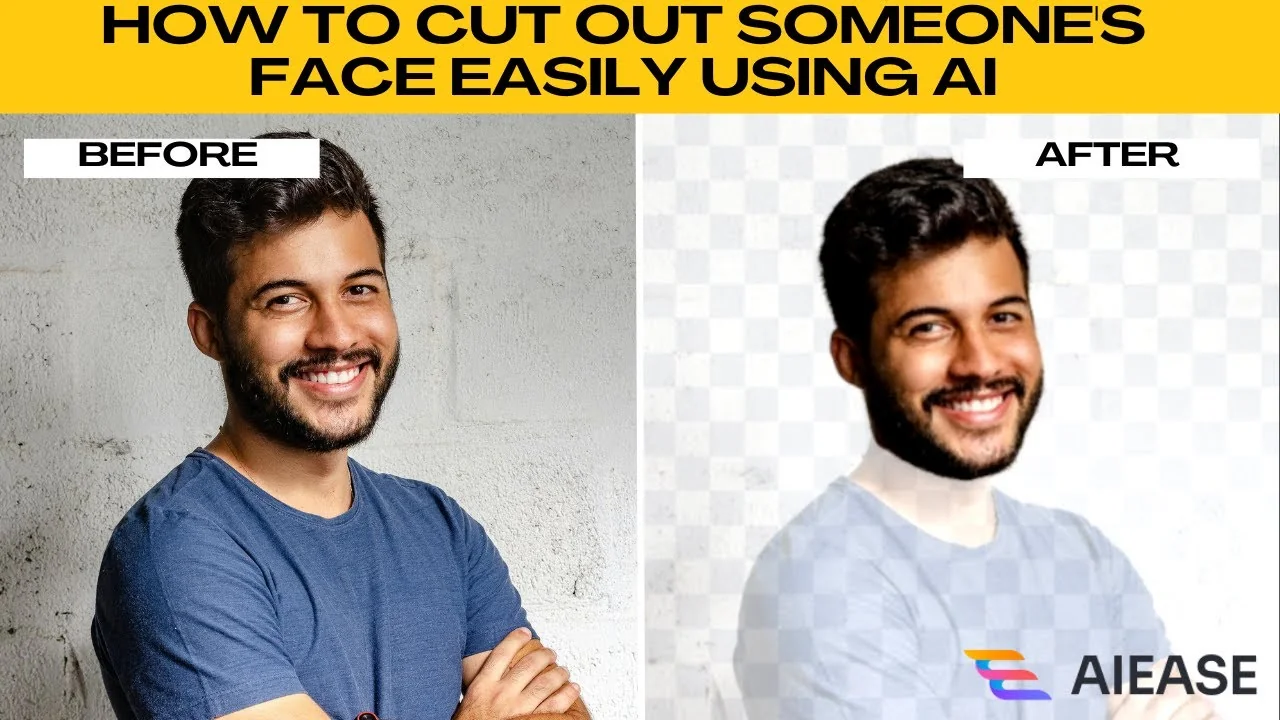
I will teach you how to cut out someone's face easily using AI with AIE.
If you're making a custom sticker, profile picture, collage, or meme, AIE's face cutout tool makes it incredibly simple.
With just a few clicks, the AI will automatically detect and cut out the face for you.
No need for Photoshop or advanced skills.
For creative transformations, see this face morphing tutorial.
Get started
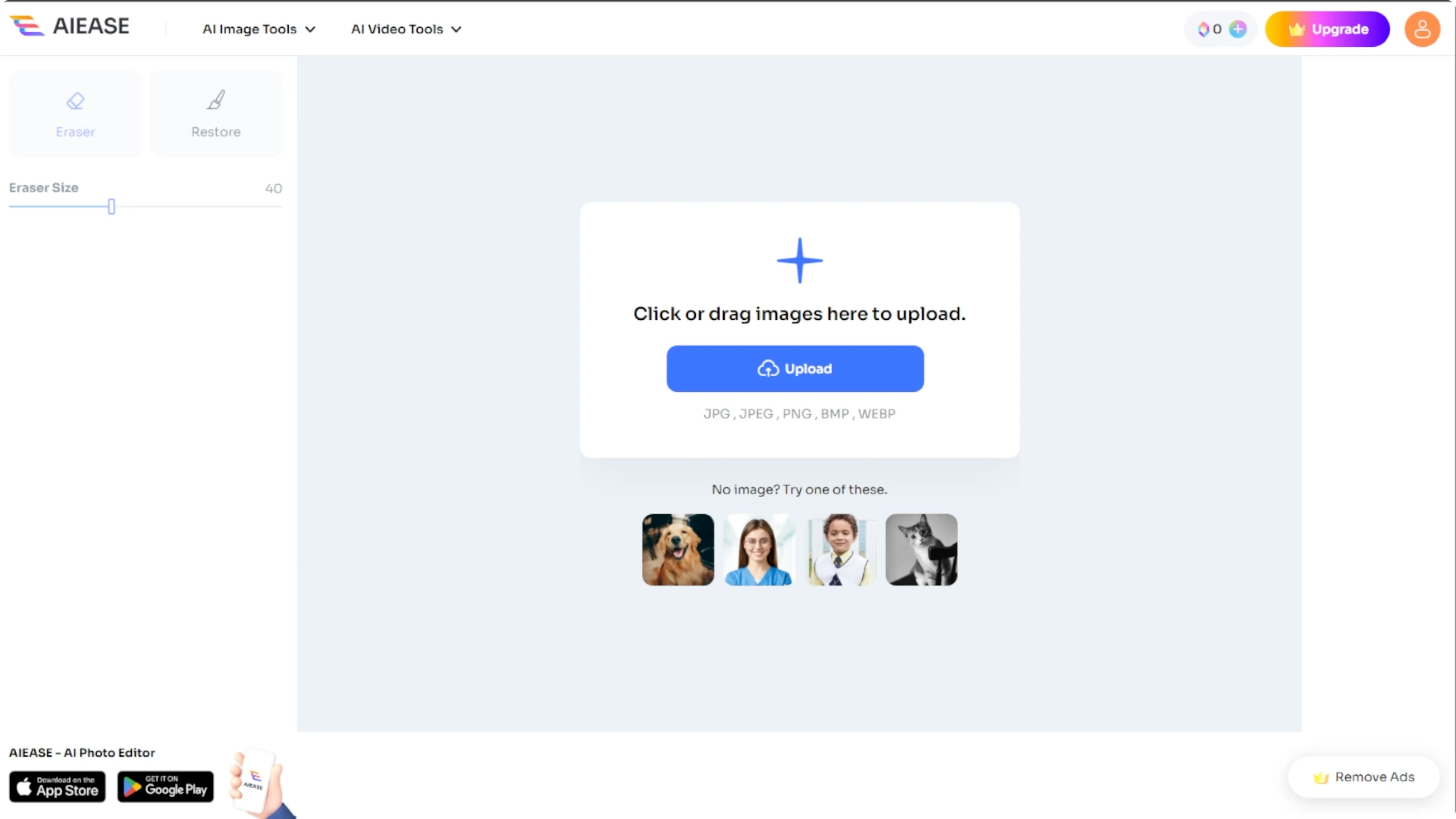
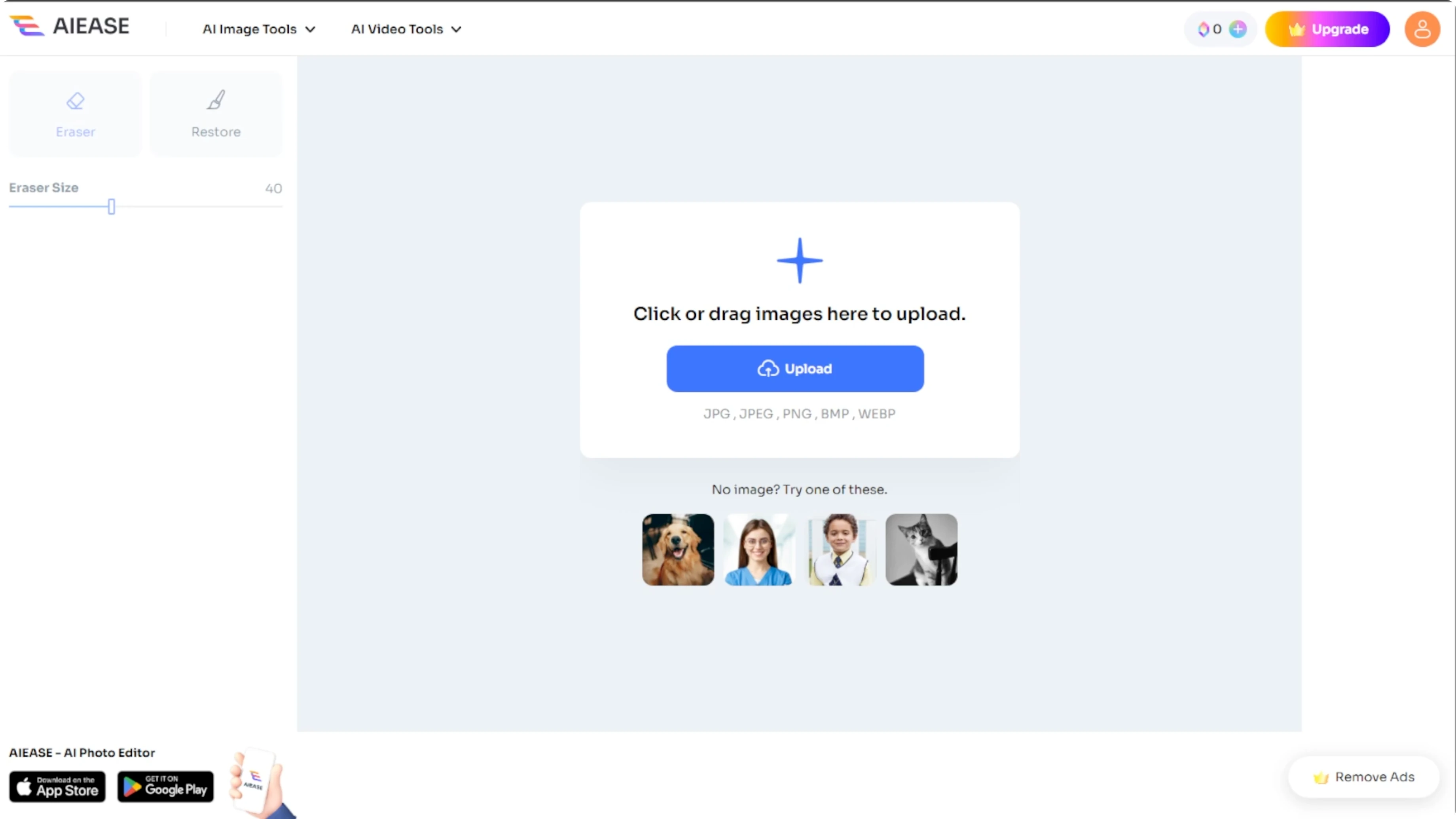
Launch your browser and go to AIE's face cutout tool.
You will see the option to upload your own photo or use sample images provided by the site.
AIE supports JPEG, PNG, JPG, BMP, and WEBP file formats.
Cut out the face
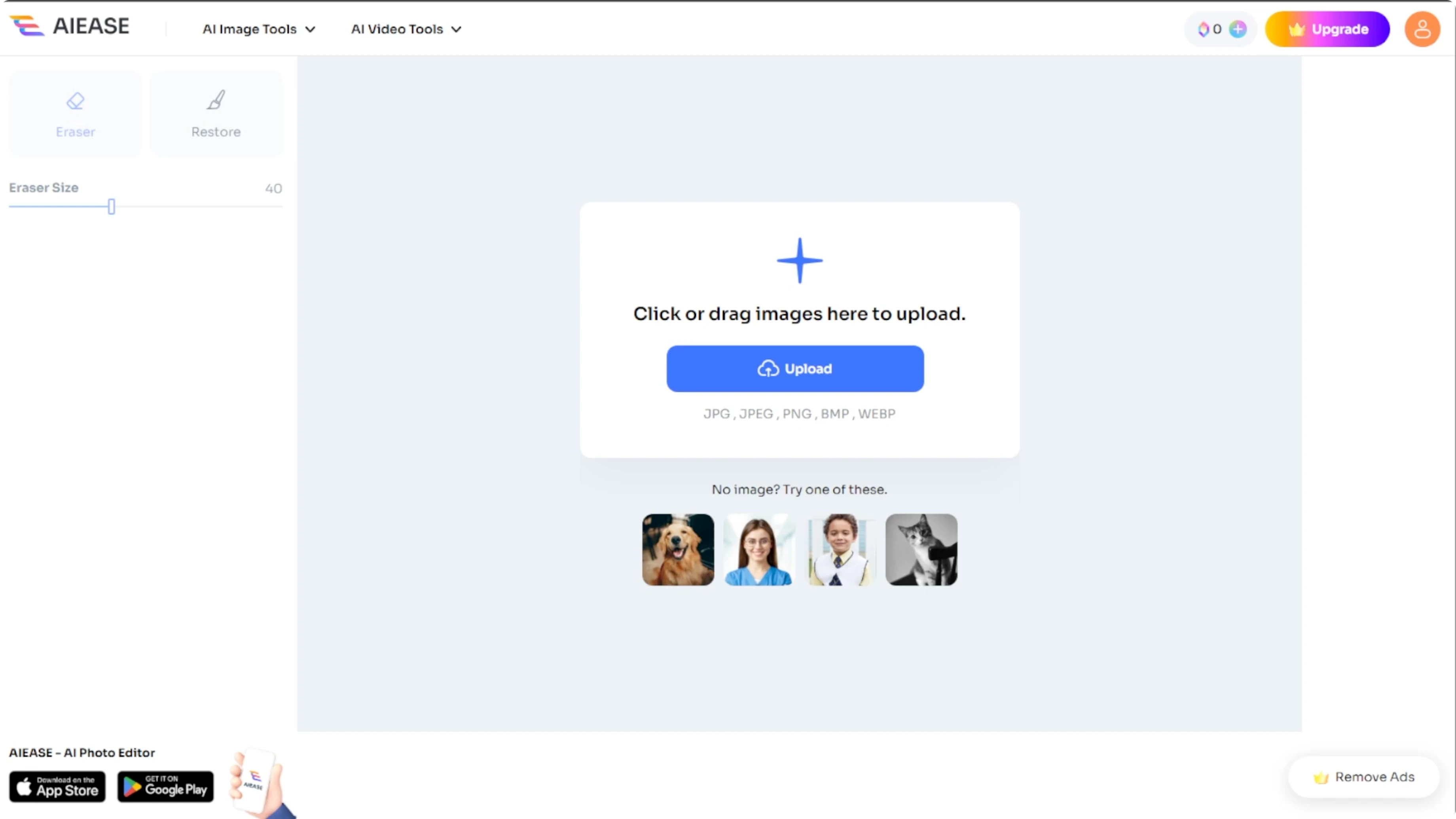
Click the upload button and choose your photo.
If you change your mind, click the reupload button at the top to select a different image.
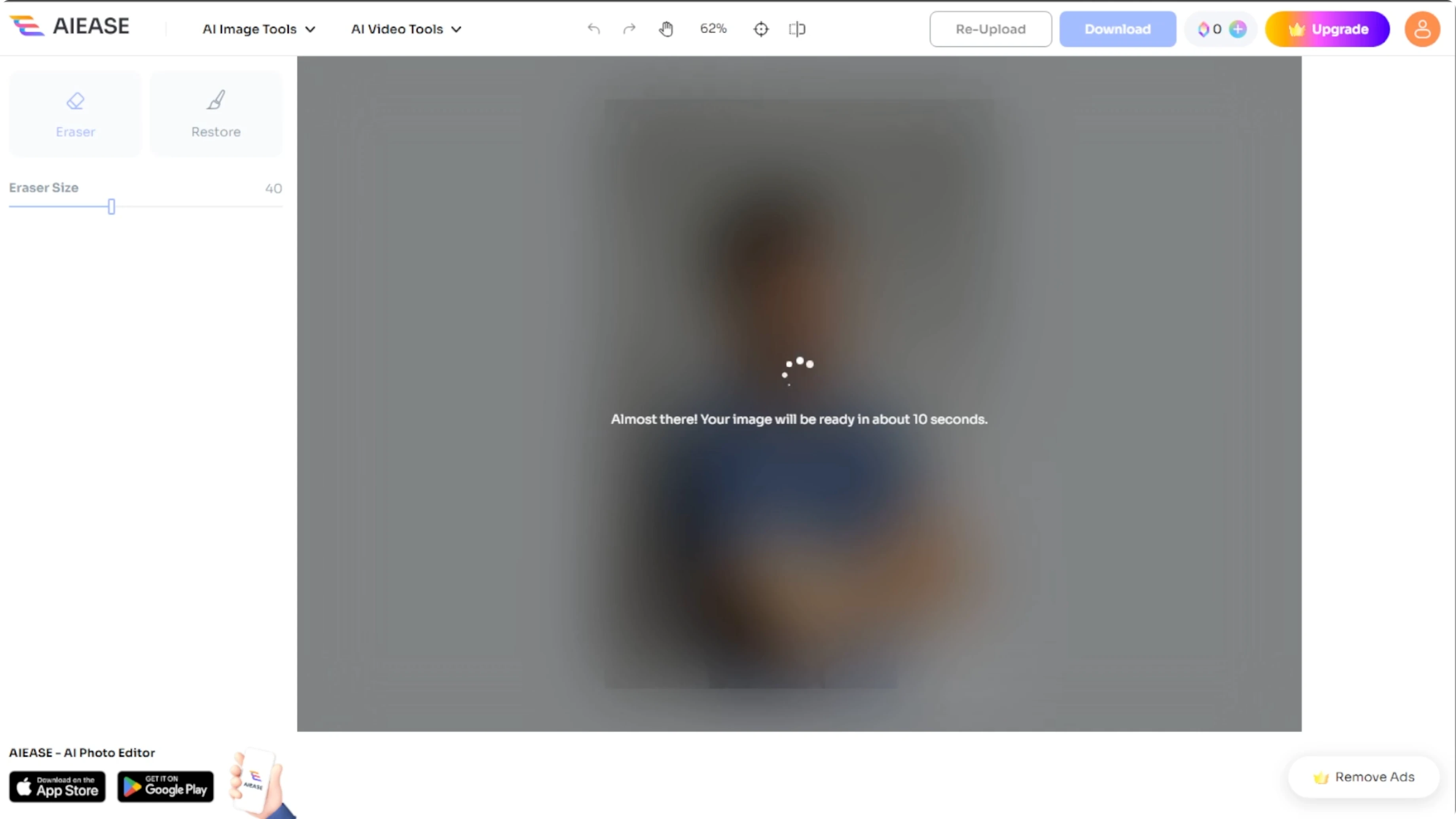
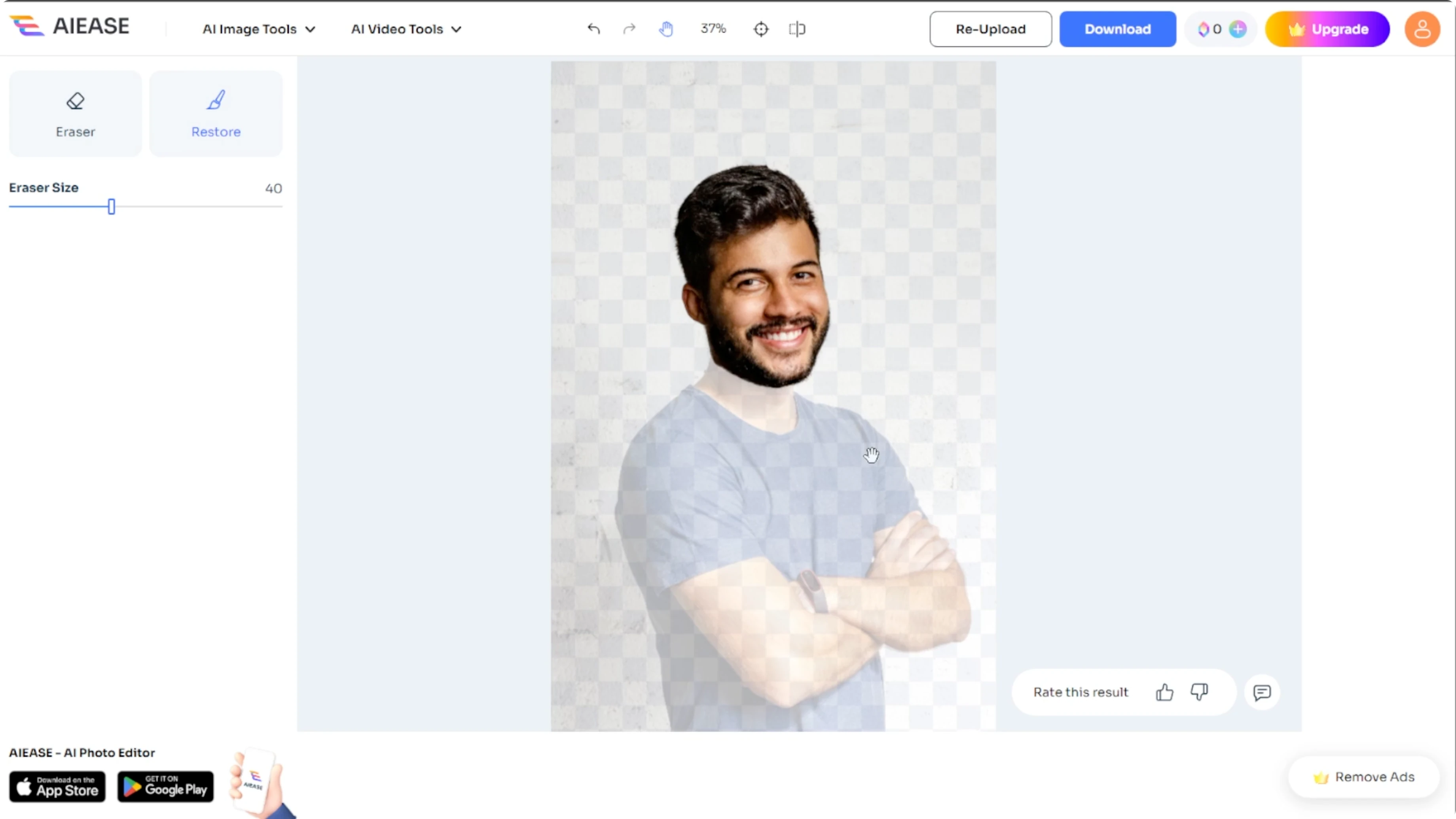
Once the image is uploaded, AIE will automatically detect and cut out the face in seconds.
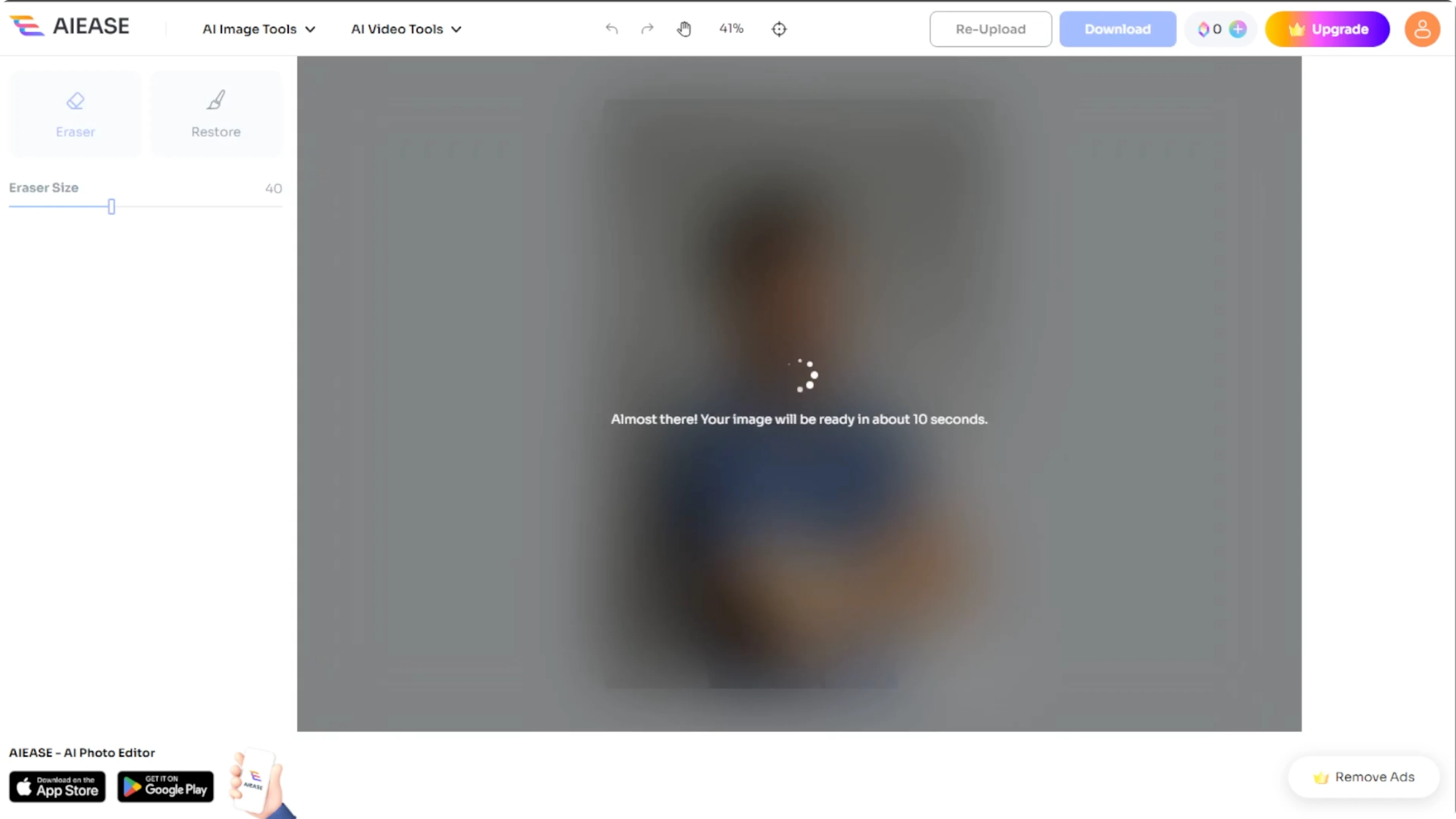
The AI handles the heavy lifting, isolating the face from the background and surrounding areas.
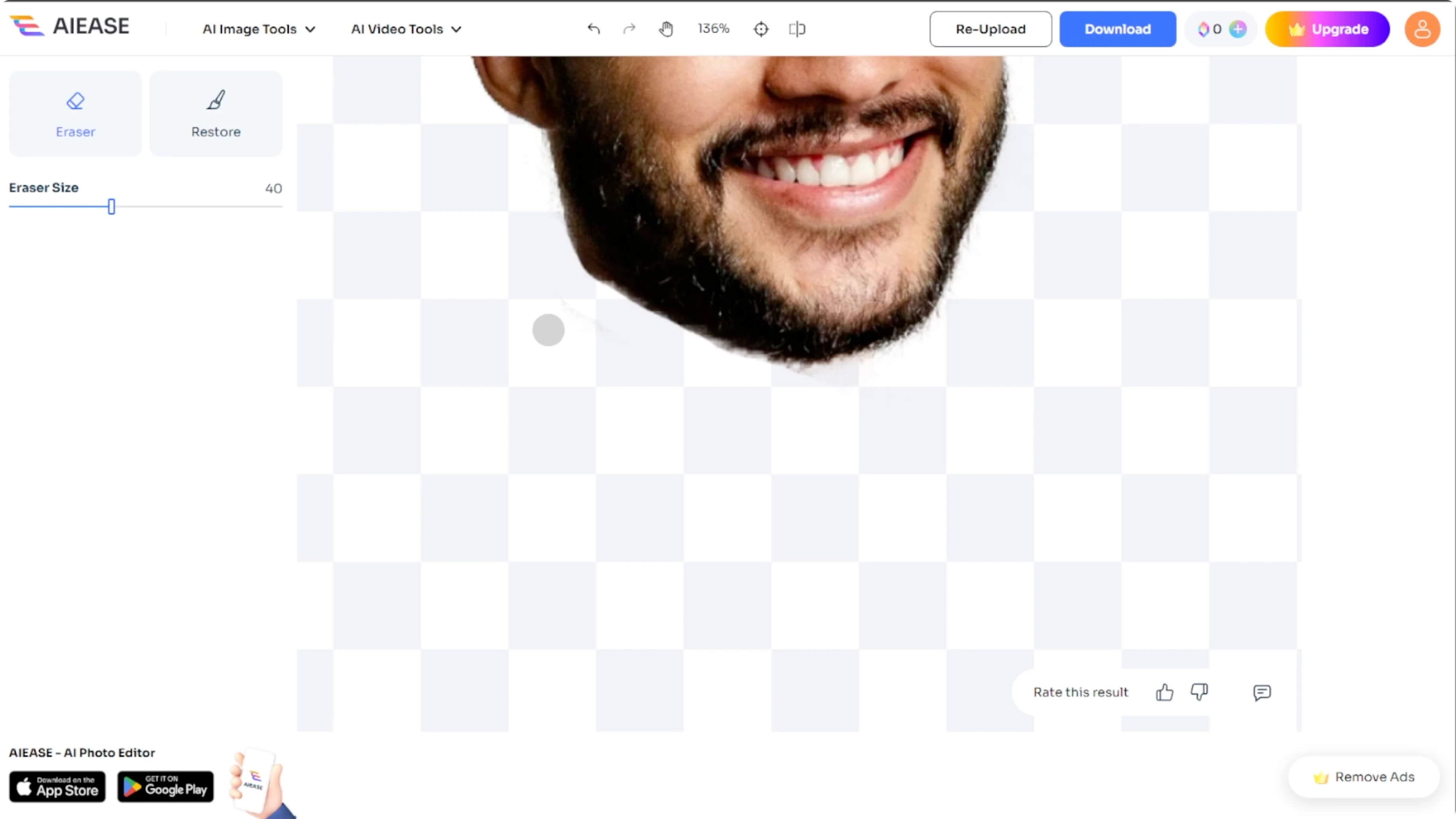
After the face is extracted, you can fine tune the results using the tools in the left panel.
For the eraser tool, you can use this to remove extra parts that the AI may have left behind.
Adjust the brush size for more control and precision.
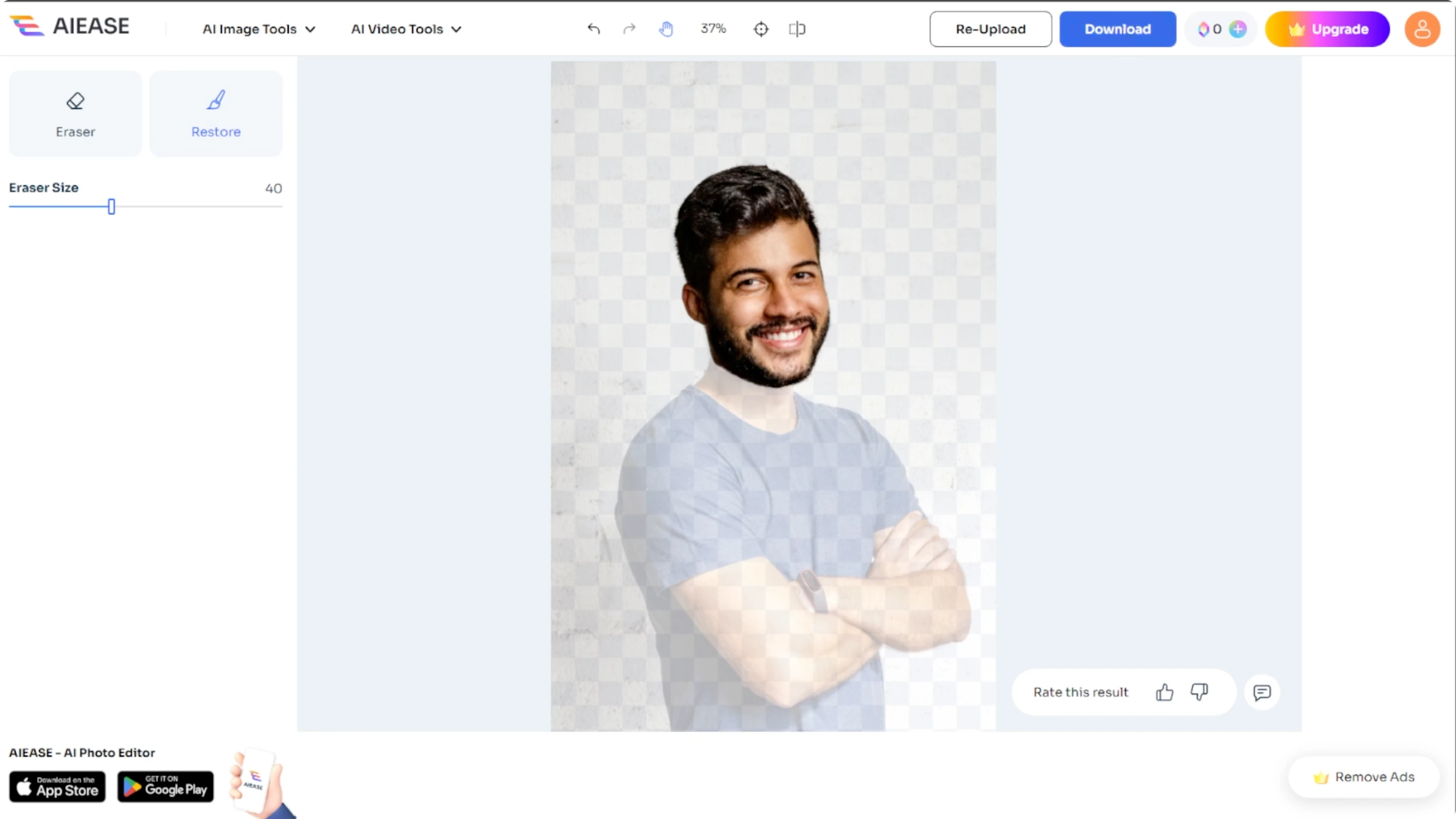
Switch to restore mode if something important was accidentally erased.
You will see an overlay showing the original image so you can bring back missing parts.
These tools help you perfect the cutout and make sure it looks clean and accurate.
If you are working with video projects too, learn how to remove video backgrounds in Canva for a clean look across formats.
Download
Once you're satisfied with the cutout, click the download button and save the image to your computer.
Your cutout face will be saved with a transparent background, perfect for overlays, design projects, or fun edits.
Tips
For best results, use a photo where the face is well lit and front facing.
Use a smaller brush size for detailed edits around the hair or chin.
Try multiple images to get comfortable with the tool's accuracy.
For broader edits beyond face cutouts, explore practical workflows in image editing with Icedit AI.
Final thoughts
With AIE's face cutout tool, removing a face from any photo is fast, easy, and incredibly accurate.
No design experience required.
For fun or professional projects, this AI powered tool will help you get clean, precise face cutouts in seconds.
Recent Posts

How to Visualize Yourself as a Pixelized Character with AI?
How to Visualize Yourself as a Pixelized Character with AI?

How to Revive Faded Memories and Enhance Image Clarity with AI?
How to Revive Faded Memories and Enhance Image Clarity with AI?

How to Visualize Yourself as an Animal Crossing Character with AI?
How to Visualize Yourself as an Animal Crossing Character with AI?