How to Download Individual Canva Elements
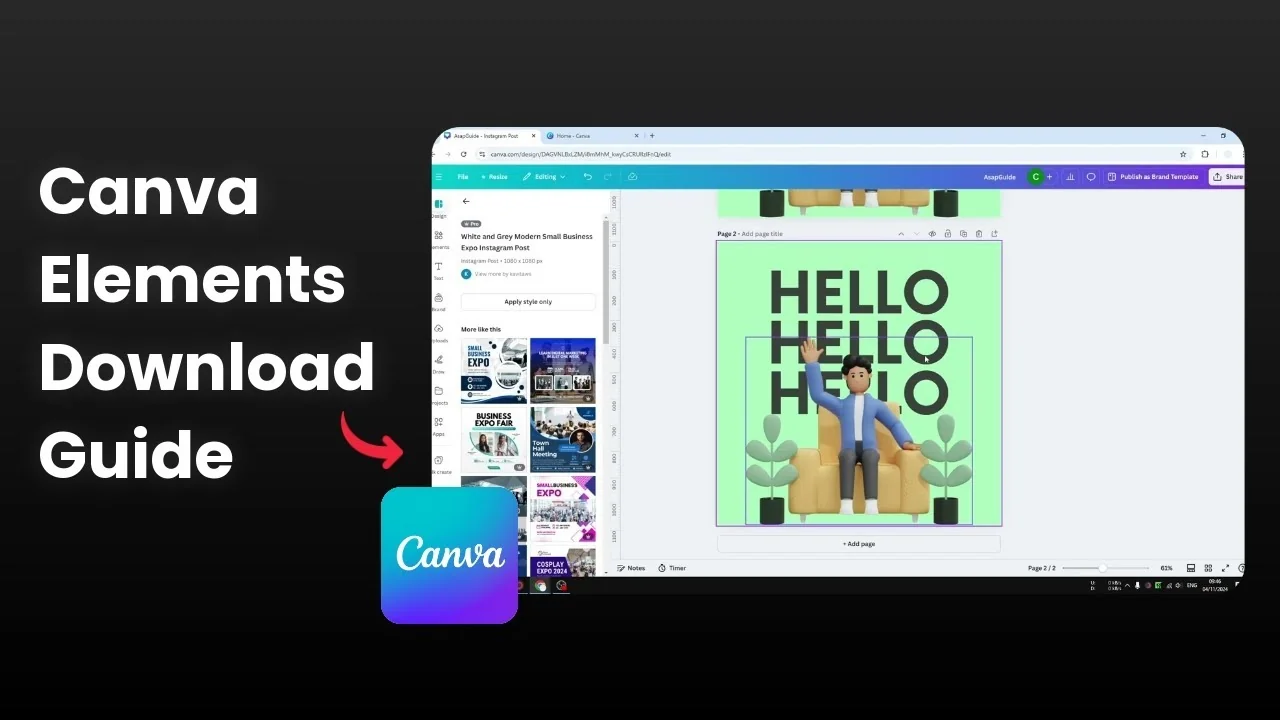
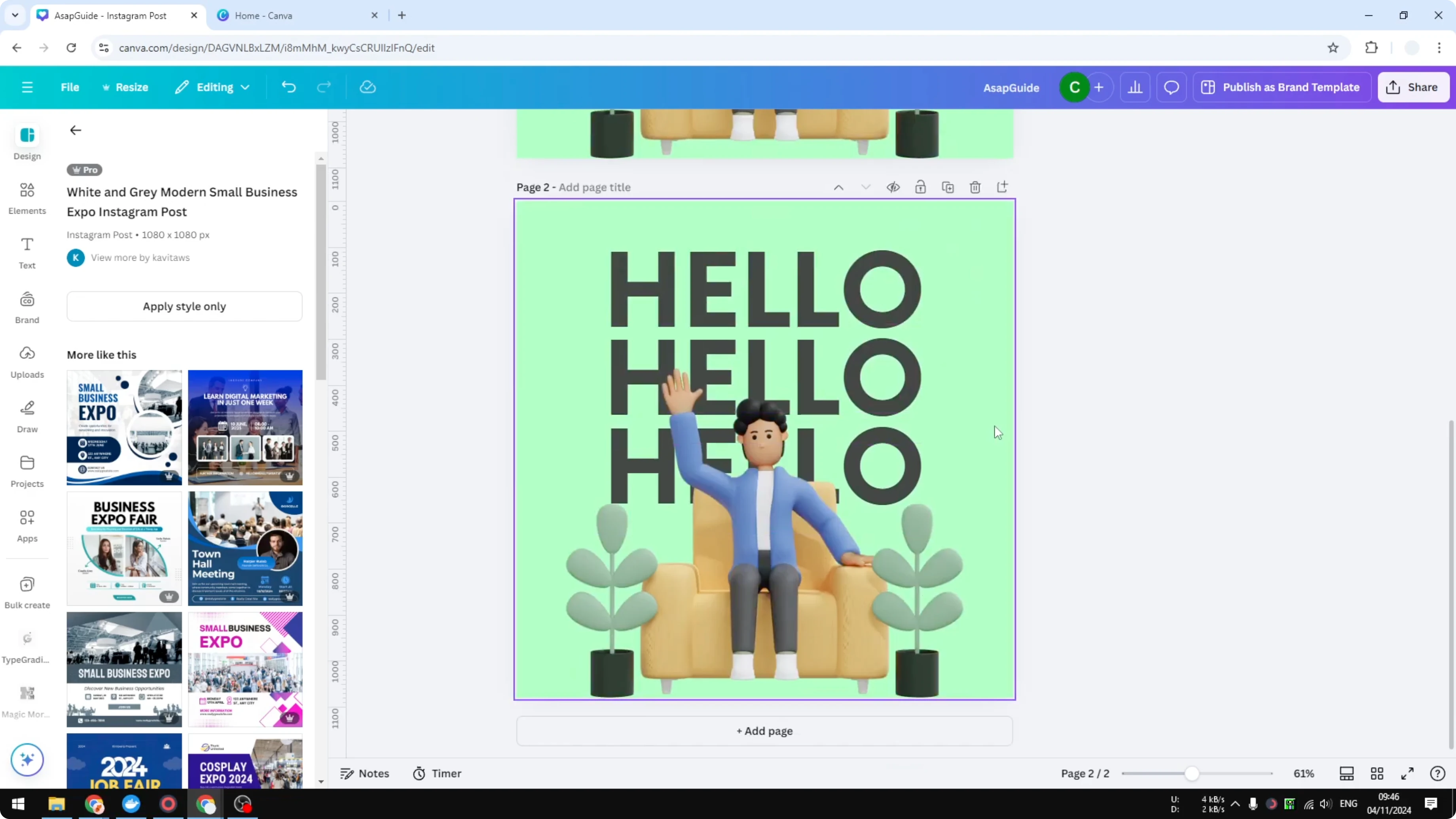
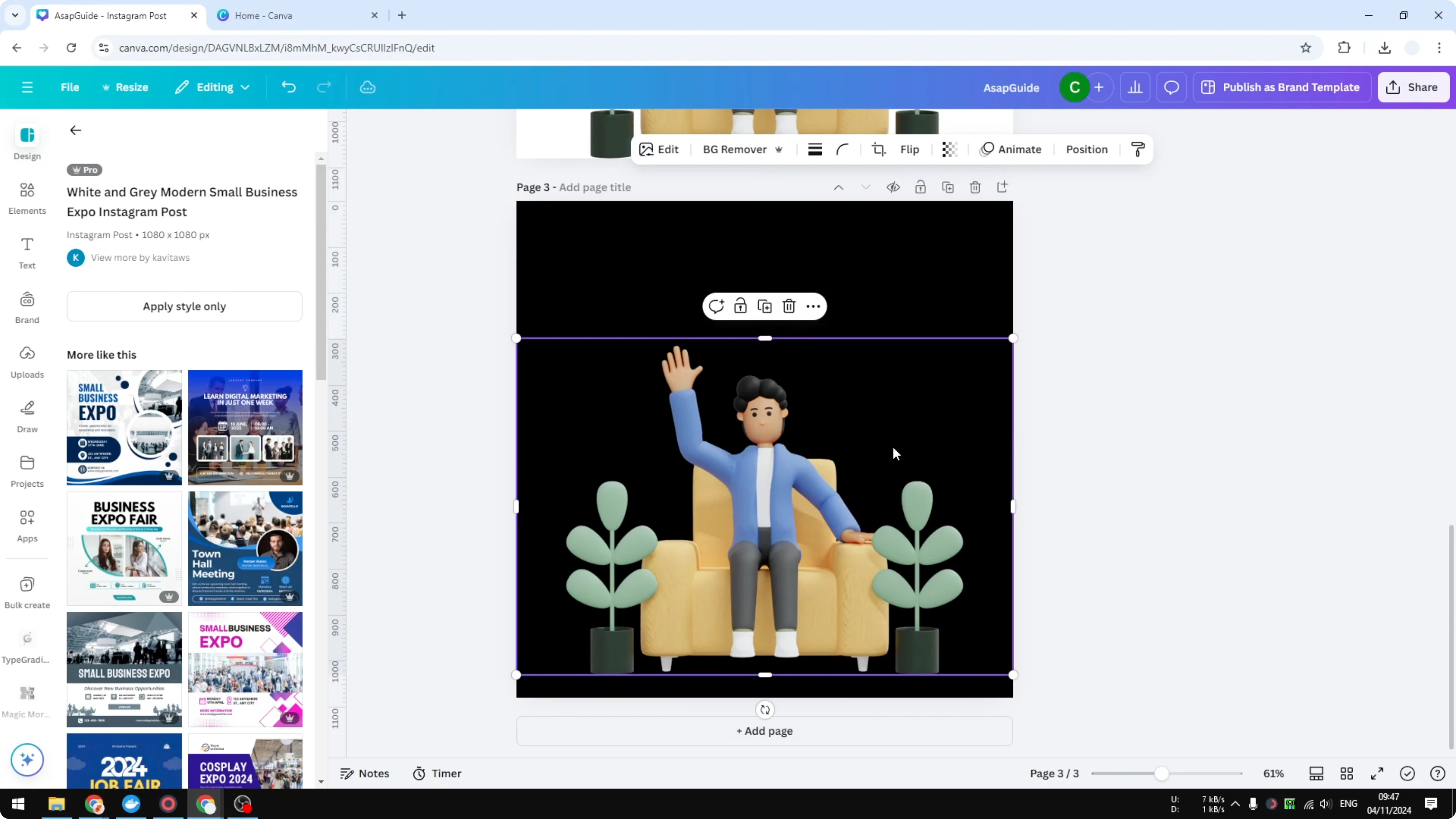
I’m going to show you how you can download an individual element in Canva. I have this design and I want to get this picture of a man sitting on a couch. The page has other elements like text and a background, so here is how I get rid of those and export just the one element.
You can get one element like a shape, a graphic, or a photo from your Canva design. You do not have to delete other elements. You can also just hide those elements.
Steps to Download Individual Canva Elements
Prepare the page for Download Individual Canva Elements
I recommend you duplicate the page so it will not affect the original document. This gives you freedom to edit later.
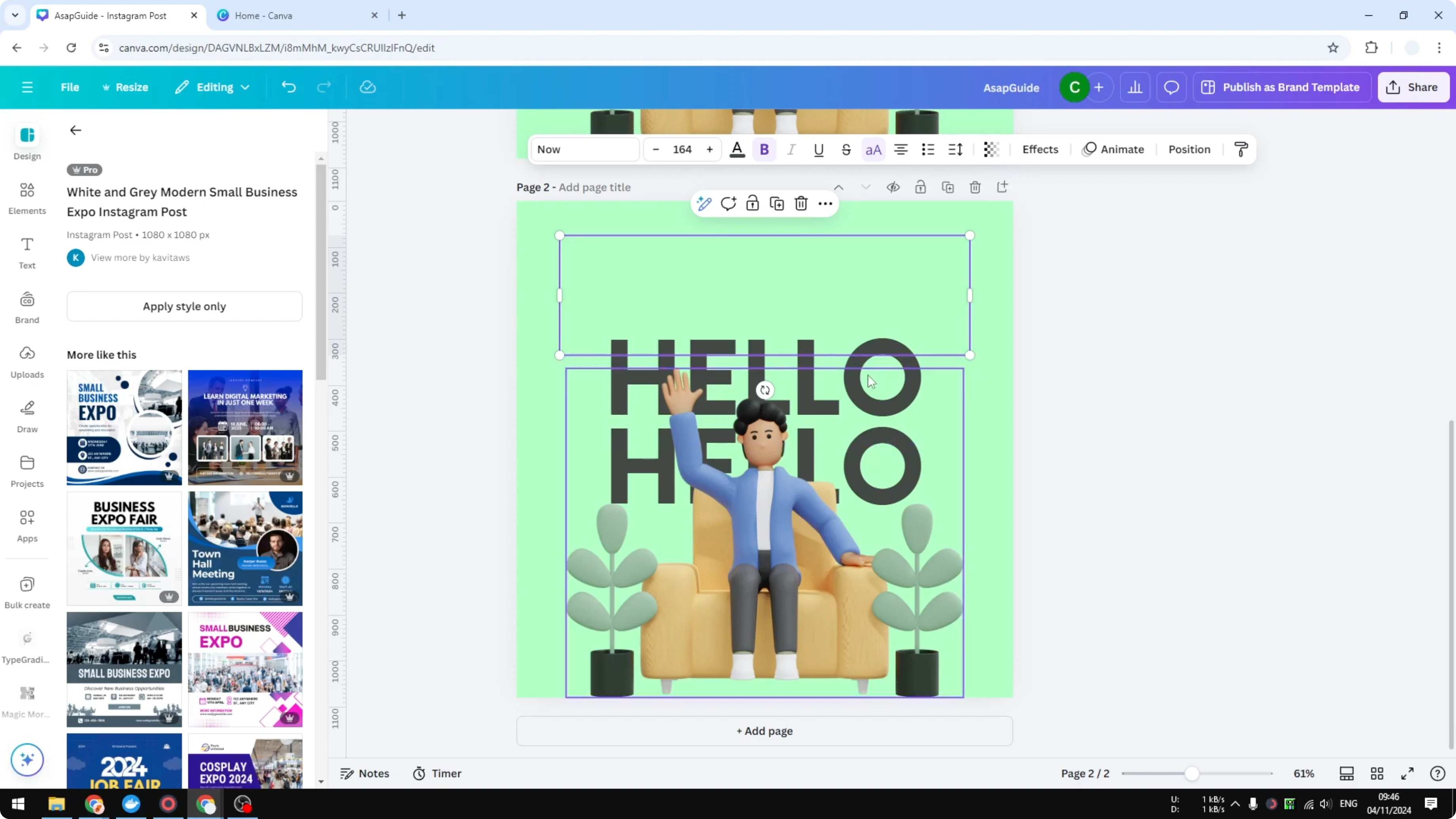
Click the text that says “hello”, go to Transparency, and set it to 0. I do the same for the other text. You can remove it if you want, but reducing the transparency is better because the element is still there and you can later edit the document.
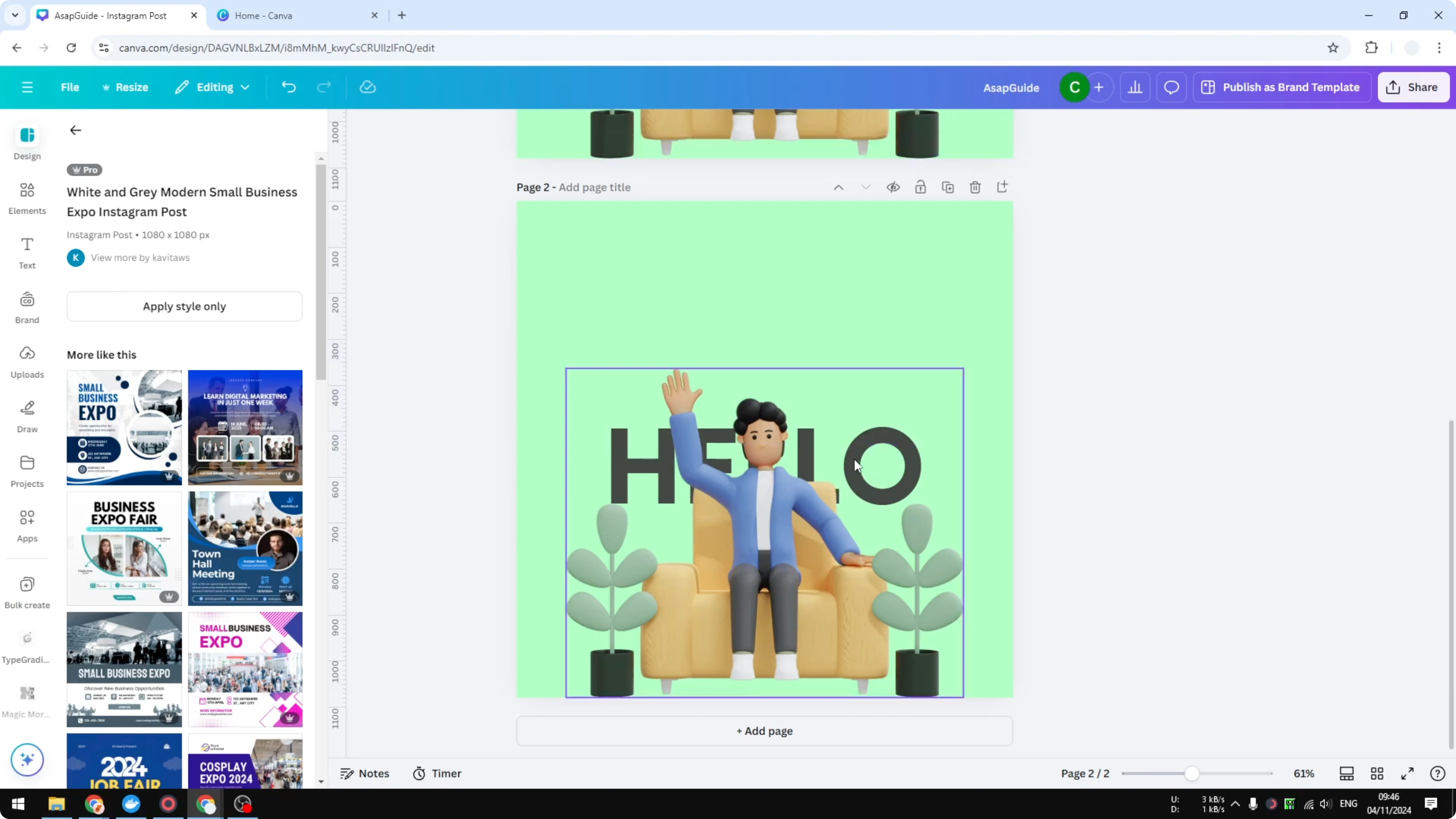
Click this letter as well, but it is in the background, so visit Position to select and adjust it. Use Position to reach elements that sit behind others.
Read More: Connect line elements in Canva
Right click on the background and click Delete background. This clears the canvas behind your target element.
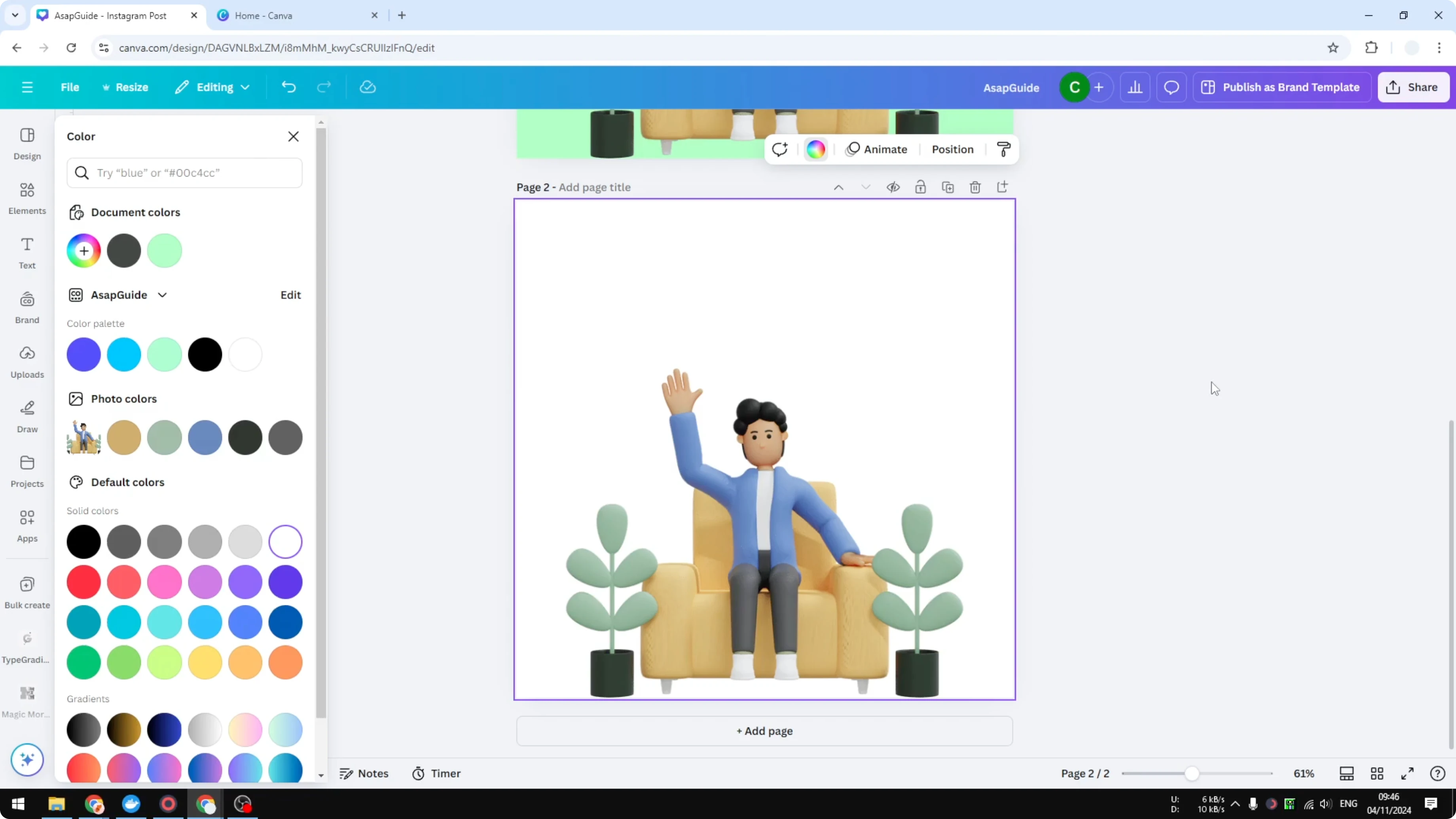
Export settings for Download Individual Canva Elements
Click Share, then Download. Make sure to select PNG and enable Transparent background because this is very important.
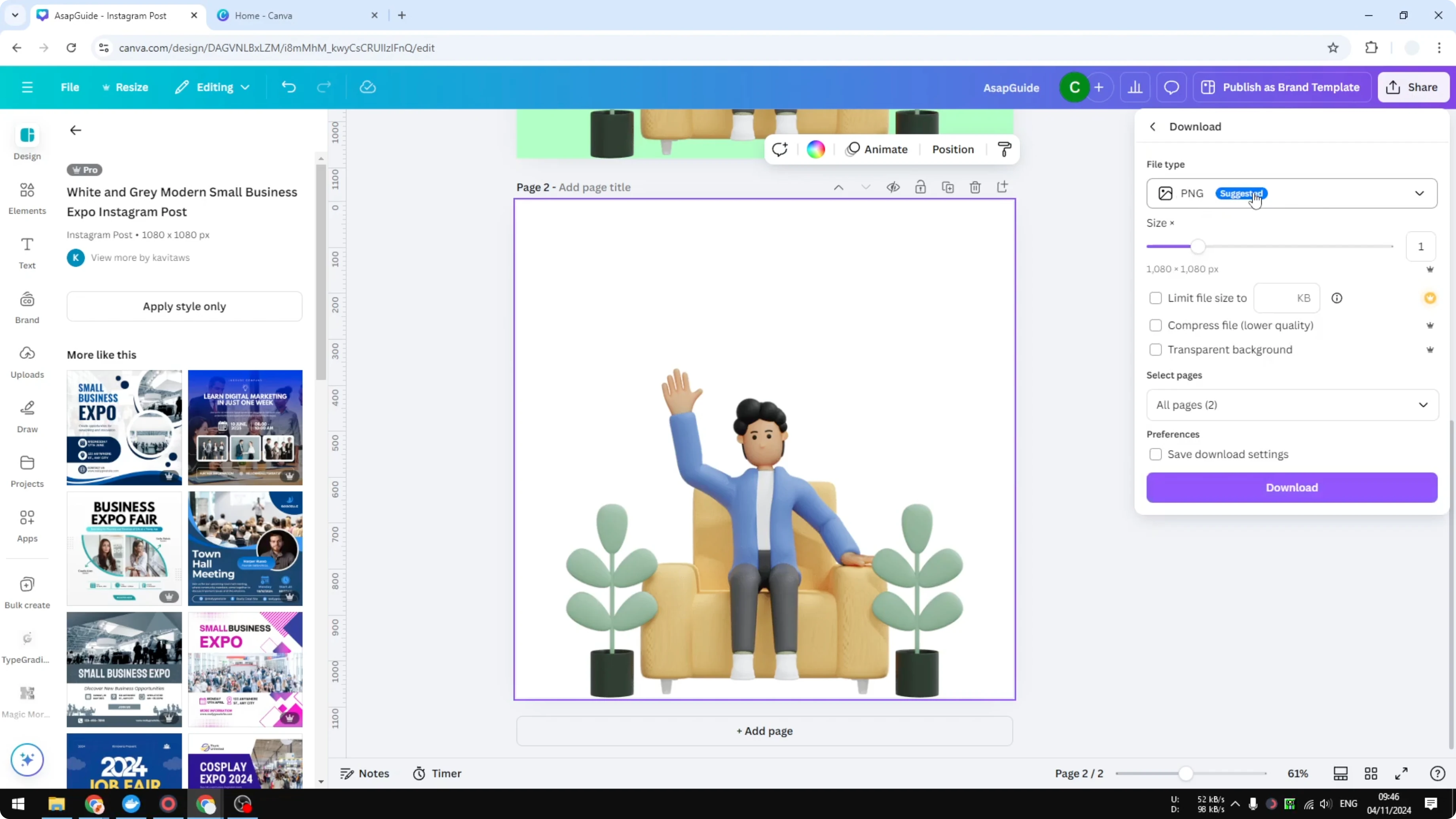
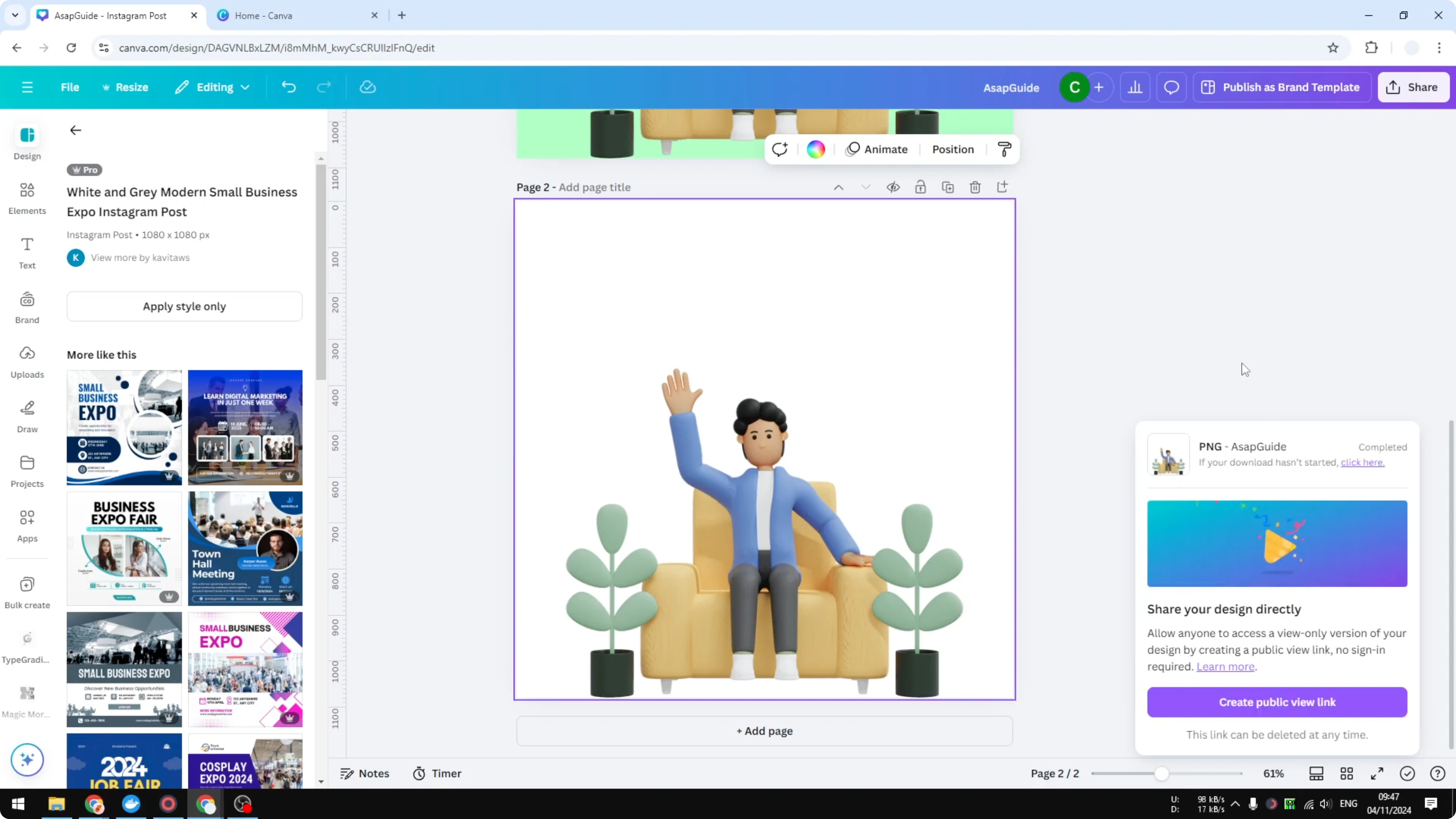
I just need to download the page number two. Click Download to save the file.
Read More: Export images as SVG from Canva
Check the result for Download Individual Canva Elements
The image has been downloaded, and I will add a new page to show that we got that element only. As you can see, this is the image that we got from the previous page. There is only one element and nothing else, and the background is also empty.
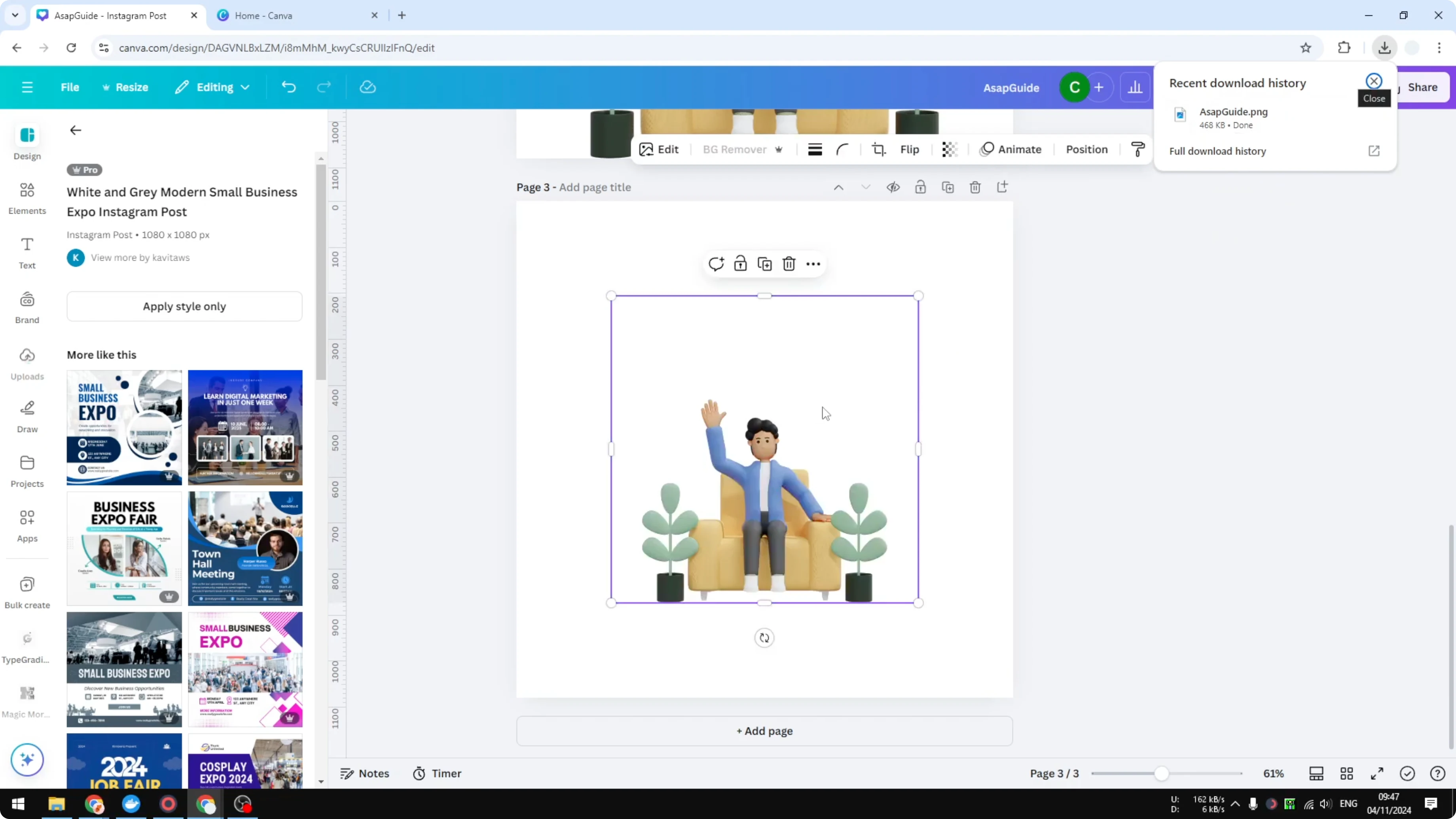
If we change the background of the page, you will see that we only got this picture and nothing else. That is exactly how you can download an individual element from Canva.
Read More: Save fonts from Canva for your projects
Final Thoughts
Duplicate the page, hide unwanted elements with 0 transparency, remove the background, and export as PNG with Transparent background. Download the specific page that contains your isolated element. This simple workflow lets you quickly download individual Canva elements without altering your original design.
Recent Posts

How to Visualize Yourself as a Pixelized Character with AI?
How to Visualize Yourself as a Pixelized Character with AI?

How to Revive Faded Memories and Enhance Image Clarity with AI?
How to Revive Faded Memories and Enhance Image Clarity with AI?

How to Visualize Yourself as an Animal Crossing Character with AI?
How to Visualize Yourself as an Animal Crossing Character with AI?