How to Add Swashes in Canva
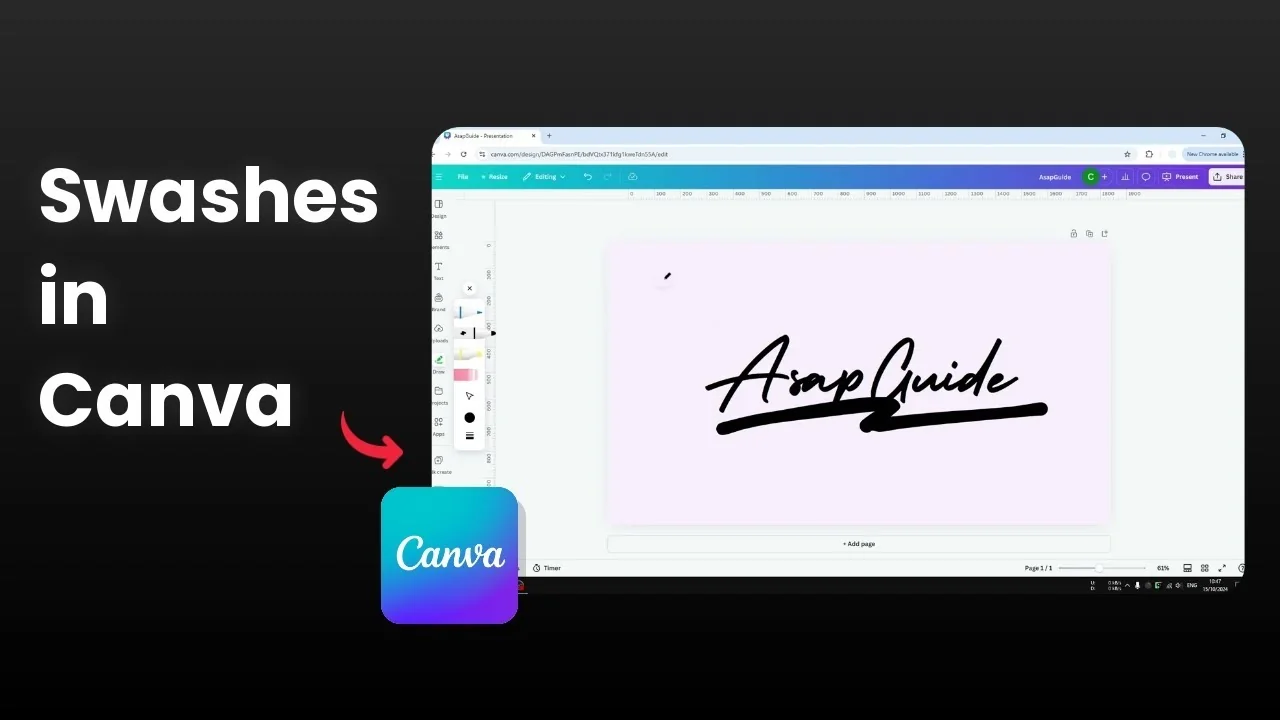
I am going to show you how you can add a swash to your design in Canva. A swash is basically a stroke or a line that adds some flair to fonts, titles, or subheadings. I think it can make your design look a lot prettier.
The question is whether you can add that in Canva and if the platform has this feature. The answer is no, there is no swash feature in Canva, but there are a couple of workarounds that work well.
No native option to Add Swashes in Canva
Canva does not include a built in swash tool. You can still create the look with drawing or with ready made graphics.
If you also need special characters in your text, you can add accent marks and keep your typography consistent.
Add Swashes in Canva with Draw
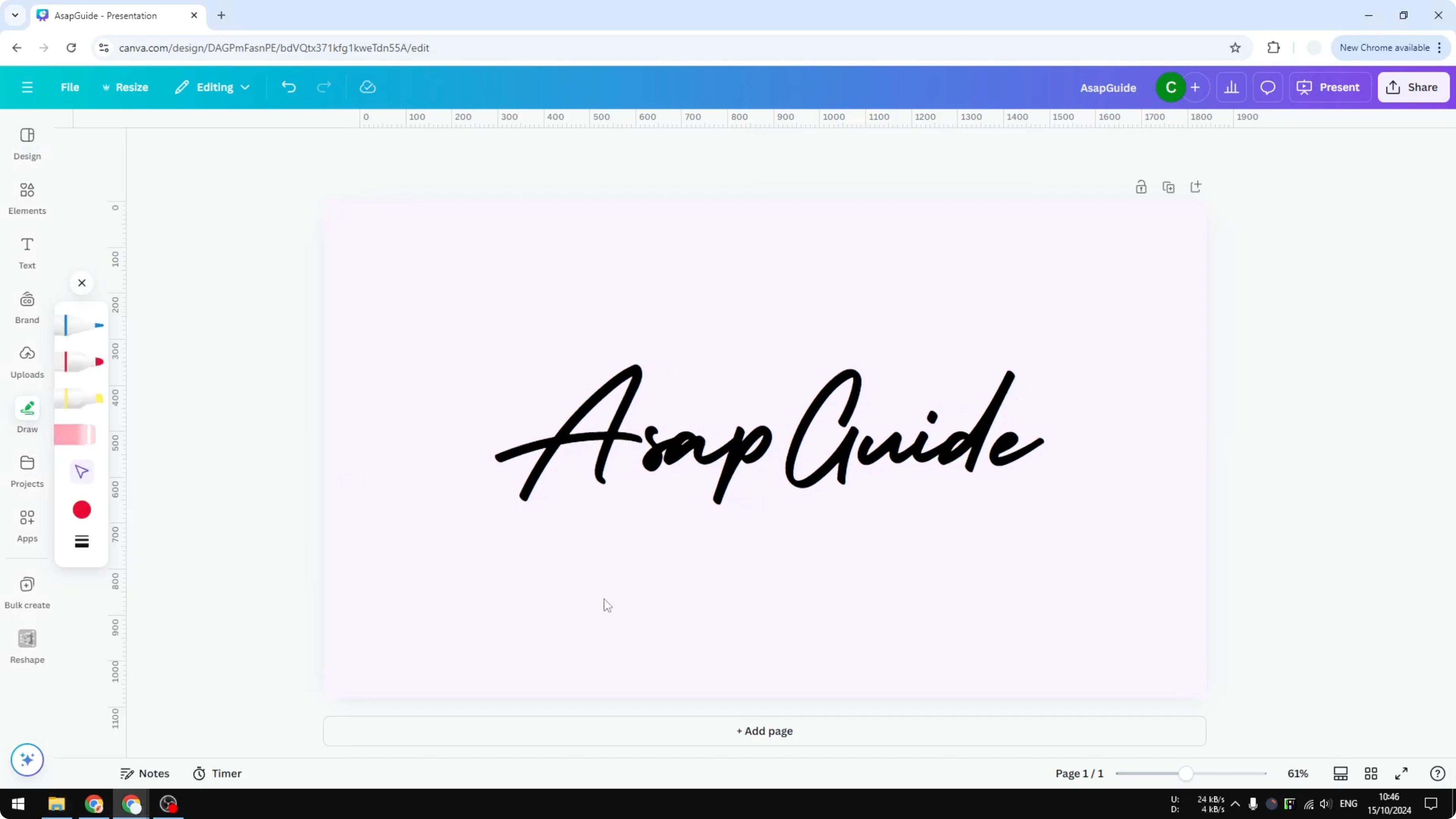
If you have a stylus or you are comfortable drawing with a cursor and mouse, you can use the Draw feature to create the swash manually. It takes a steady hand, and I do not think it is the best method for everyone, but it can work.
Steps
Open your design in Canva.
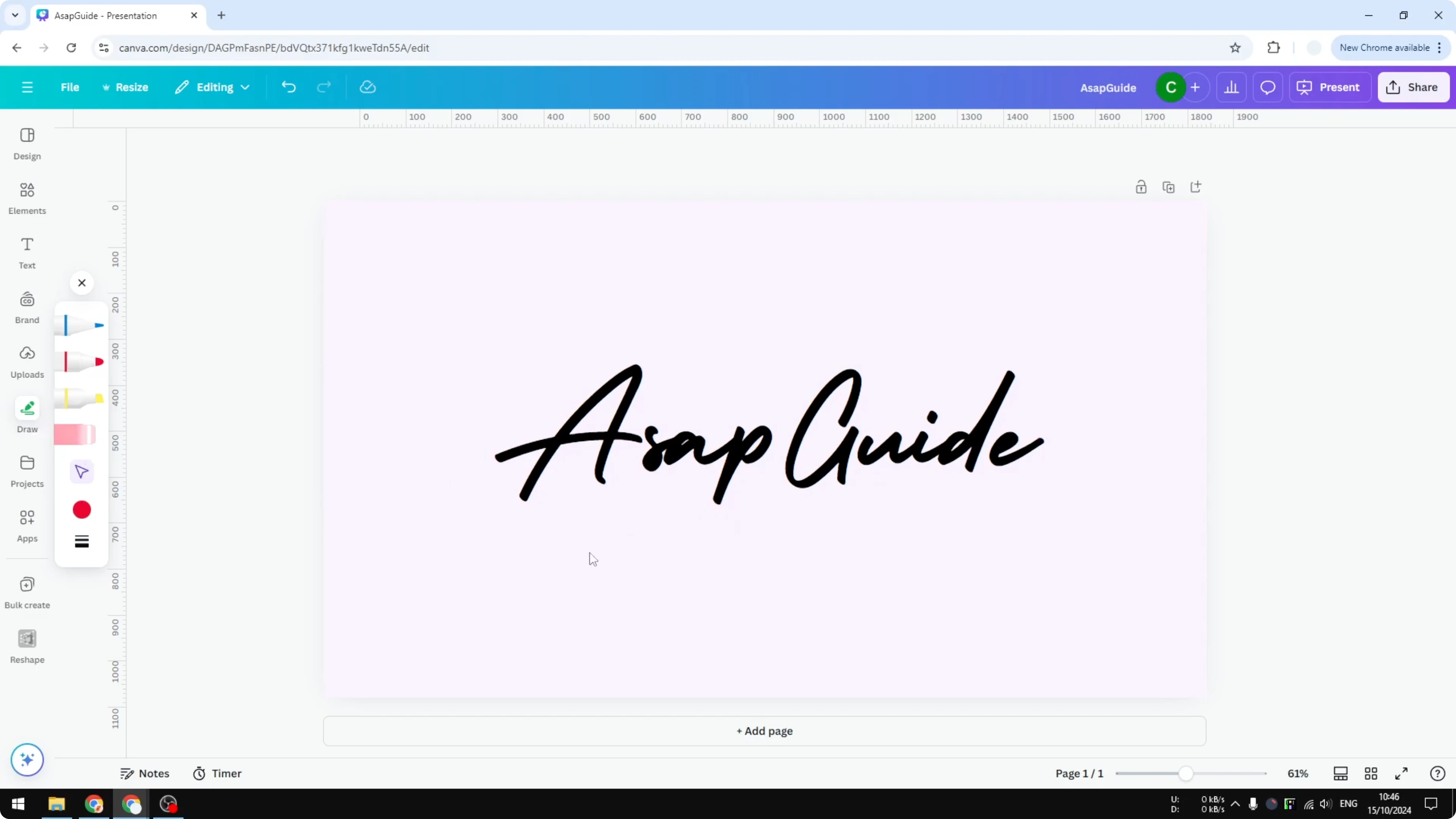
Open the Draw tool.
Select a pen or brush and set the color to black.
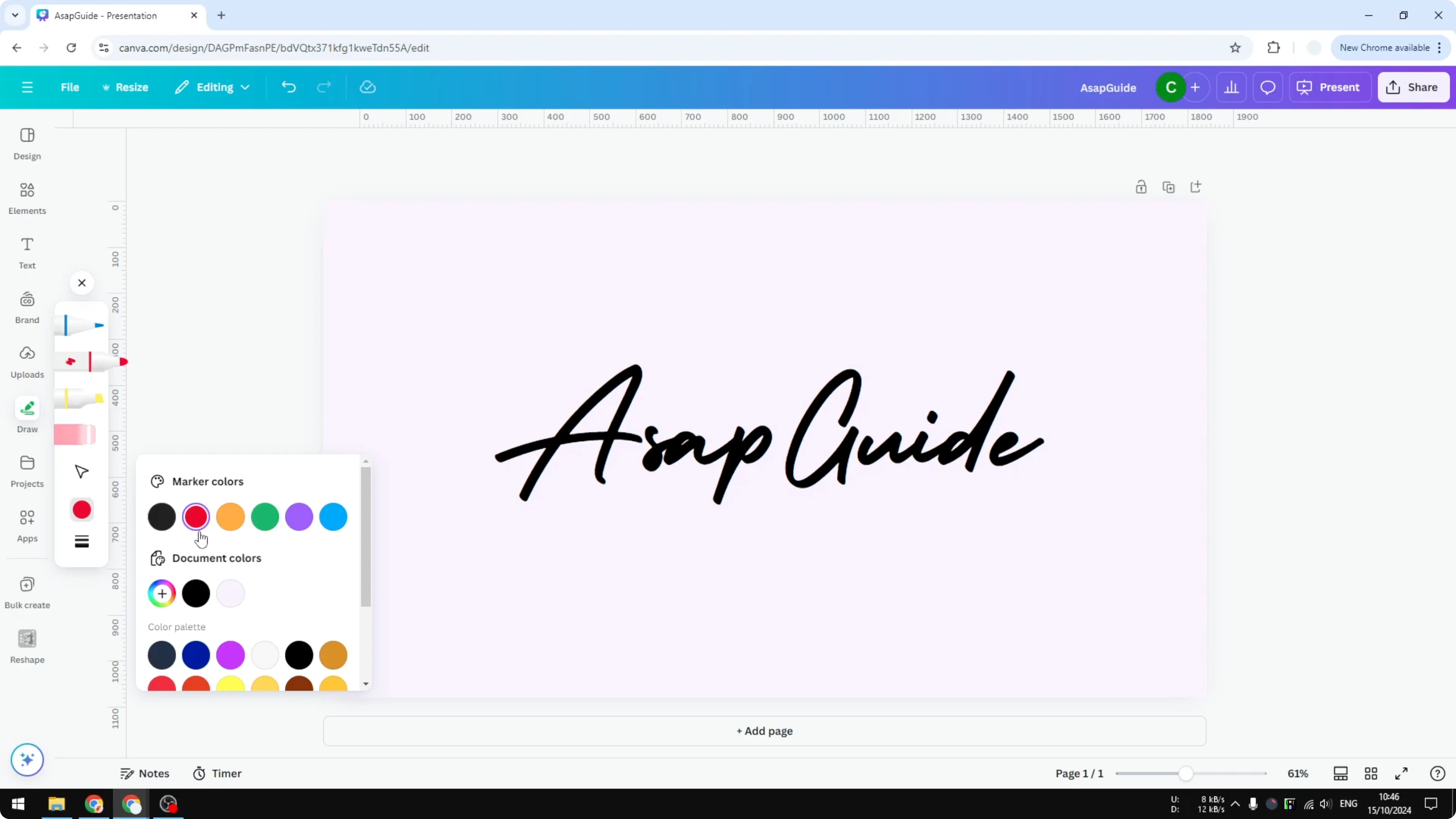
Draw the swash where you want it.
Increase the stroke weight to 40 or 50 if you need a thicker line.
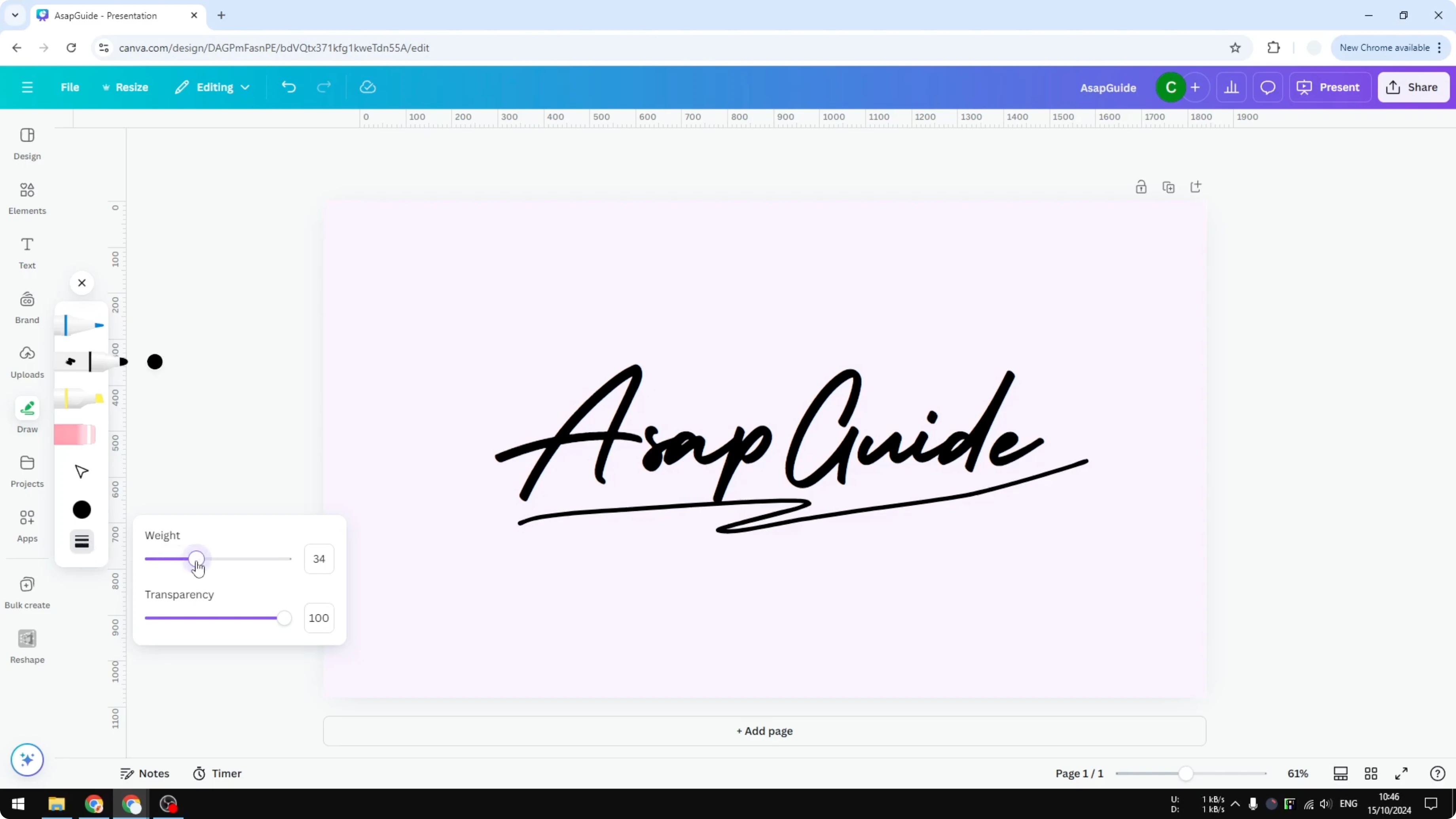
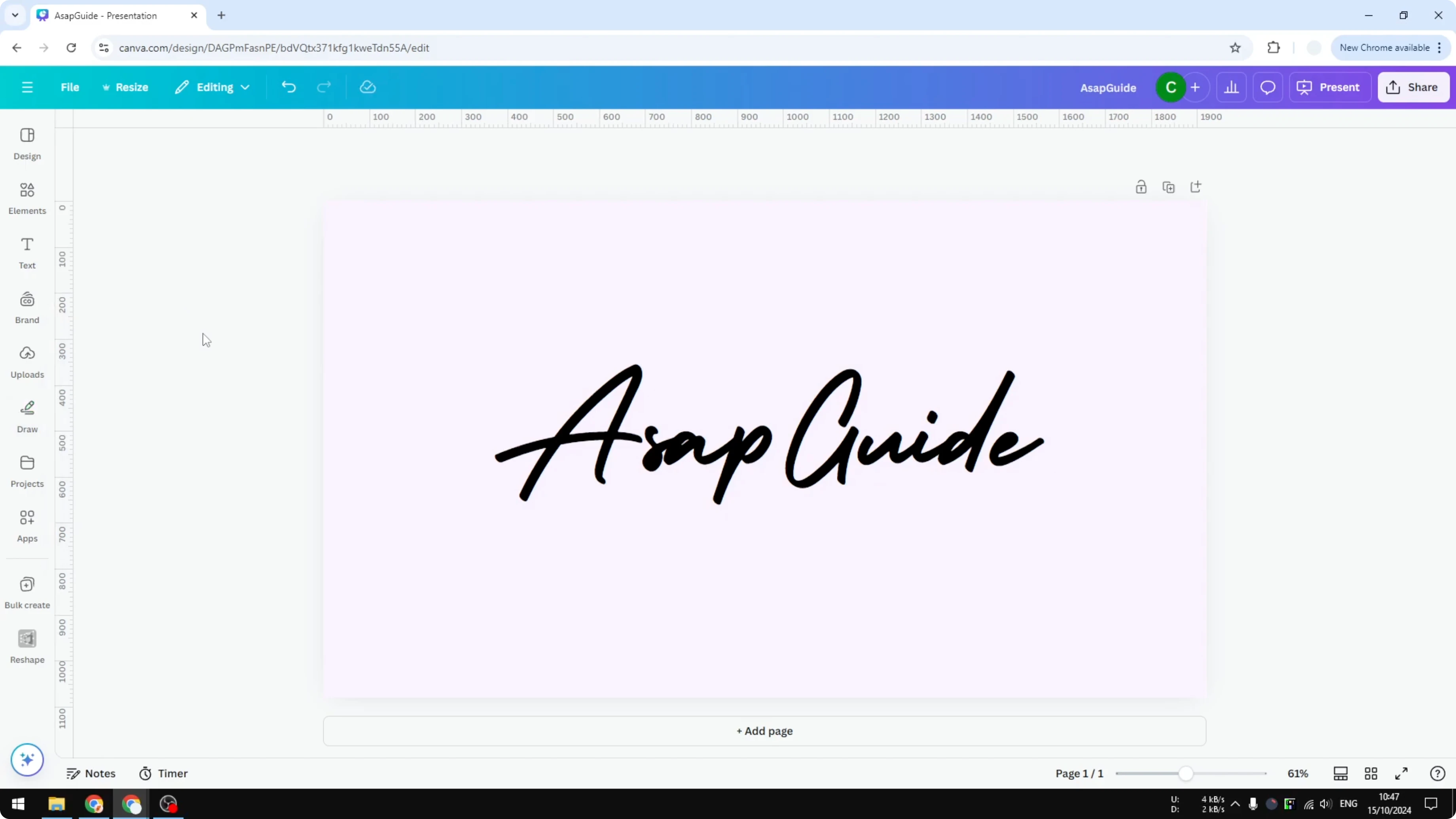
Delete the previous swash and redraw until you like the shape.
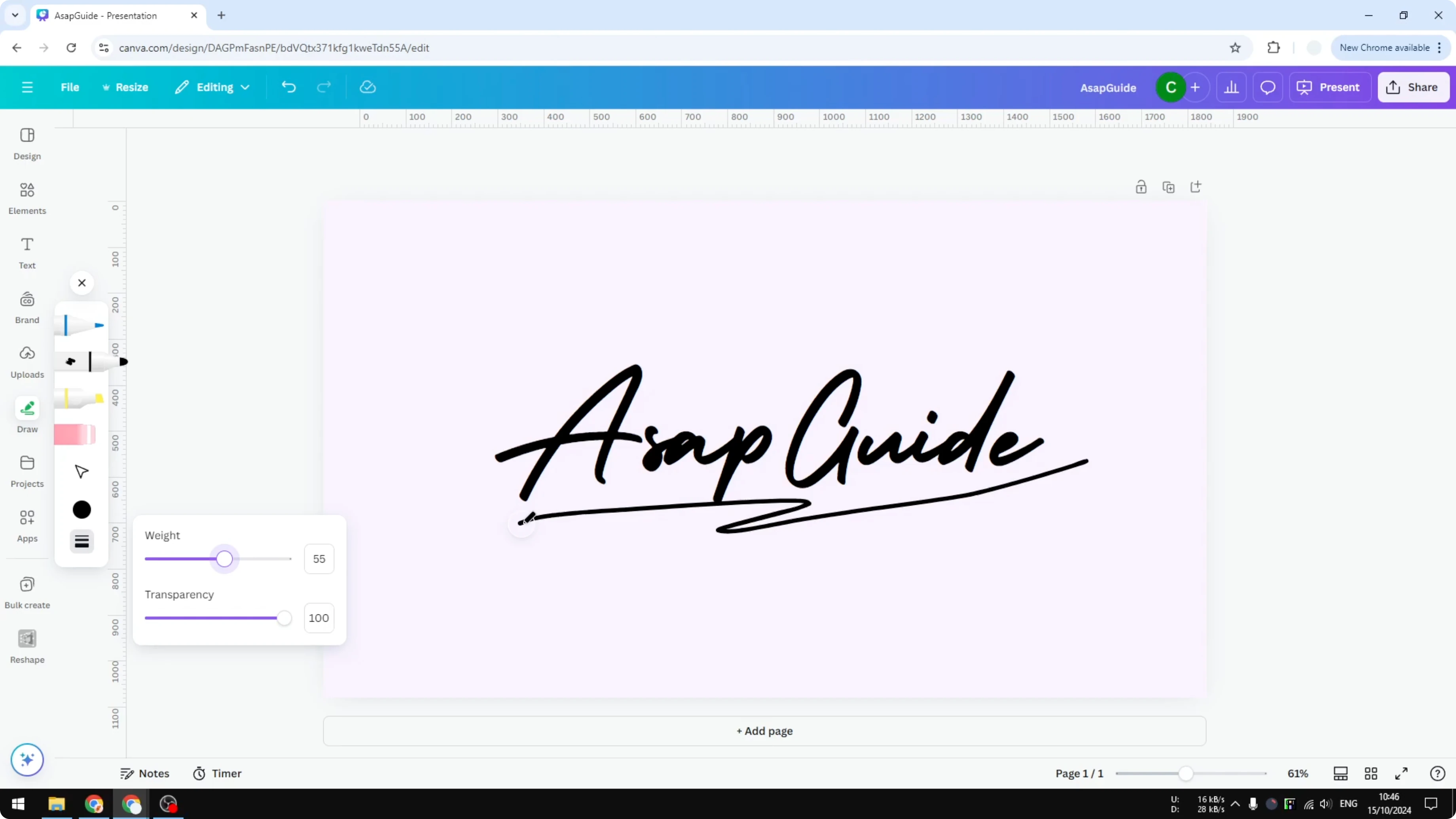
I do not think this is the best method for everyone since it benefits from proper hardware. I recommend the next method if you want a cleaner result faster.
Add Swashes in Canva with Elements
Canva has a lot of stock graphics and assets that you can use as swashes. You can search the library, pick something that fits your style, and position it with your text.
Steps
Go to Elements.
Search for swash.
Switch to Graphics to filter the results.
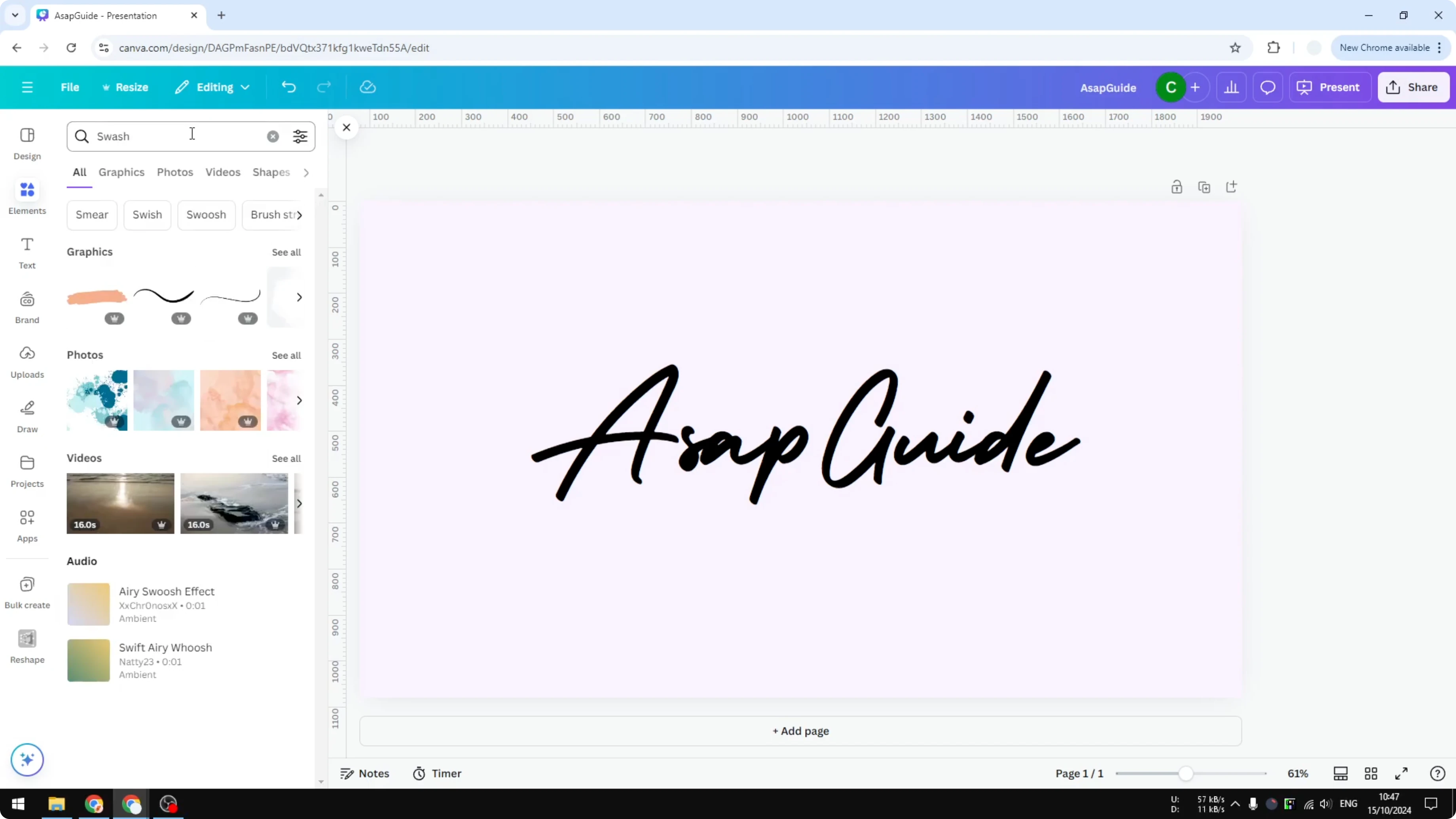
Choose a swash that fits your design.
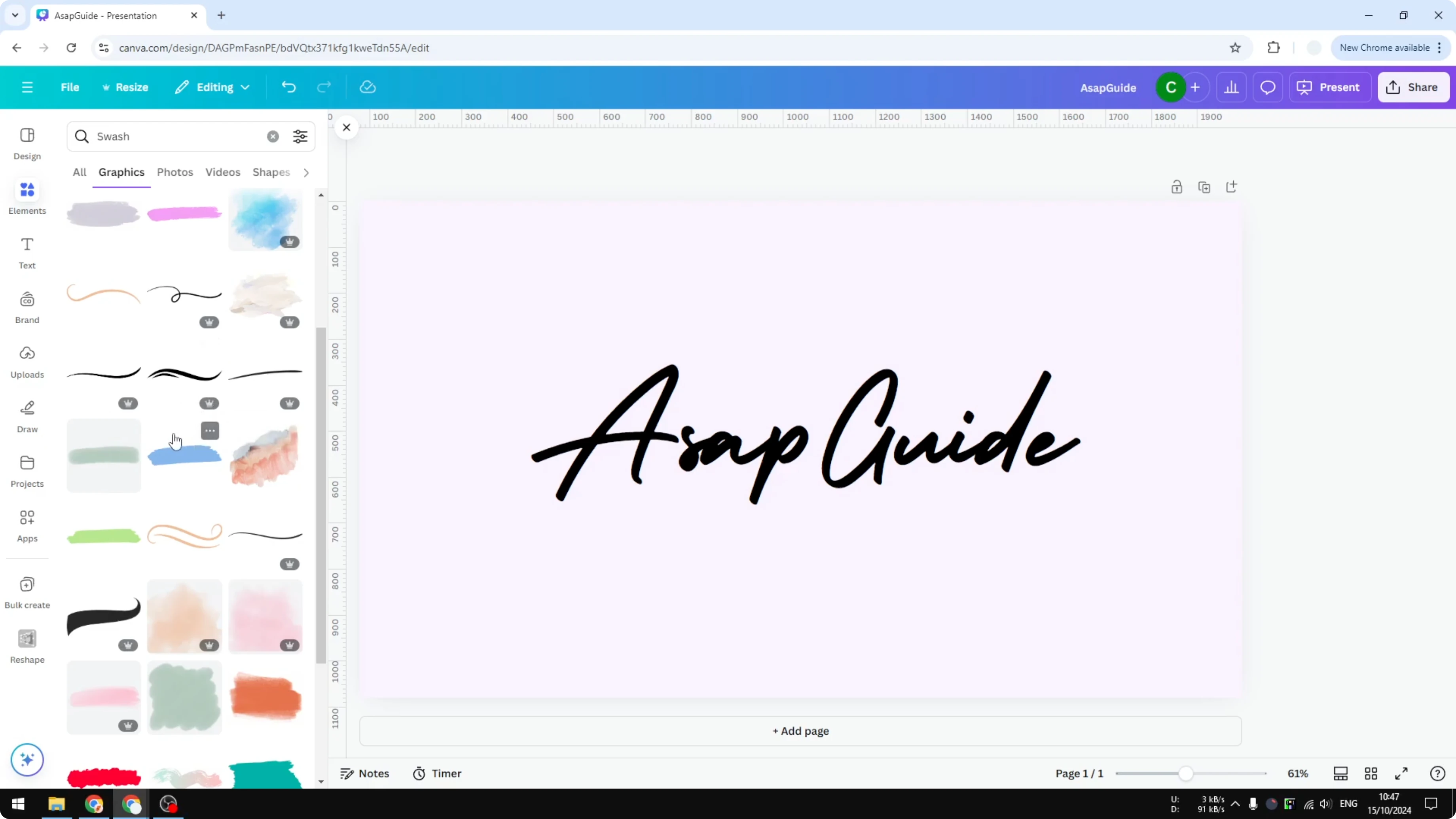
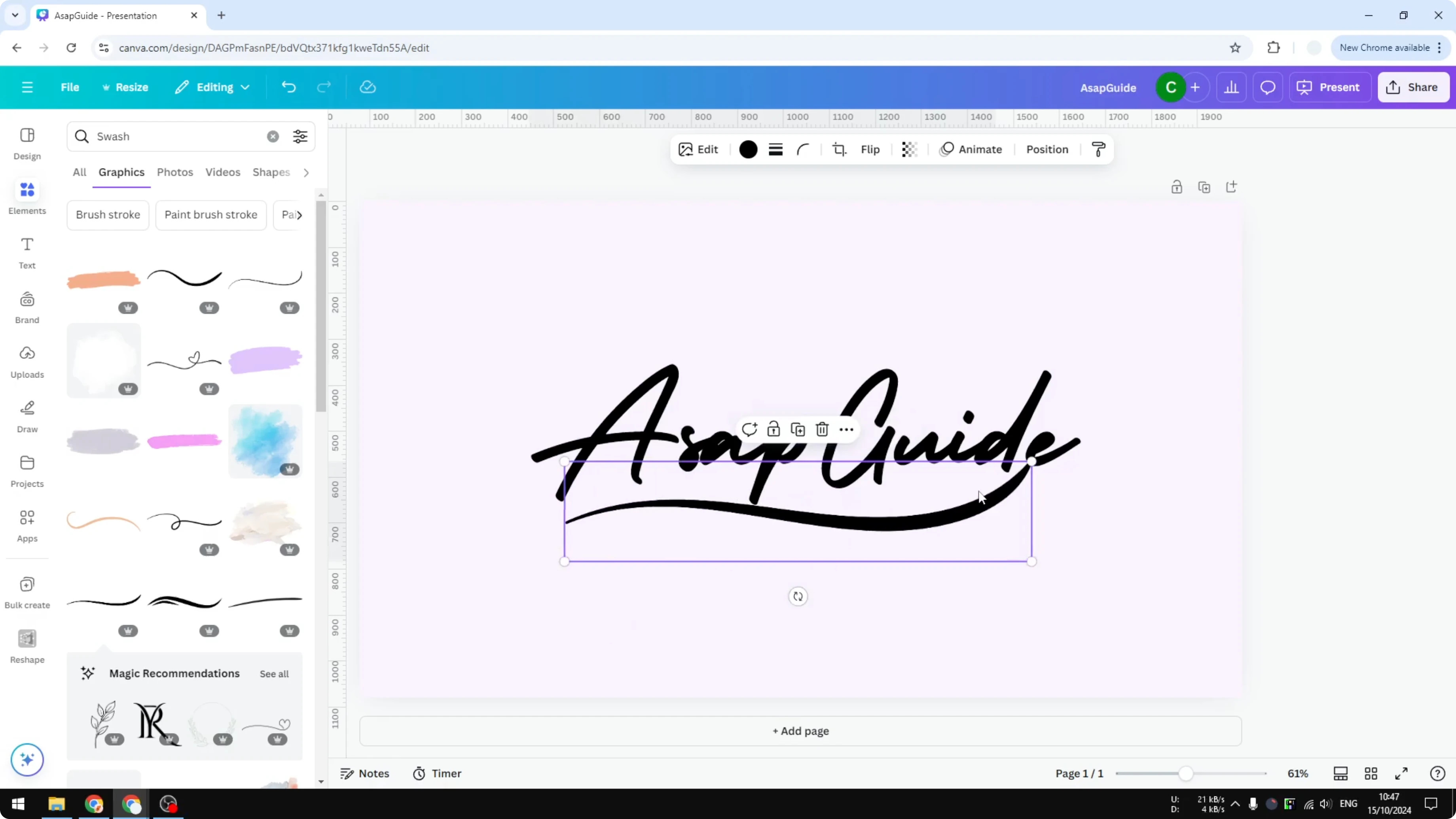
Position it and resize it until it sits well with your text.
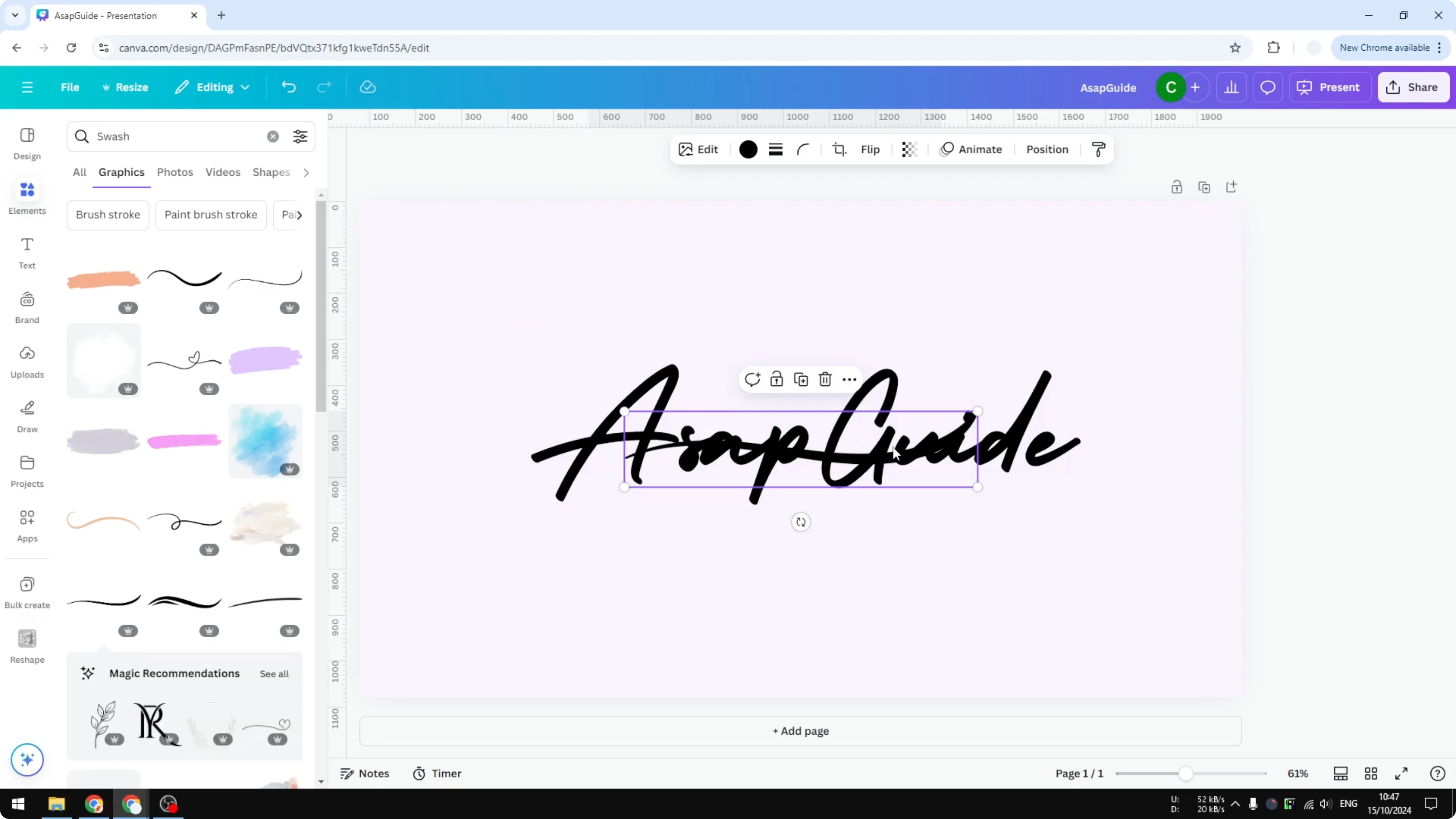
This usually looks better than a rushed freehand draw. If your page needs a stronger backdrop before you place the swash, you can add a background photo to tie the layout together.
Final thoughts
There is no native tool to Add Swashes in Canva, but you can draw them or pull from the graphics library. I prefer using Elements for a quick, polished result unless you have the right hardware for drawing.
As you share graphics from your design, remember to add alt text to pictures to keep your work accessible.
Recent Posts

How to Visualize Yourself as a Pixelized Character with AI?
How to Visualize Yourself as a Pixelized Character with AI?

How to Revive Faded Memories and Enhance Image Clarity with AI?
How to Revive Faded Memories and Enhance Image Clarity with AI?

How to Visualize Yourself as an Animal Crossing Character with AI?
How to Visualize Yourself as an Animal Crossing Character with AI?