How to Make an Image White in Canva
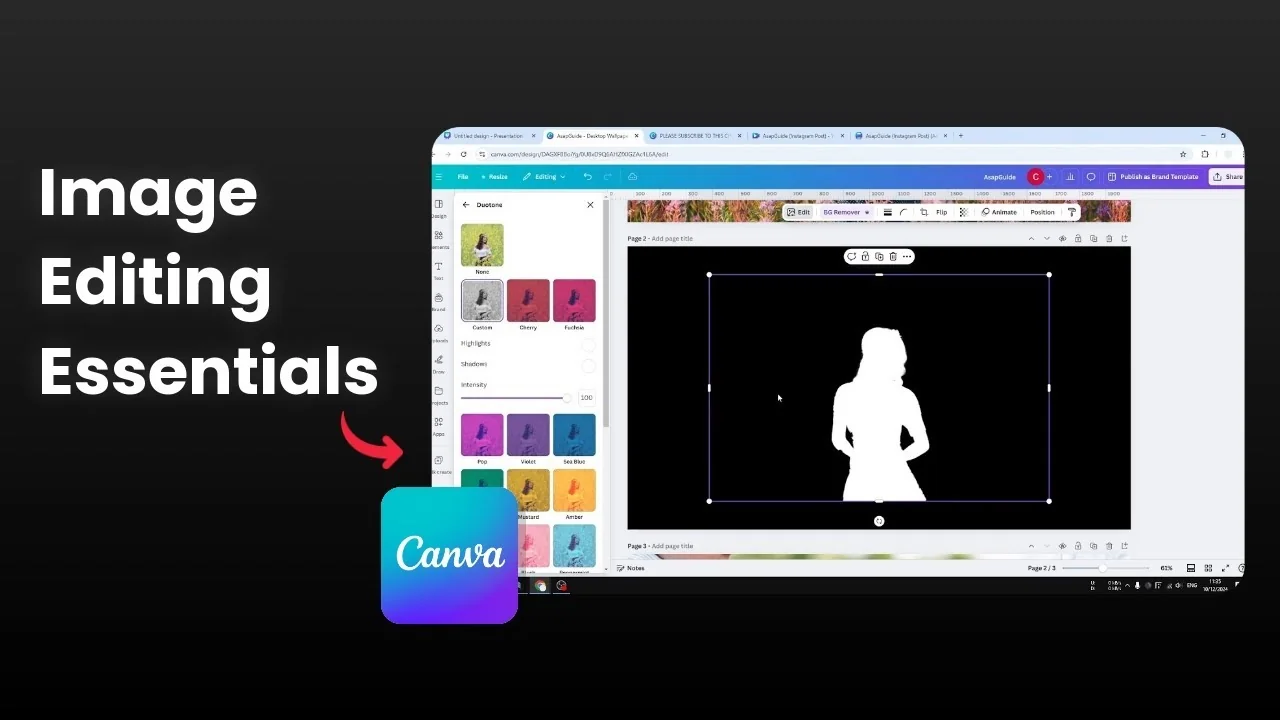
Here is how I make an image white in Canva. This is similar to the silhouette effect, except the object is white instead of black.
I start with a photo and create a cutout of the subject. I remove the background, then I turn every pixel of the subject to white.
Make an Image White in Canva: Prepare the Canvas
Detach the image from the background if it was set as a background element. Change the canvas background color to black so the white silhouette will stand out later. Remove the photo background so only the subject remains.
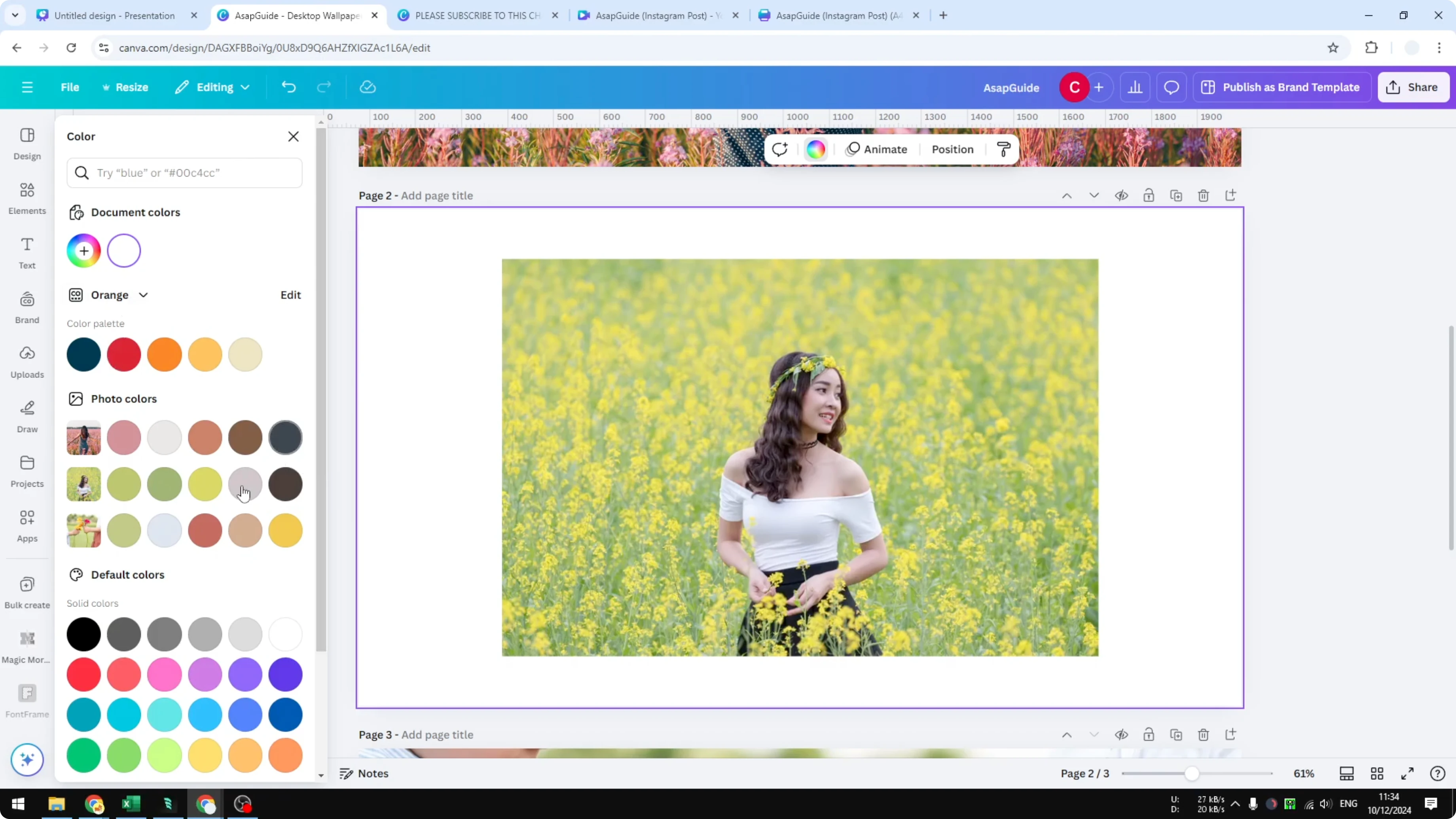
Make an Image White in Canva: Background Removal Options
Background Remover
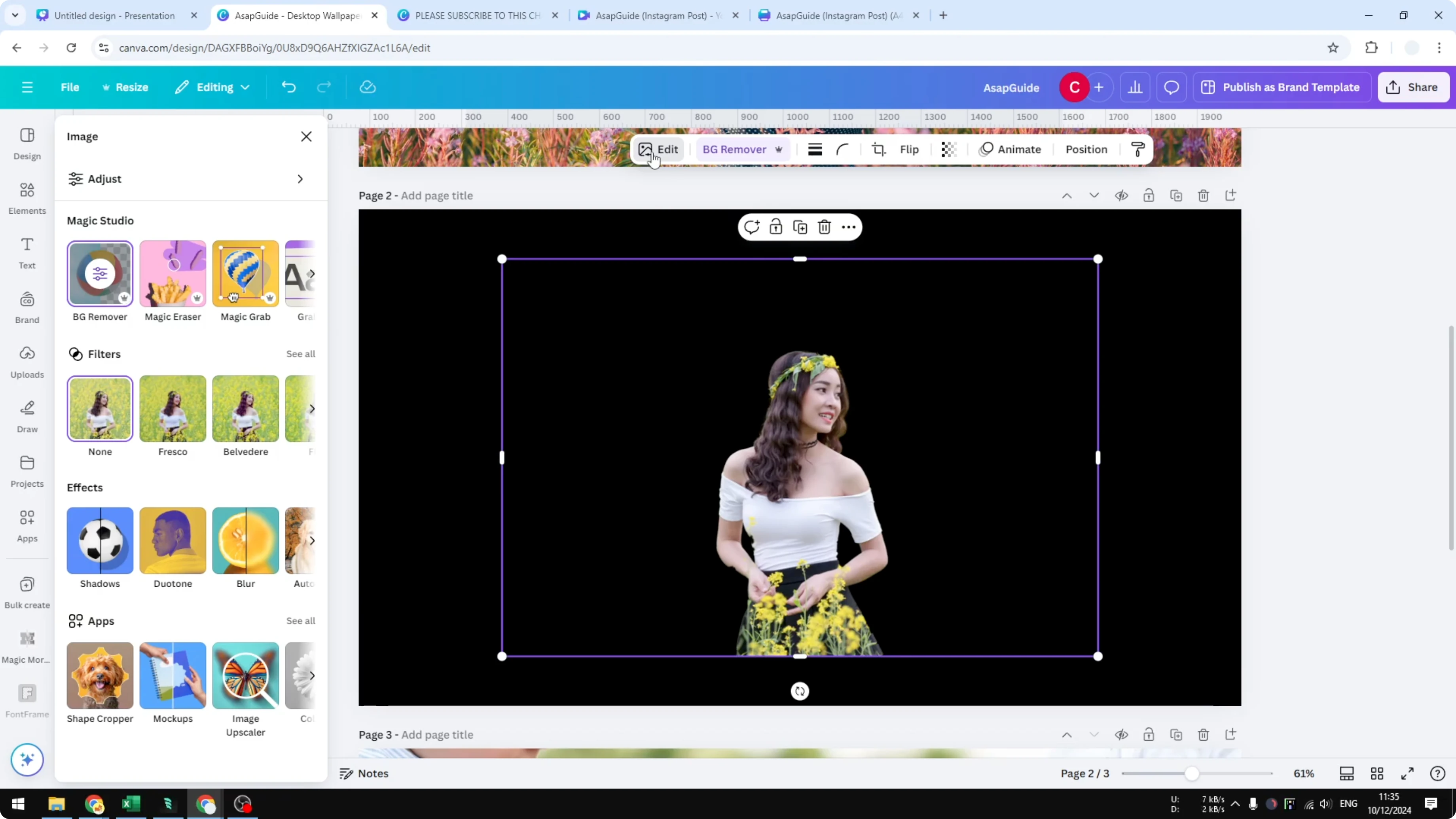
Click the image and use Background Remover. This is the easiest method and it works about 95% of the time.
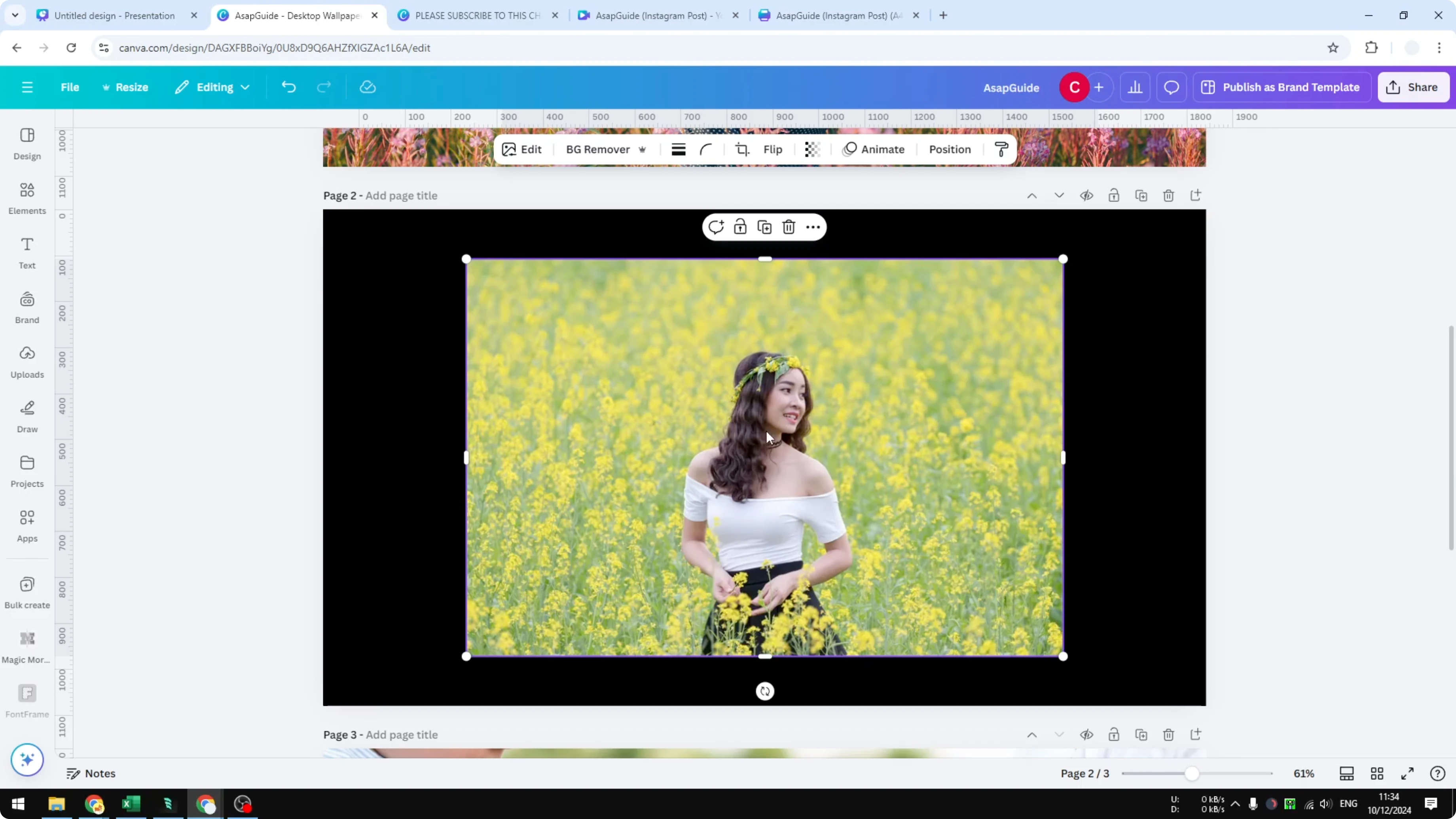
Magic Grab
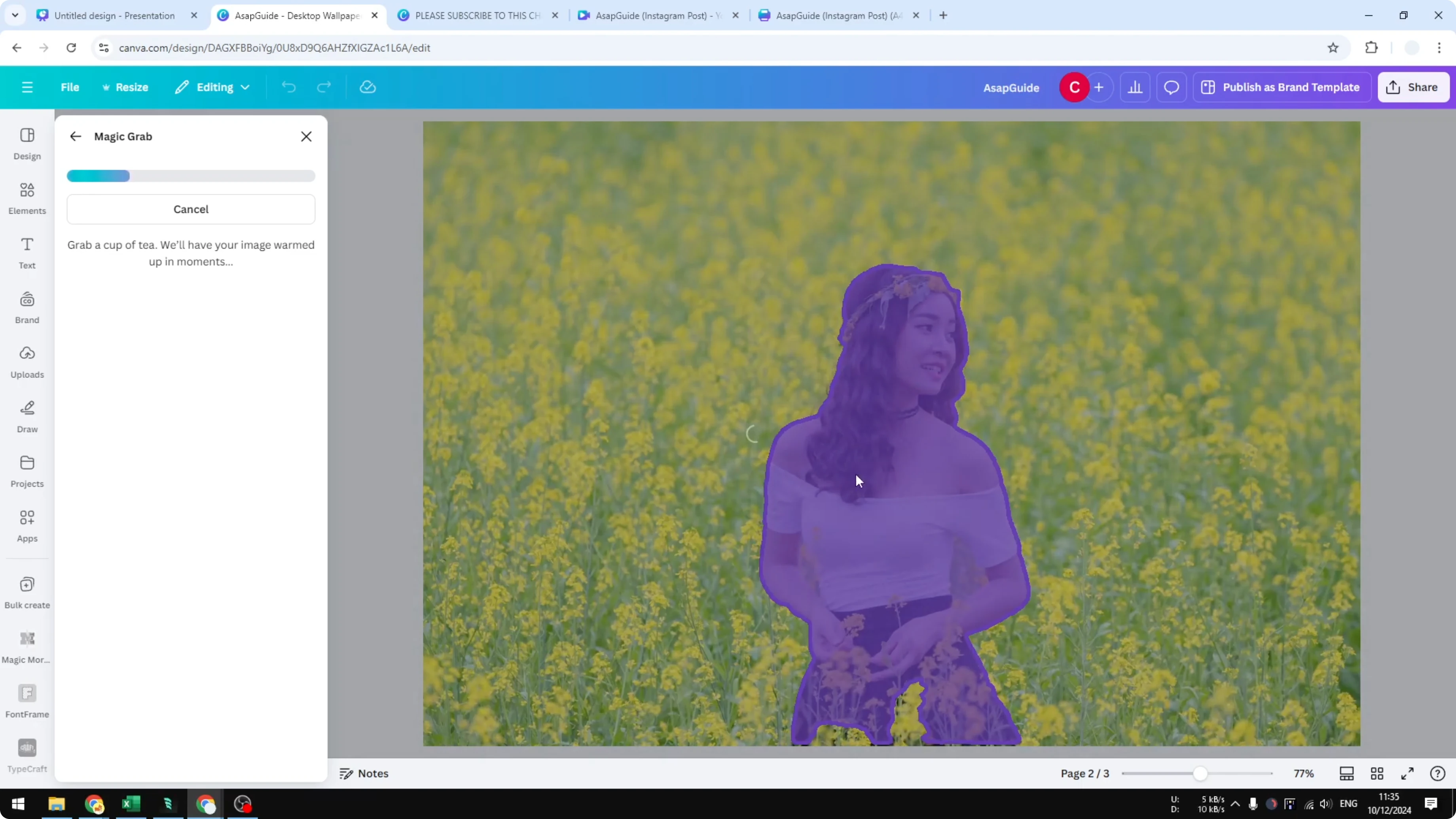
If you want to be more specific, go to Edit and open Magic Grab. Select the object you want to isolate.
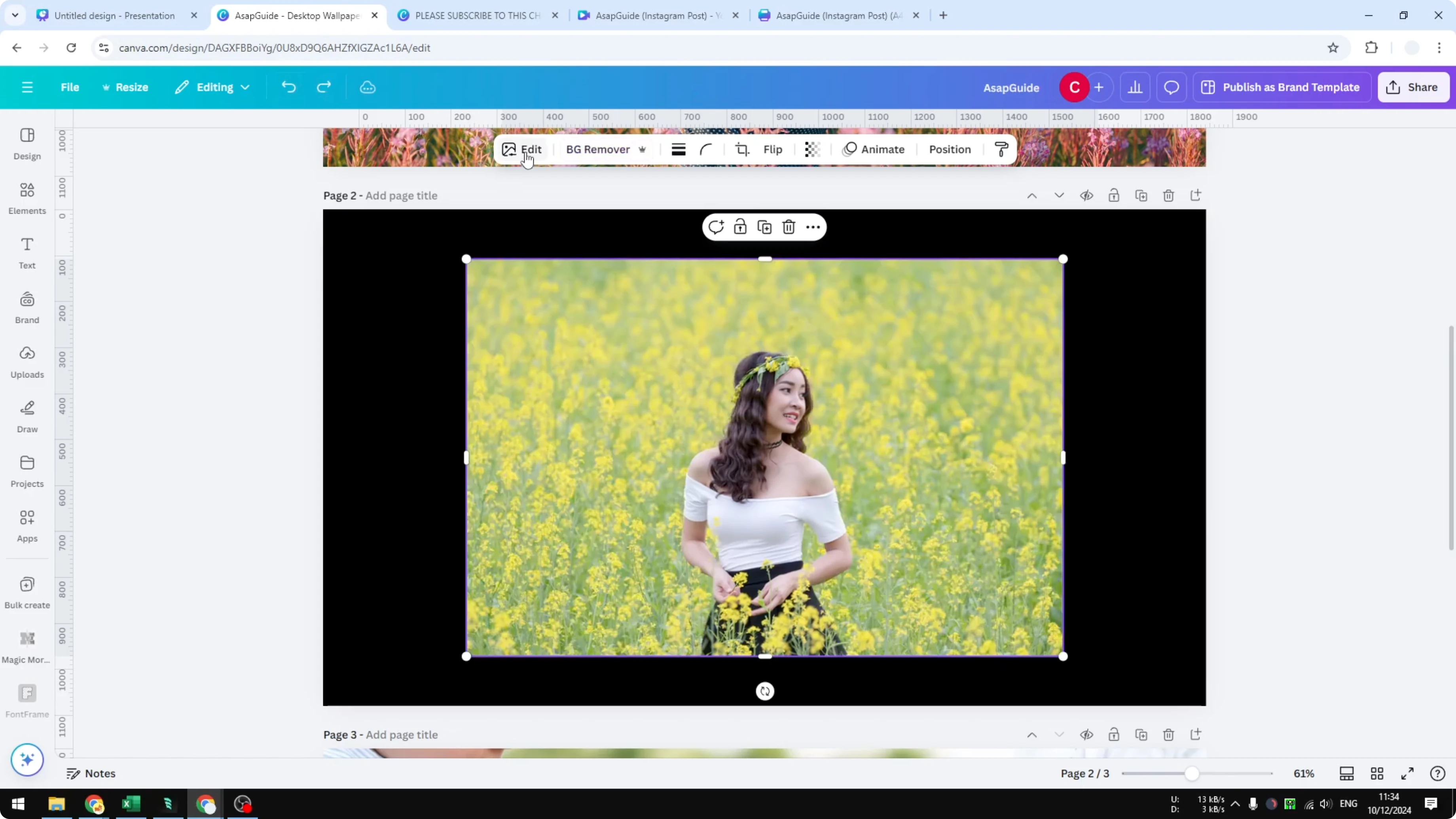
This isolates the subject from the rest of the background as a separate element in Canva. It is independent from the background, and you can edit only this picture.
What I Prefer
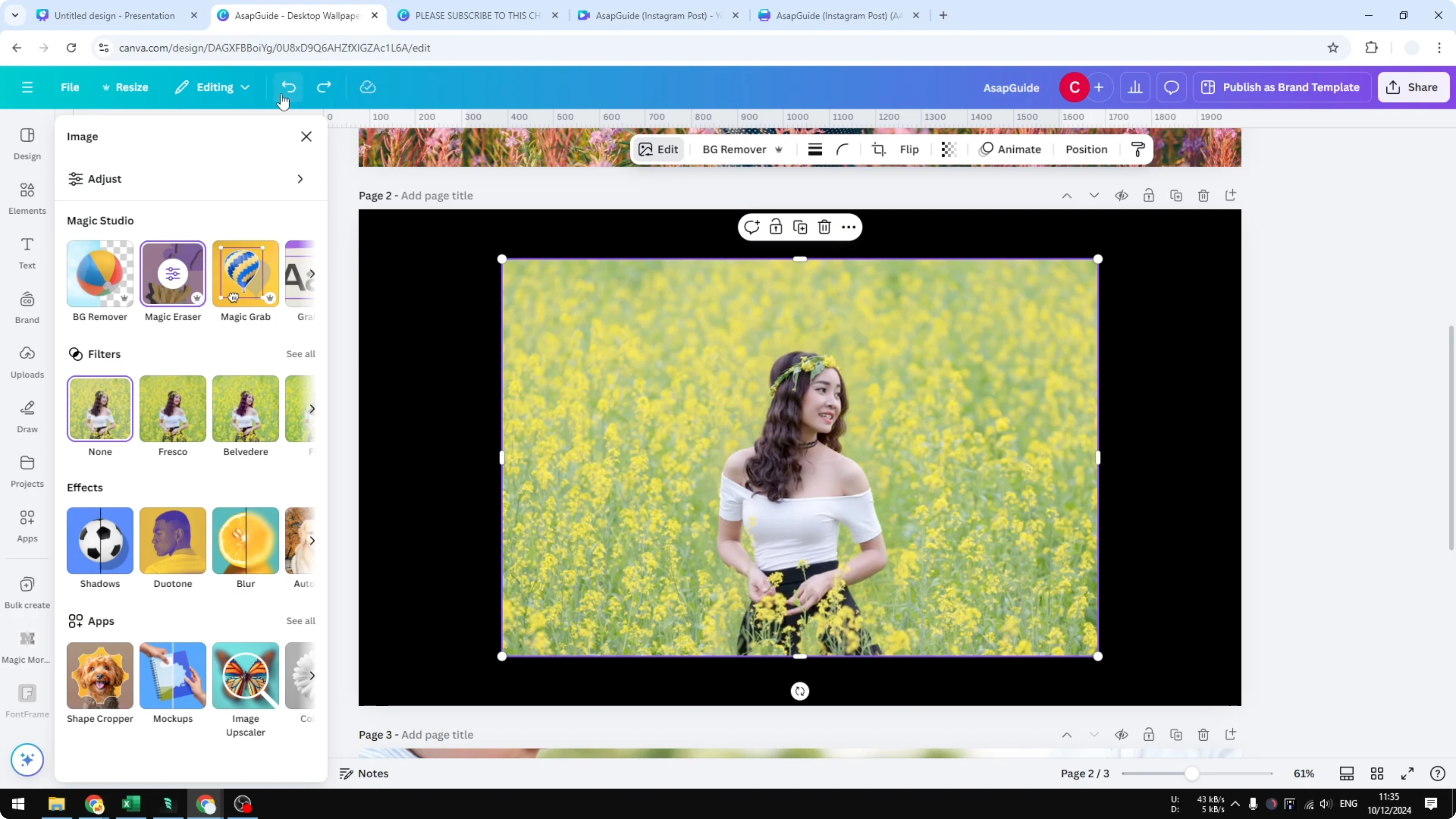
I prefer the Background Remover method because it looks cleaner for this example. I undid Magic Grab and used Background Remover.
Make an Image White in Canva: Duotone Method
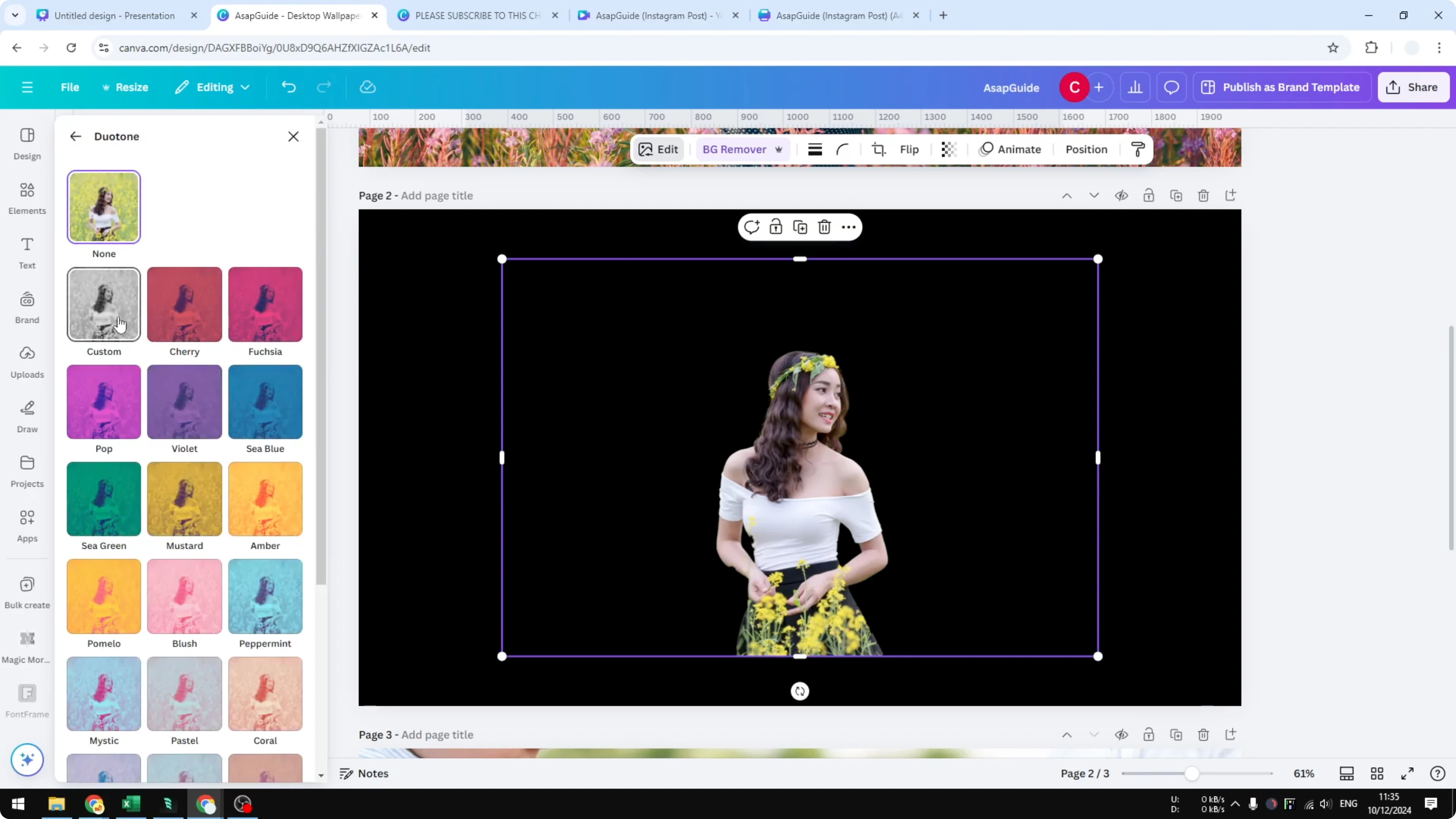
Click the picture and open Edit. Select Duotone.
Open Custom and set Highlights to pure white. The color code is F six times.
#FFFFFF
Set Shadows to the same white. The subject becomes a clean white silhouette with hair details preserved.
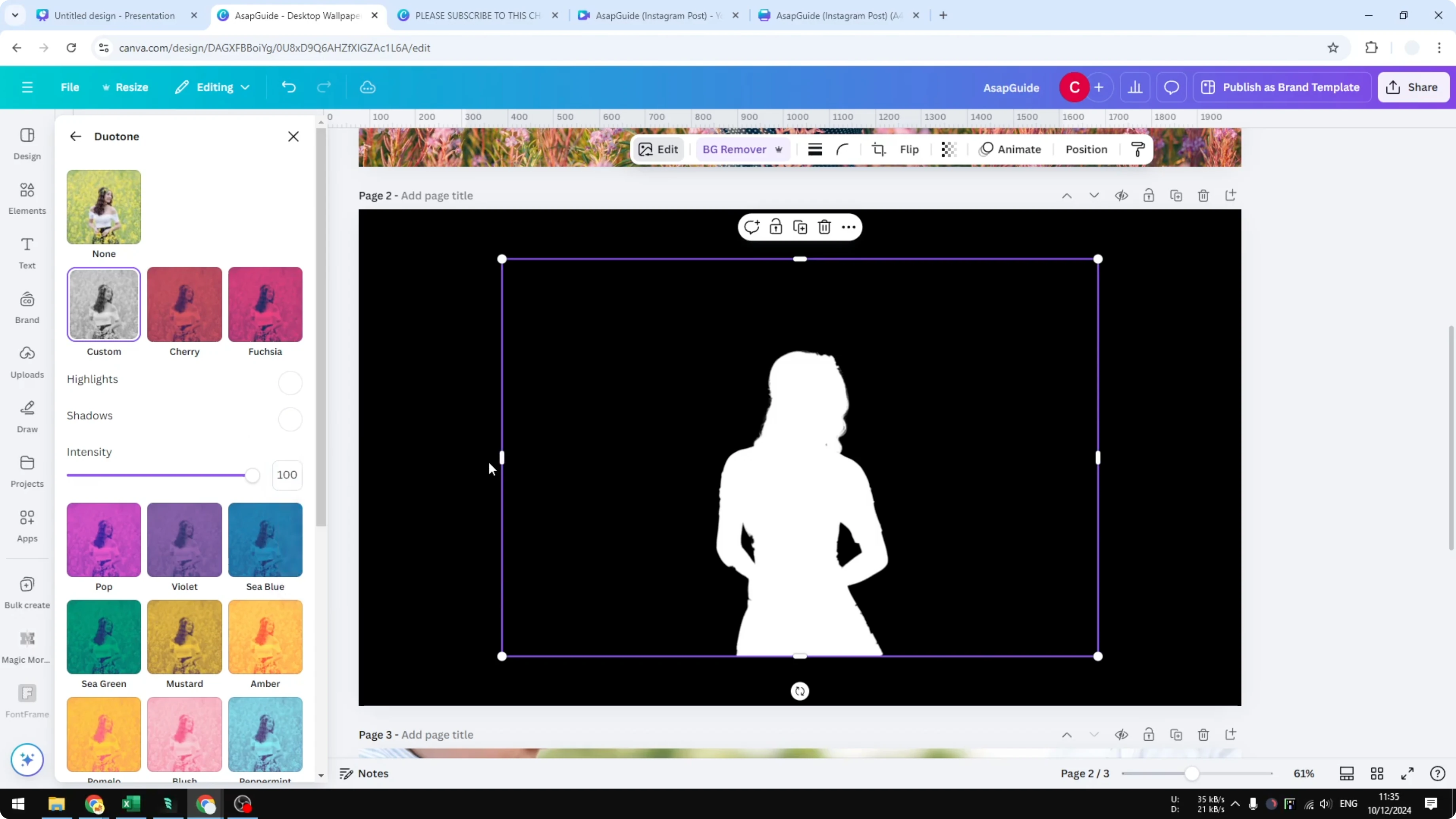
I think it looks accurate, and you can see the details of the hair. This method gives me a result I like consistently.
Make an Image White in Canva: Adjustment Method
Another way is using Adjustments. It can work, but results vary by image.
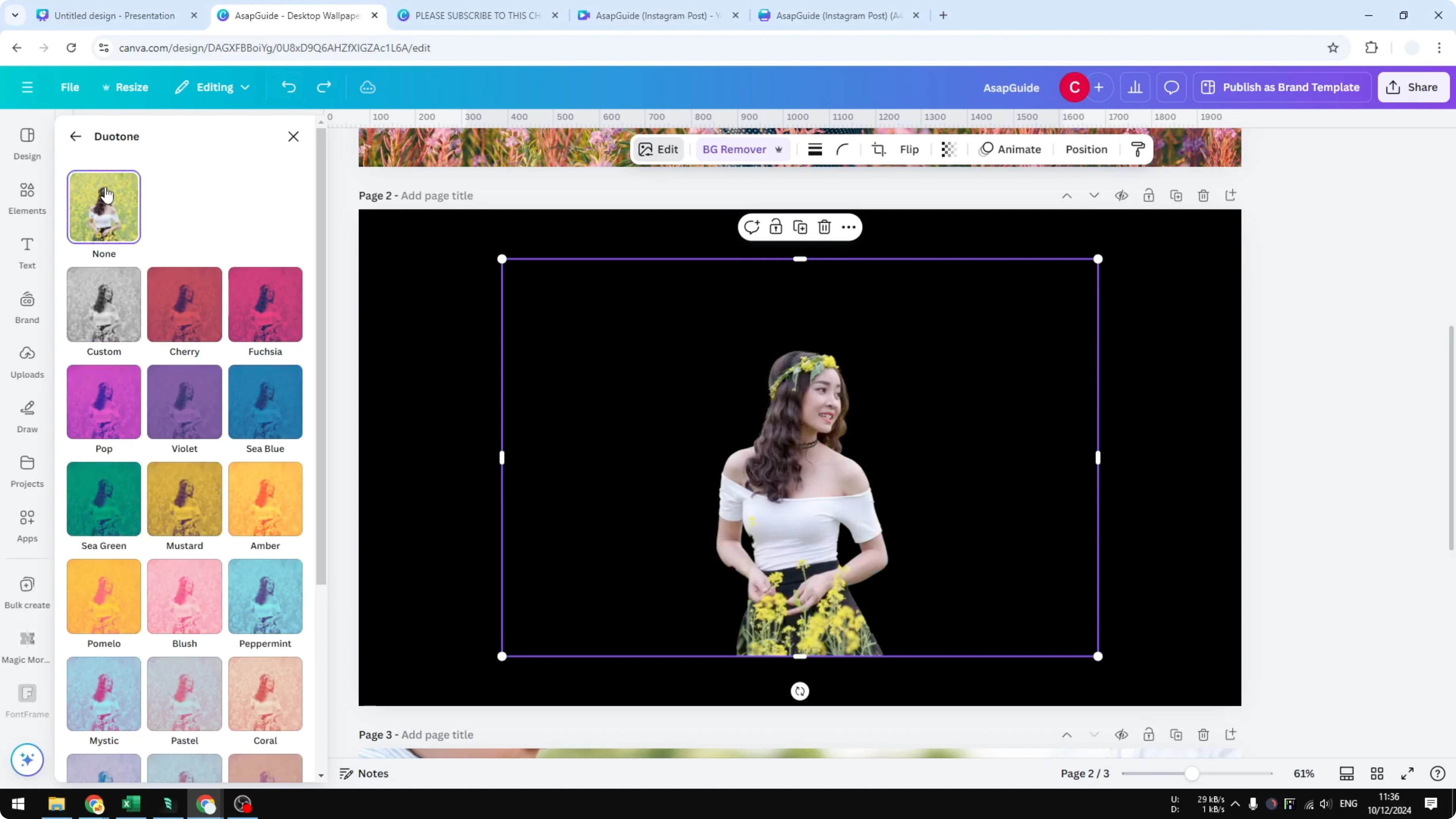
Open Adjust. Increase Brightness to maximum. Increase Whites and Shadows as well.
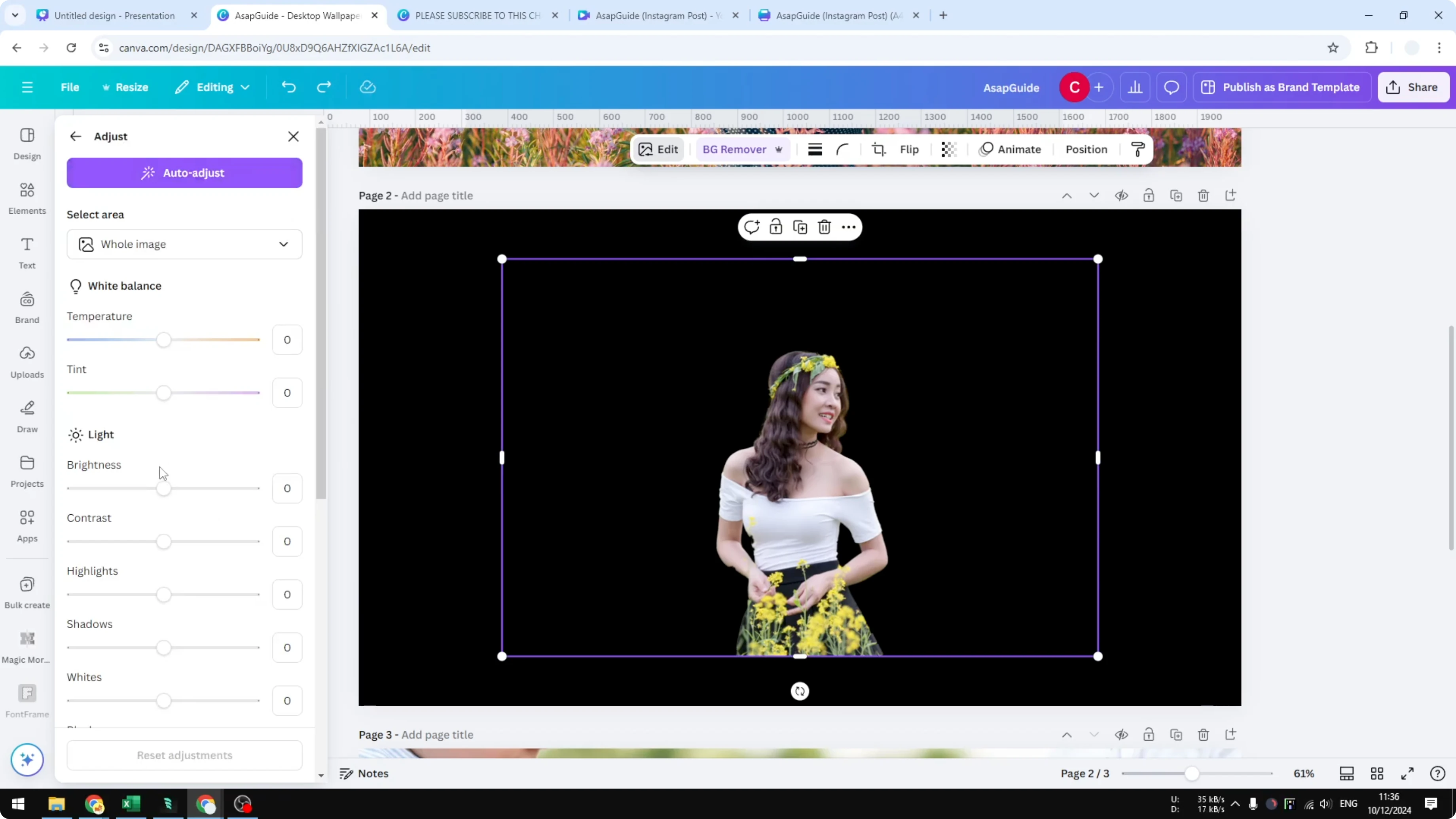
You are basically pushing everything toward white. This does not always work, especially on photos with many colors.
In my example it did not work well. The first method is usually the easiest and best for this picture.
Final Thoughts on Make an Image White in Canva
Remove the background, then turn the subject fully white with Duotone by setting Highlights and Shadows to #FFFFFF. Adjustments may help in some cases, but Background Remover plus Duotone gives the cleanest result for me.
Recent Posts

How to Visualize Yourself as a Pixelized Character with AI?
How to Visualize Yourself as a Pixelized Character with AI?

How to Revive Faded Memories and Enhance Image Clarity with AI?
How to Revive Faded Memories and Enhance Image Clarity with AI?

How to Visualize Yourself as an Animal Crossing Character with AI?
How to Visualize Yourself as an Animal Crossing Character with AI?