How to Share a Design Template with URL in Canva

I’m going to show you how to share your Canva template with a URL so people who know the link can see the design and create a copy of it. They can work on top of the design or template you created without changing your original.
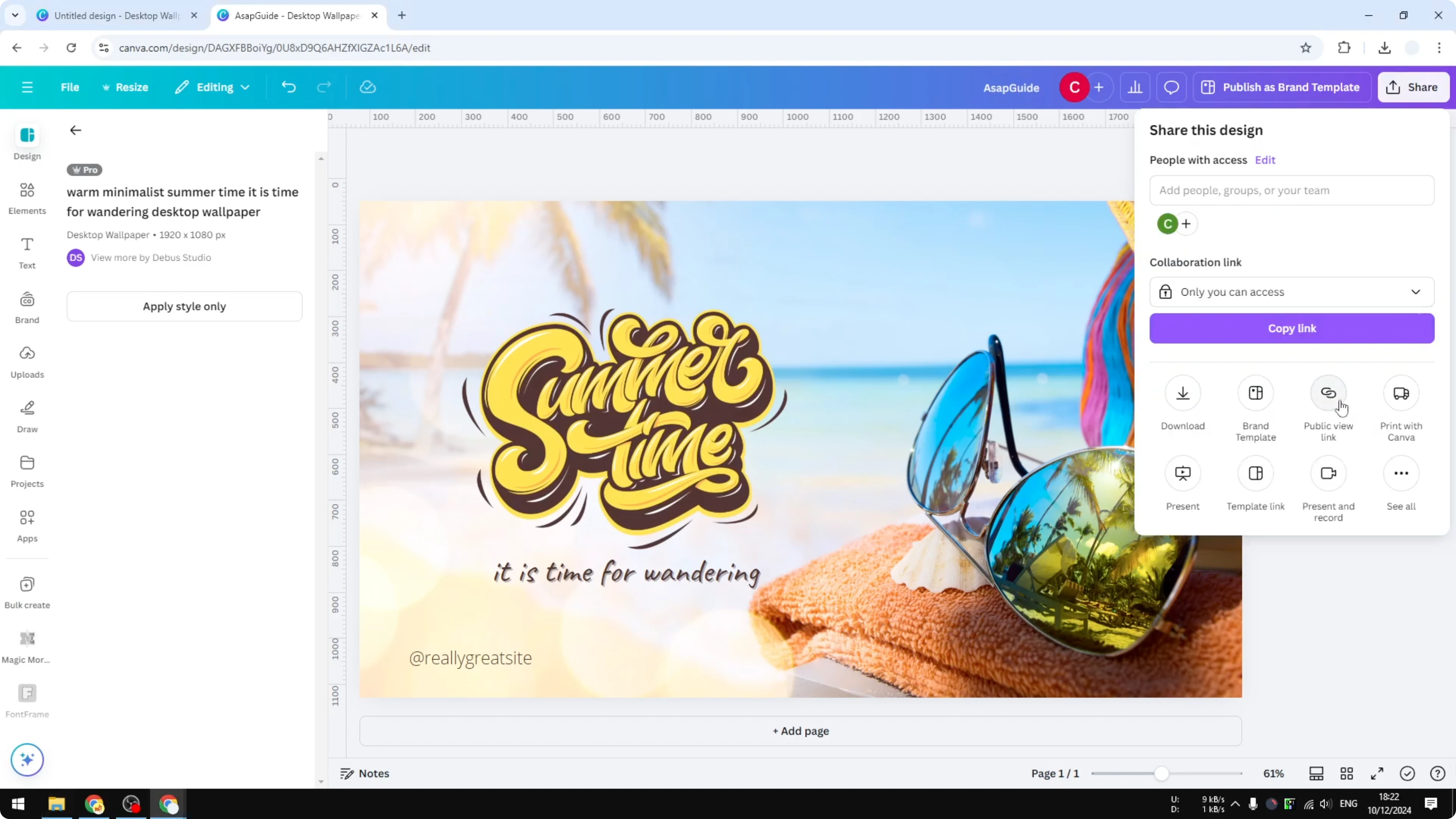
Sharing through Public view is only for viewing the image and the user won’t be able to do anything with the design. If you want them to copy it or create something new out of it, you need to use the Template link option.
Share a Design Template with URL in Canva: What This Link Does
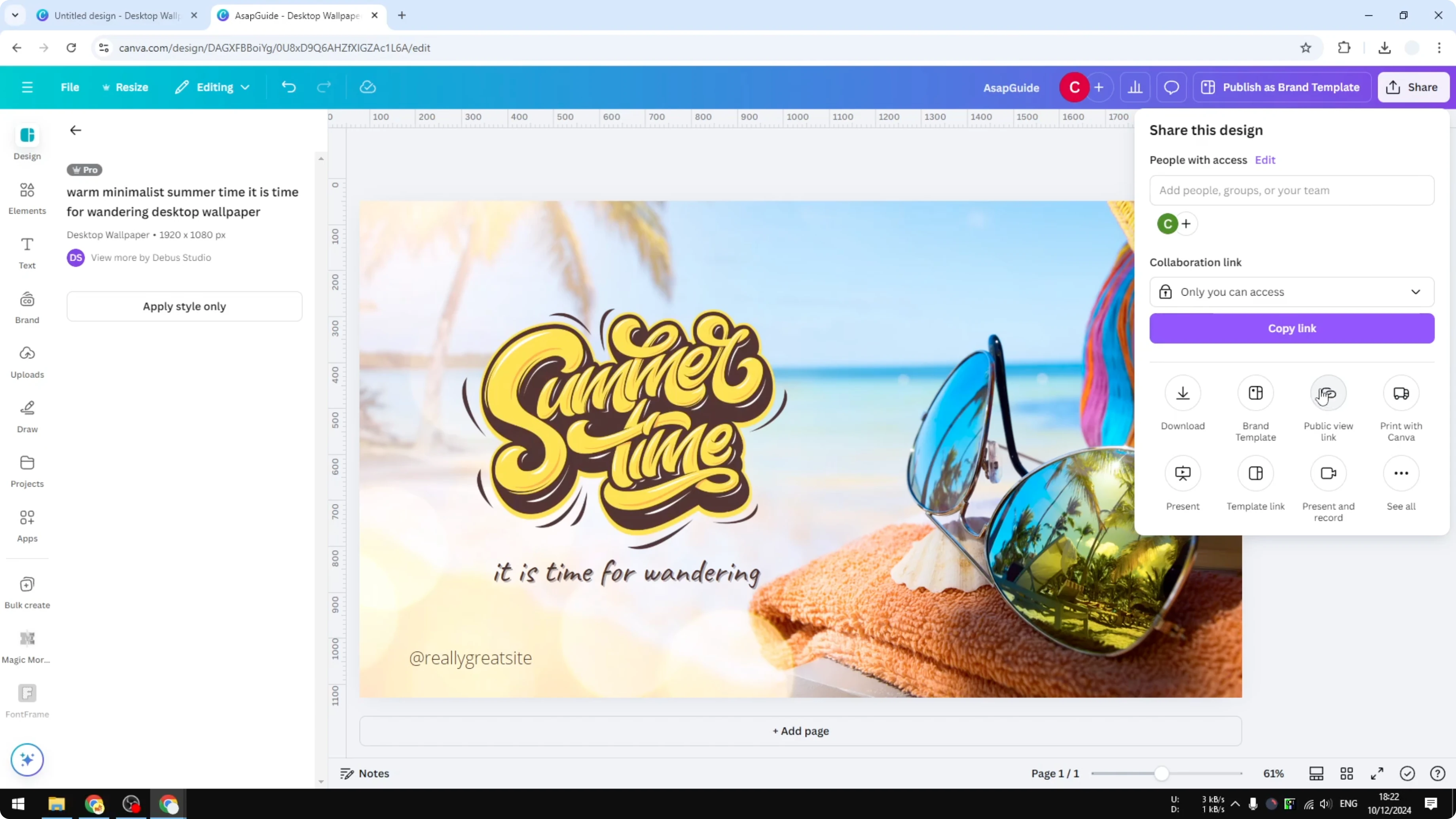
A template link lets others preview your design and use it as the starting point for a new design. They cannot edit your original file, but they can create a copy they can work on.
This is useful for sharing your design with others or collaborating with co-workers. Your original stays intact while others build their own versions.
Share a Design Template with URL in Canva: Step-by-Step
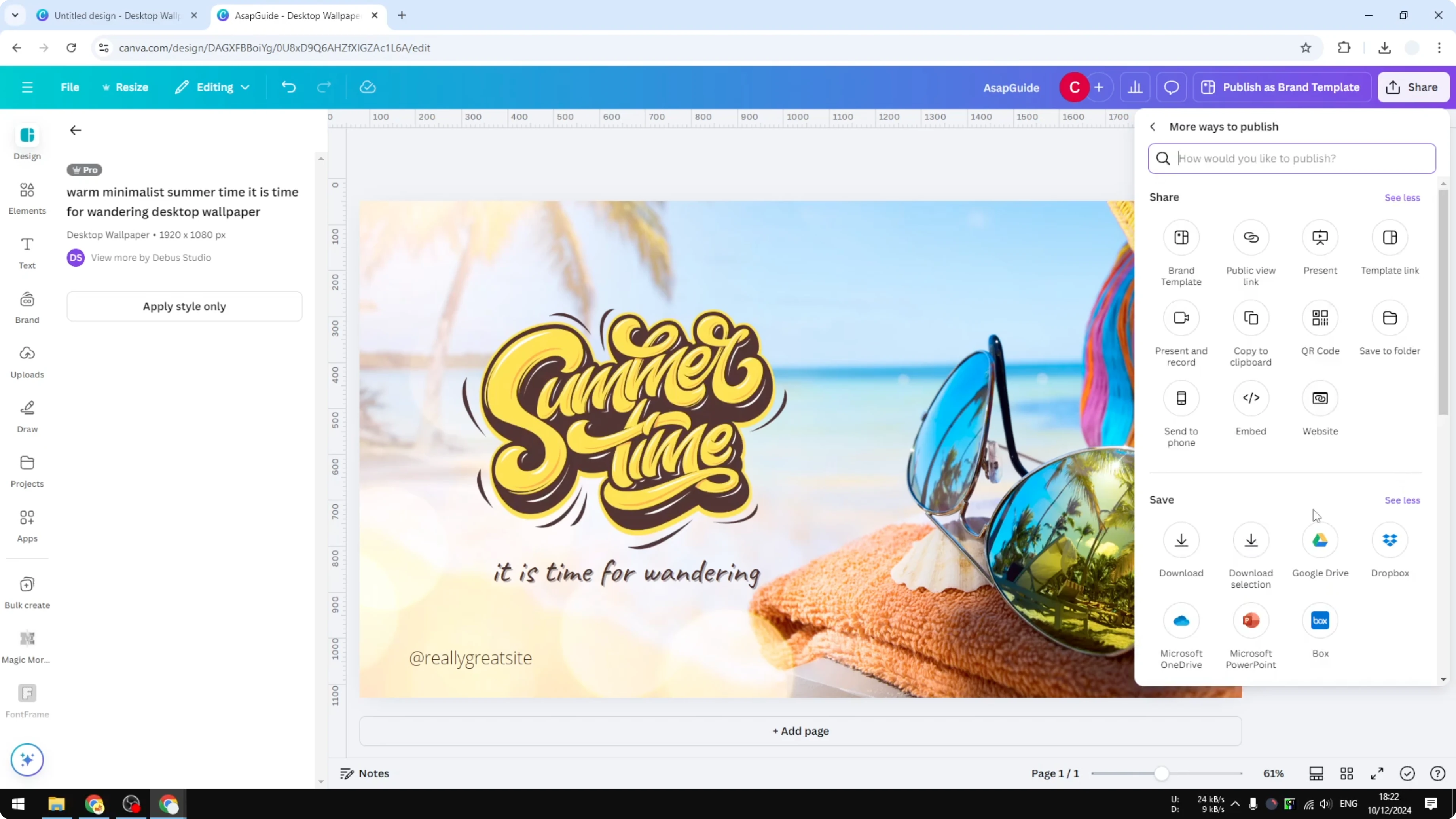
Open your design in Canva.
Click Share in the top right.
Ignore Public view, because that only lets people view the image.
Click See all in the Share menu.
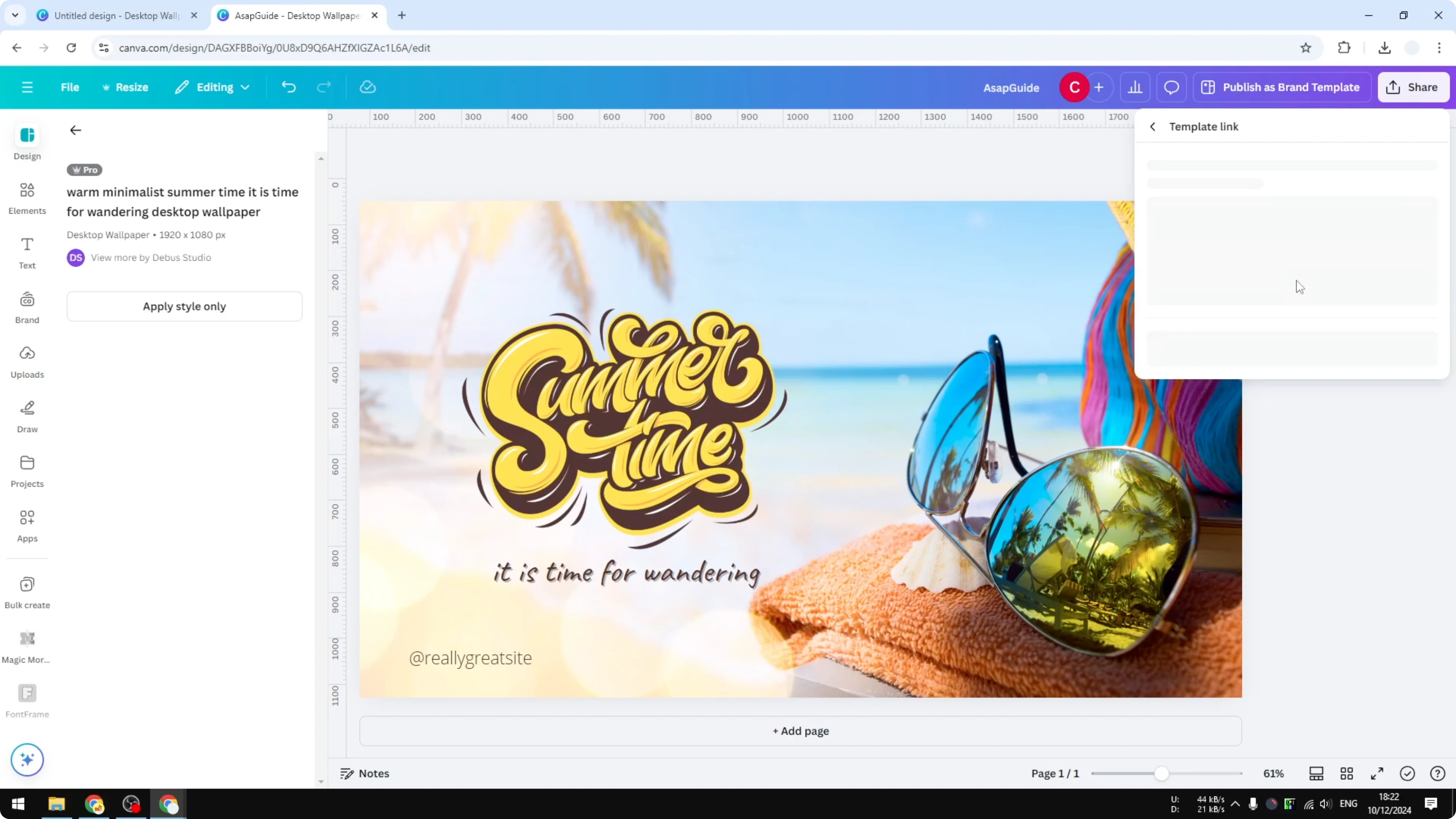
Click Template link.
Click Create template link.
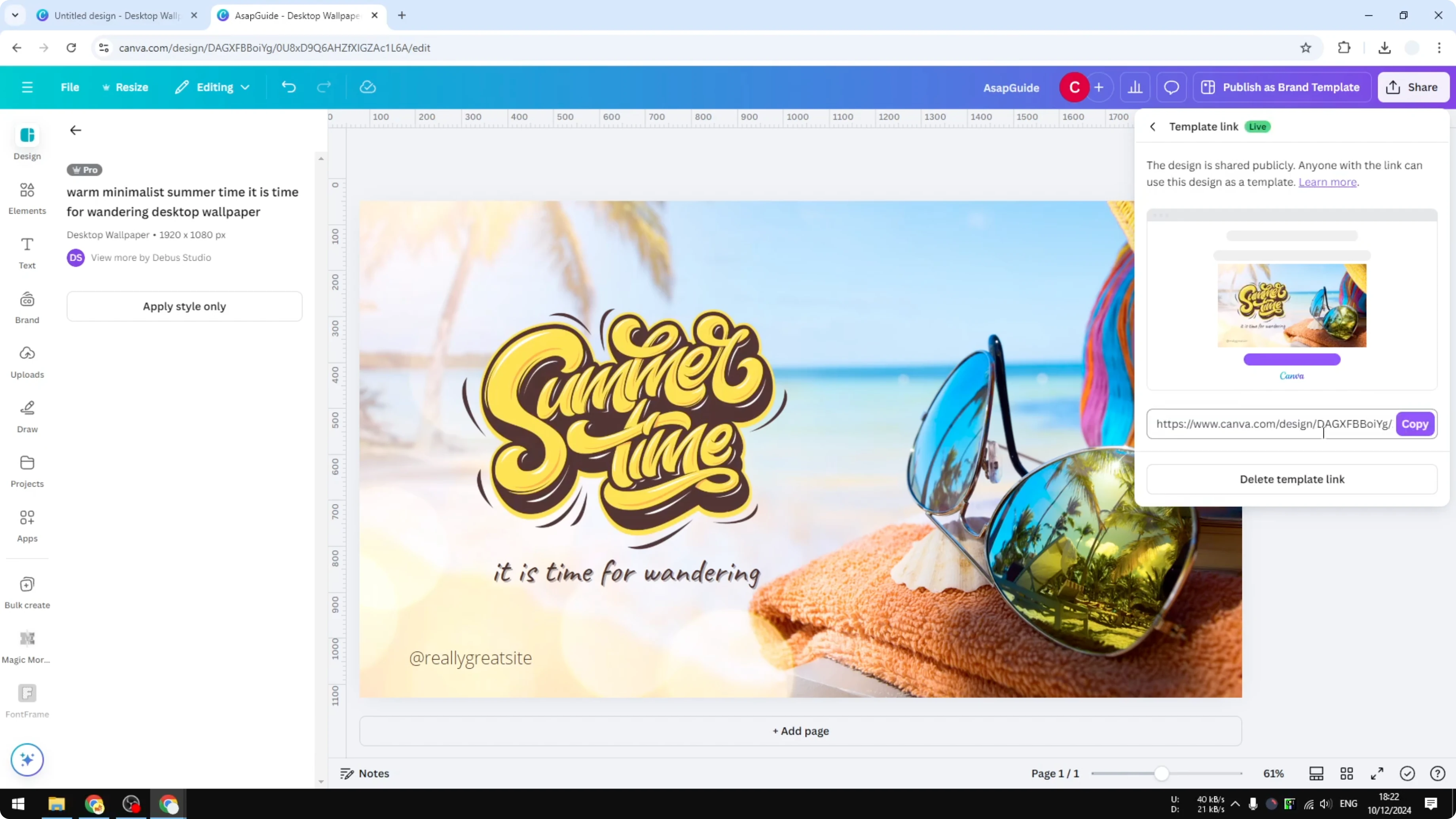
Click Copy to copy the generated URL.
Send that URL to anyone who needs it.
They will be able to use the template for a new design, not change your original.
Share a Design Template with URL in Canva: Viewer Experience
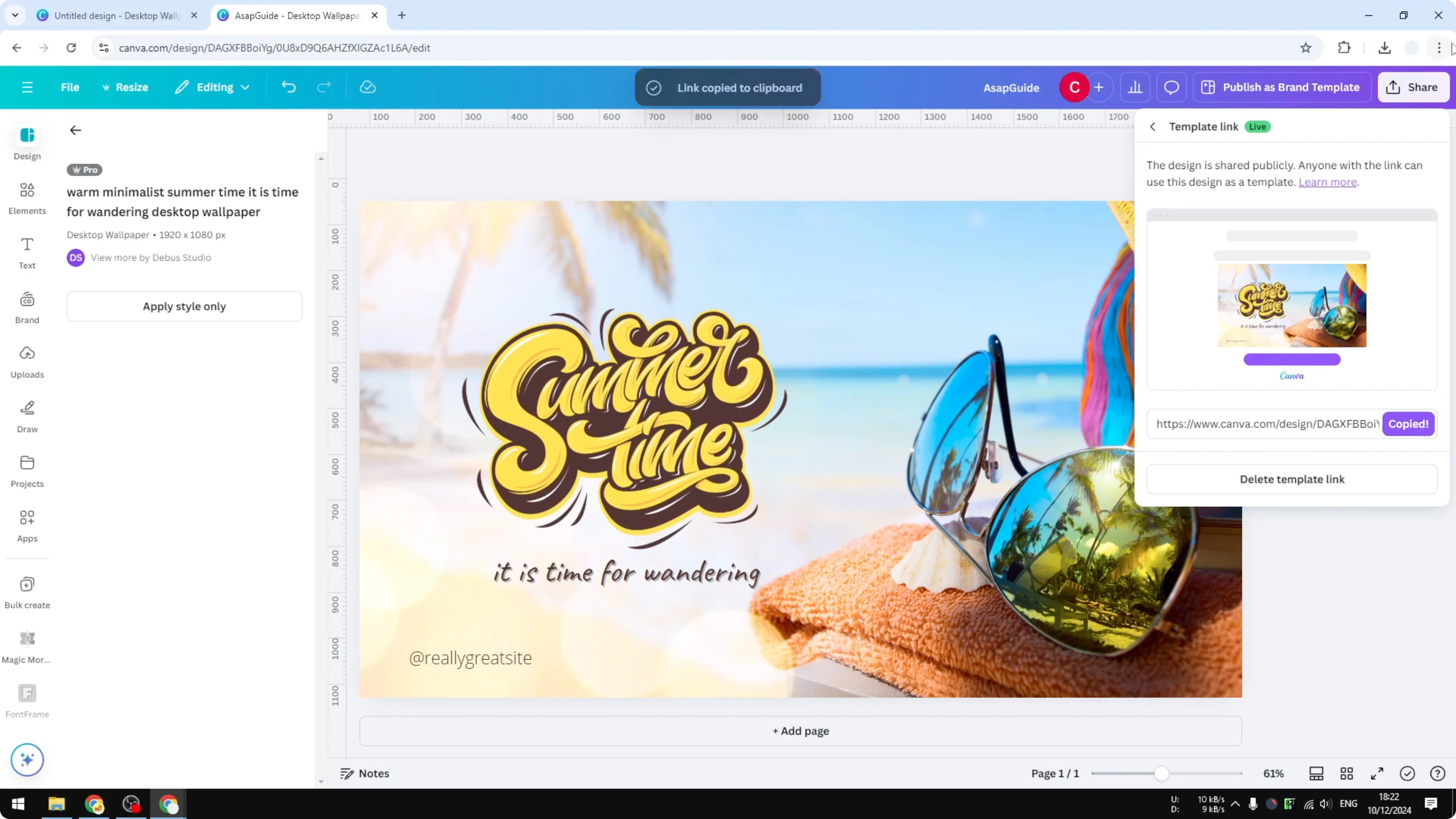
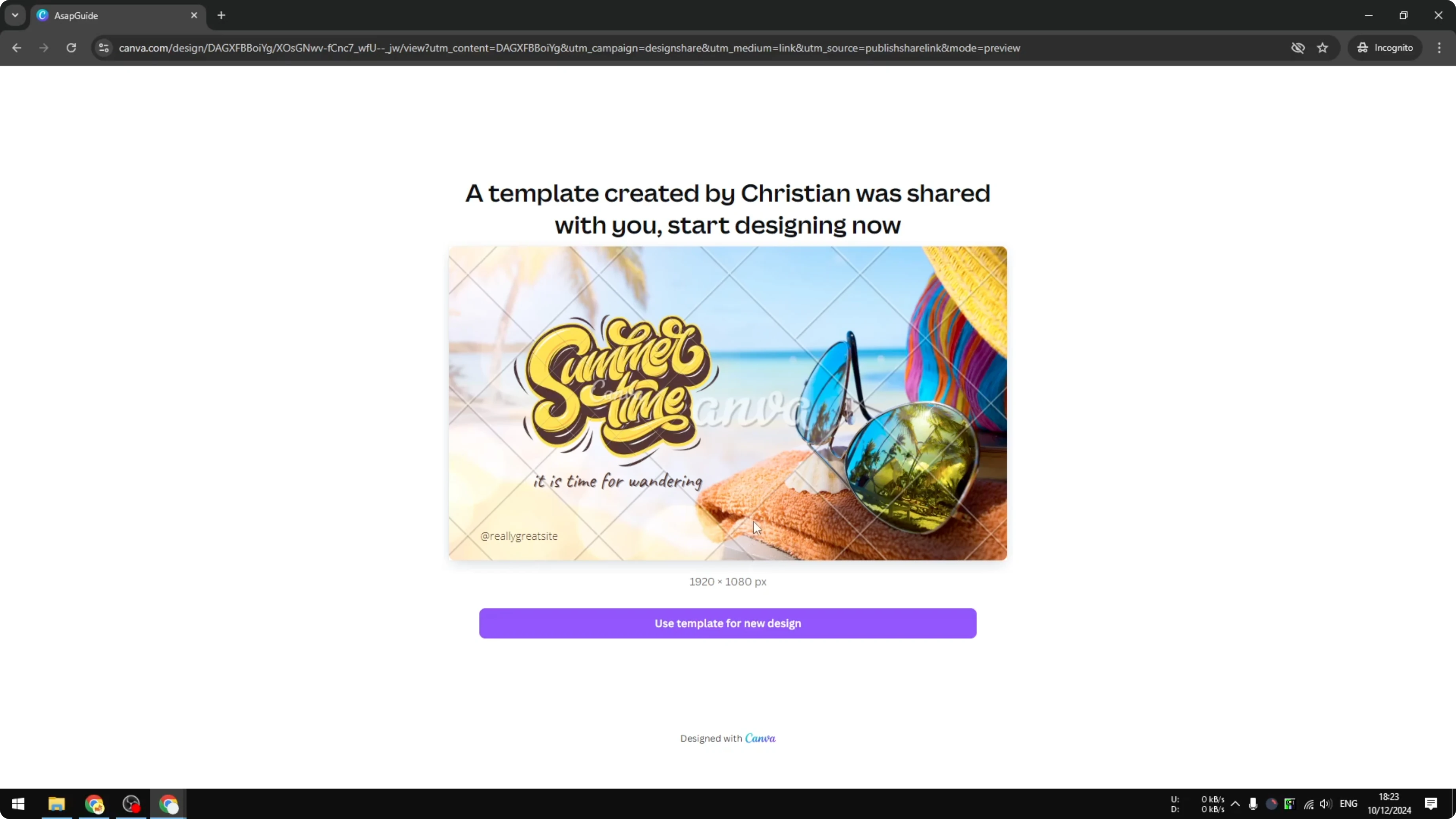
Anyone who is not logged in to Canva will see a preview of the design. They can click to use the template for a new design.
They will not be able to modify your file, only create a copy based on it. This keeps your work safe while still making it easy for others to start from your template.
Share a Design Template with URL in Canva: Turning Access Off
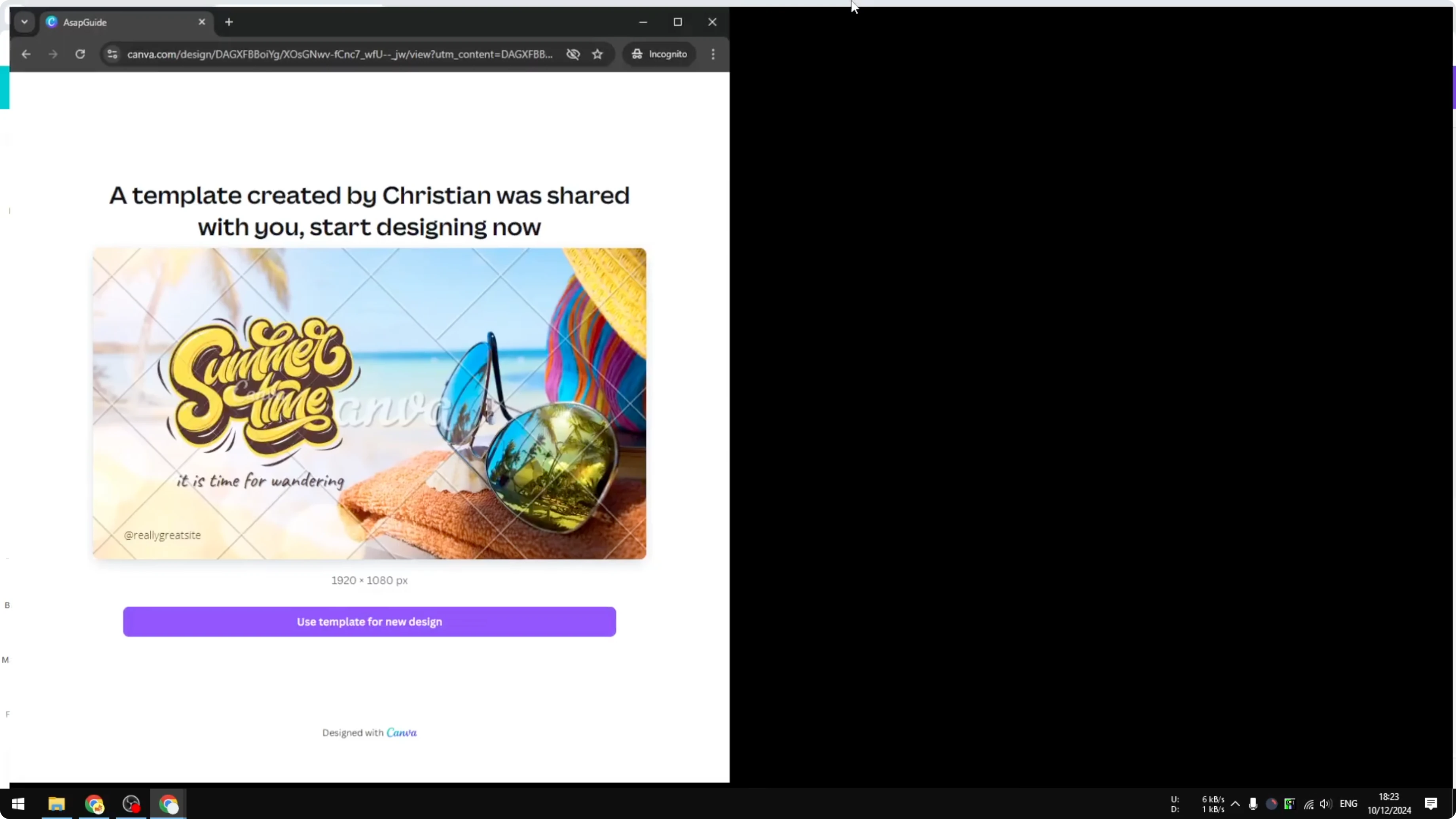
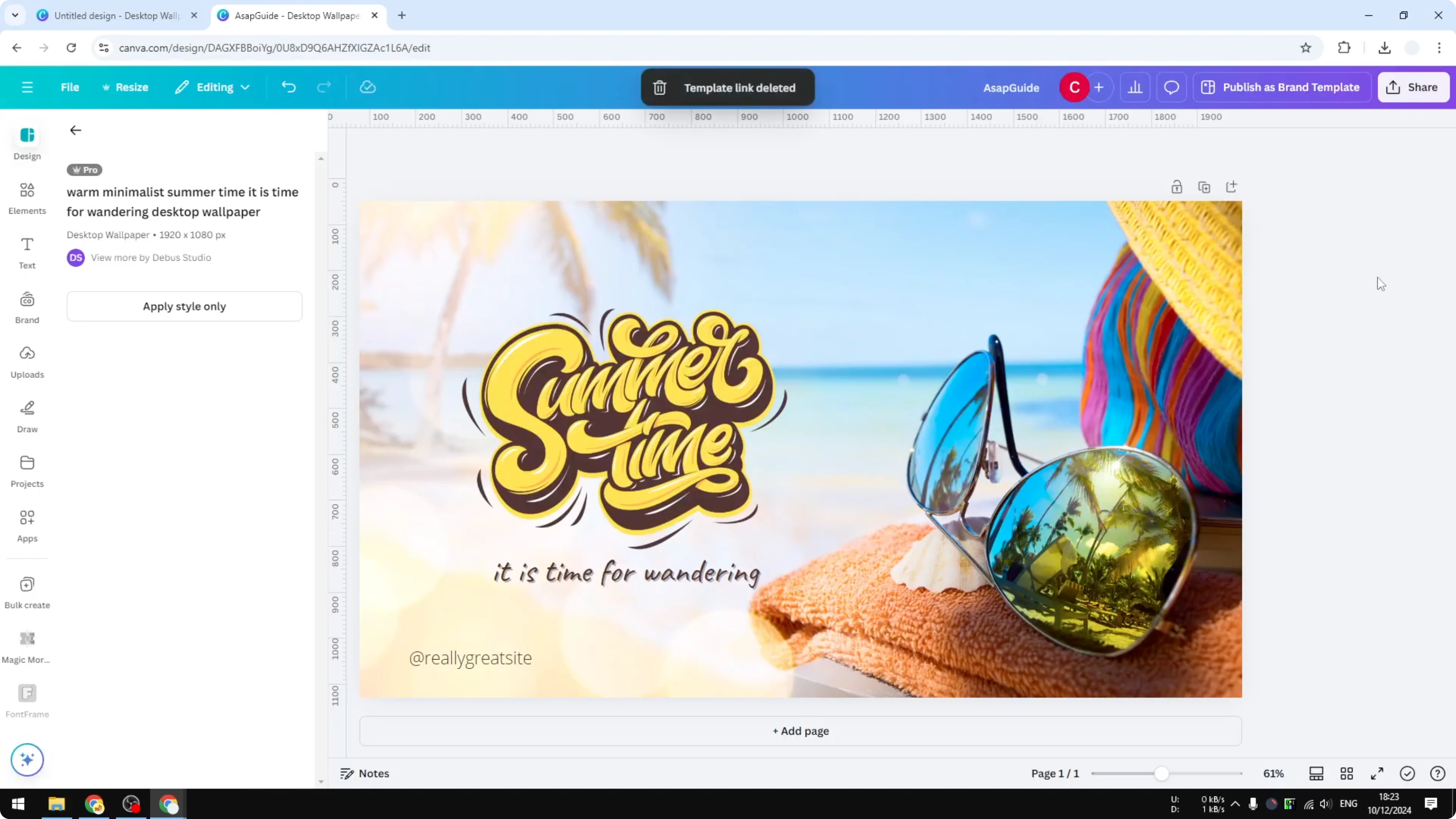
When you are done, you can delete the template link. People who had the link before will not be able to access it anymore.
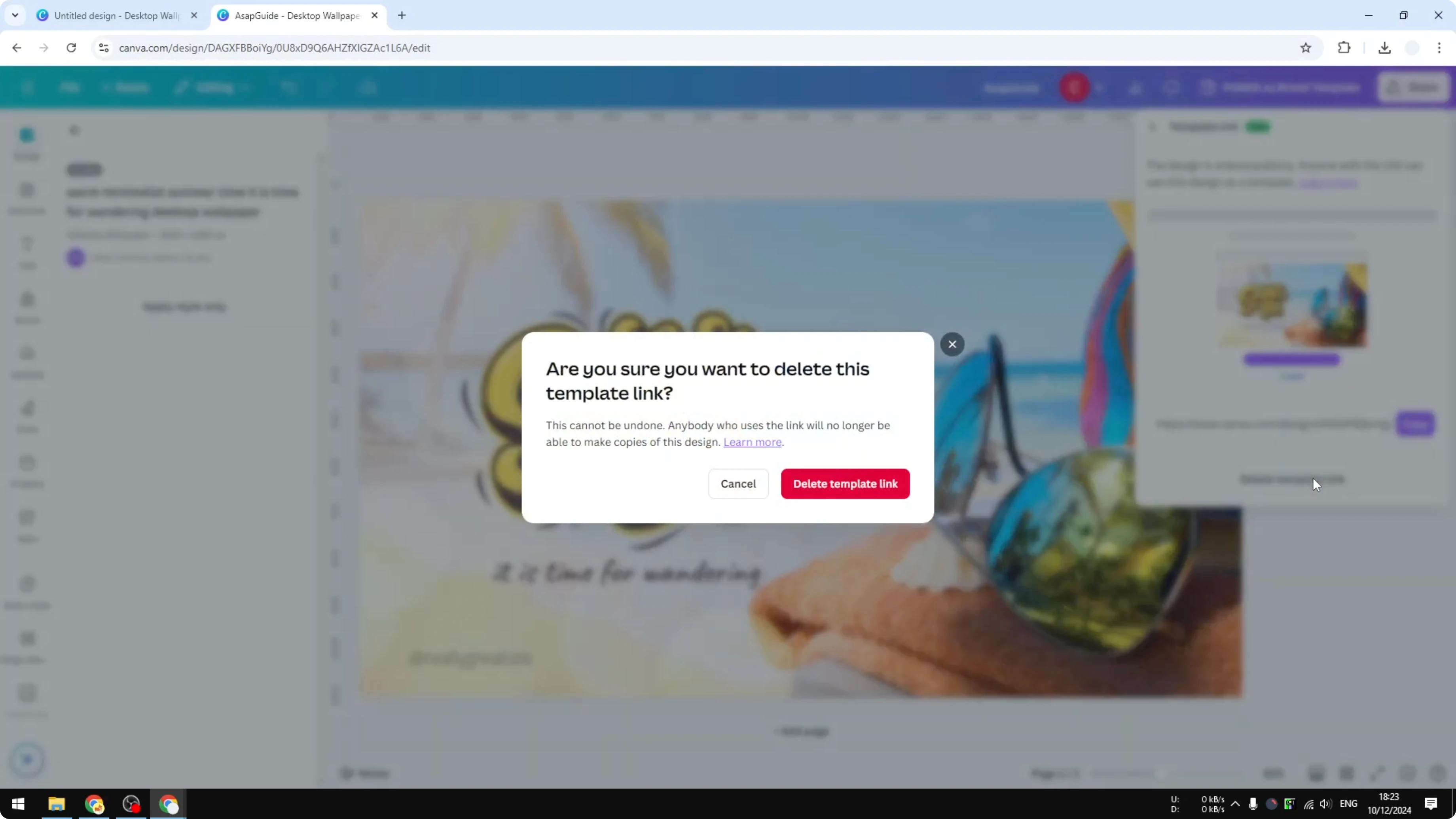
This gives you control over who can copy your template and for how long. You can enable or remove access as needed.
Final Thoughts on Share a Design Template with URL in Canva
Use a template link when you want others to copy your design without touching the original. It’s a simple way to share, collaborate, and control access with a single URL.
Recent Posts

How to Visualize Yourself as a Pixelized Character with AI?
How to Visualize Yourself as a Pixelized Character with AI?

How to Revive Faded Memories and Enhance Image Clarity with AI?
How to Revive Faded Memories and Enhance Image Clarity with AI?

How to Visualize Yourself as an Animal Crossing Character with AI?
How to Visualize Yourself as an Animal Crossing Character with AI?