How to Download Canva Video in High Quality 4K
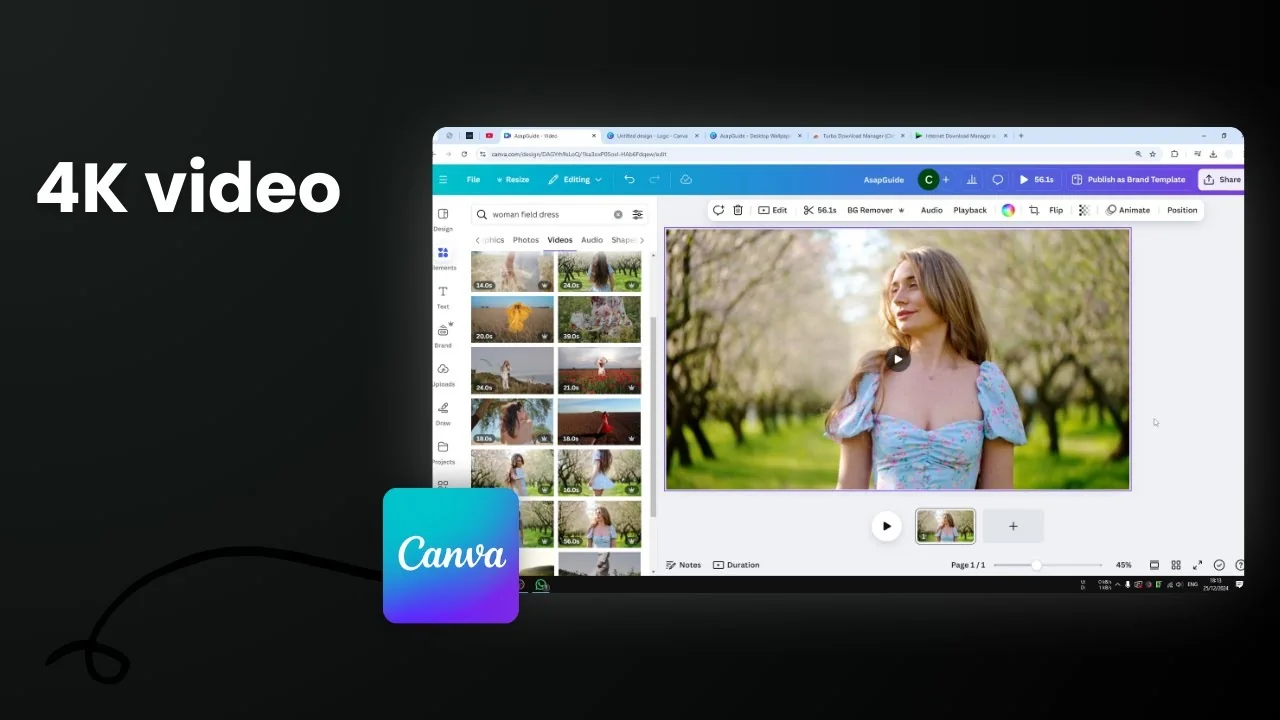
Here is how you can download a Canva video in the highest possible resolution like 4K easily. First, make sure you are using a video with appropriate resolution. If you have a 1080p video and export it as 4K, it will have 4K resolution, but it will not look sharper or better. It really depends on the input of the video itself.
Remember, garbage in, garbage out. You cannot just cheat the system by recording in 720p and exporting the video as 4K. You can do that, but it is not real 4K. If you want the video to have much more clarity or be sharper, you can use AI software that turns low resolution video into high resolution video.
Download Canva Video in High Quality 4K
If you just want to use the feature in Canva, there is an option to make sure your exported video has the highest resolution.
Step-by-step export settings
- Click Share.
- Click Download.
- Set File type to Video. If you do not set this, you will not see the resolution option.
- Set the slider to Maximum.
- In my case, the video template is 1080p by default, but when I set it to maximum, I get 4K Ultra HD for large screen settings.
- Click Download.


Keep in mind that the rendering process and the download process will take a long time compared to 1080p or 720p.
Template resolution affects the maximum export size
Every template in Canva can have a different size for video. For example, a standard video might be 1080p by default. If you are using something like a logo, you may see that it does not offer 4K and instead shows a size like 2,880 pixels. I do not know the exact terminology for this, but it is not quite 4K as far as I know, because 4K is 3,800 something, though 2,880 can be very close.

The template of the document determines the maximum resolution you will get when exporting. Keep that in mind if you do not see a 4K option.

Final Thoughts
Make sure your source video has enough resolution, use Canva’s maximum export settings, and expect longer render and download times at 4K. The document template sets the cap for the export resolution, and upscaling low resolution footage to 4K will not make it sharper without separate AI upscaling tools. That is essentially how to get the highest resolution possible when exporting a video in Canva.

Recent Posts

How to Visualize Yourself as a Pixelized Character with AI?
How to Visualize Yourself as a Pixelized Character with AI?

How to Revive Faded Memories and Enhance Image Clarity with AI?
How to Revive Faded Memories and Enhance Image Clarity with AI?

How to Visualize Yourself as an Animal Crossing Character with AI?
How to Visualize Yourself as an Animal Crossing Character with AI?