How to Change Photo Background in Canva AI
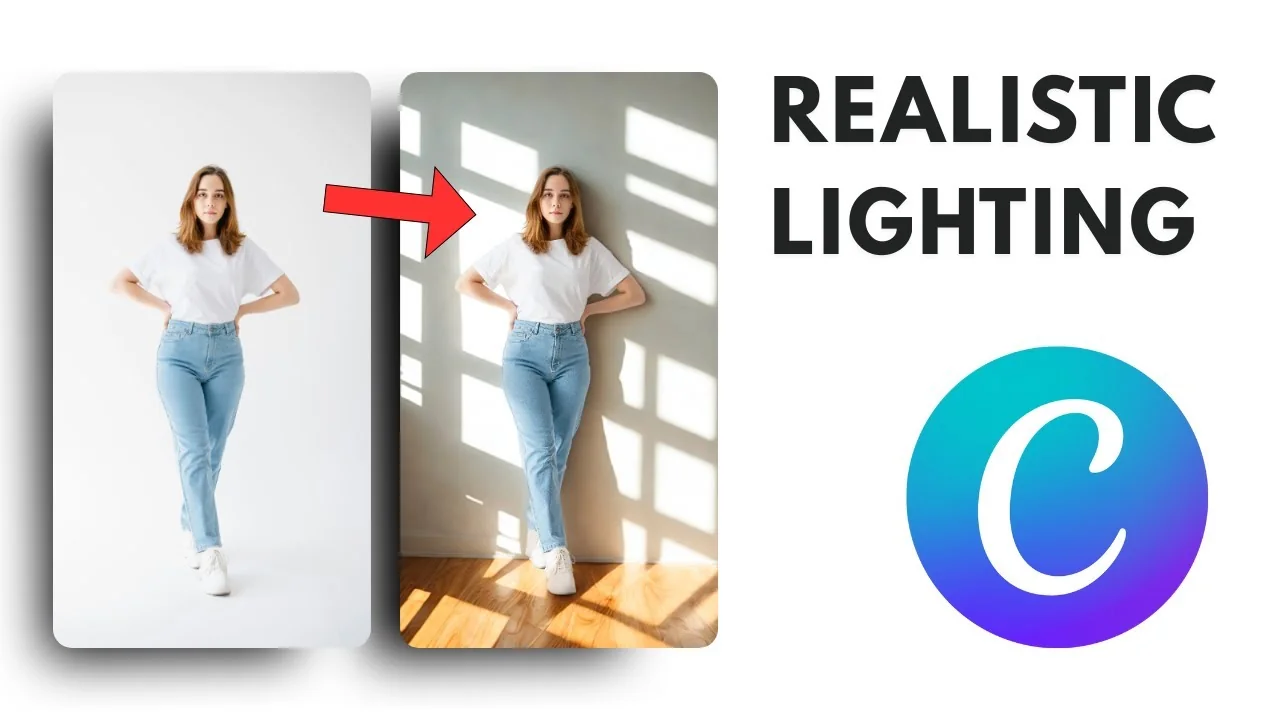
There is a new feature in Canva that lets you change the background of a picture, and the result looks very convincing. It uses AI to isolate the subject and then change the background. What’s unique is that it’s even better than just removing the background and adding a picture behind the subject, because it will actually adjust the lighting. You can make the lighting of the subject more adaptive and therefore more realistic to the new background.
Here’s one example I just created: a pair of cups sitting there without any interesting background. I put a Christmas theme behind the subject and it looks more attractive.
Change Photo Background in Canva AI: Step-by-Step
- Add a new page.
- Add your photo. Navigate to Elements to pick a photo, or upload your own and drag and drop it into the canvas area.
- Resize the photo if needed.
- Duplicate the photo if you want to compare before and after.
- Click the image, then click Edit.
- Open Background Generator.
- Type the scene or the kind of background you want, or use the Inspire me feature to randomly generate some backgrounds.
- Click Generate. Canva will produce up to four different images.
- Choose the option that looks the best. I went with a more dramatic option.
Adjust Subject Lighting in Change Photo Background in Canva AI
Here’s what’s unique about this new Background Generator. There’s a button that lets you choose the lighting of the subject:
- None - by default, it will not apply any lighting.
- Balanced - adjusts the tone to be more balanced.
- Maximum Relight - makes it look like the subject is exactly in that location.
I think Maximum Relight looks more realistic and more convincing. Compared with the original, it almost looks like it was the original picture.
Final Thoughts
The Background Generator in Canva makes changing a photo background quick and convincing, and the lighting controls push it further by matching your subject to the new scene. That’s how you can change the background of a photo using Canva’s new AI.
Recent Posts

How to Visualize Yourself as a Pixelized Character with AI?
How to Visualize Yourself as a Pixelized Character with AI?

How to Revive Faded Memories and Enhance Image Clarity with AI?
How to Revive Faded Memories and Enhance Image Clarity with AI?

How to Visualize Yourself as an Animal Crossing Character with AI?
How to Visualize Yourself as an Animal Crossing Character with AI?